
How to boost your GPU performance without buying a new one
With an older GPU, you'll need to go without some of the fancy features, but you can still enjoy high frame rates with the right changes.
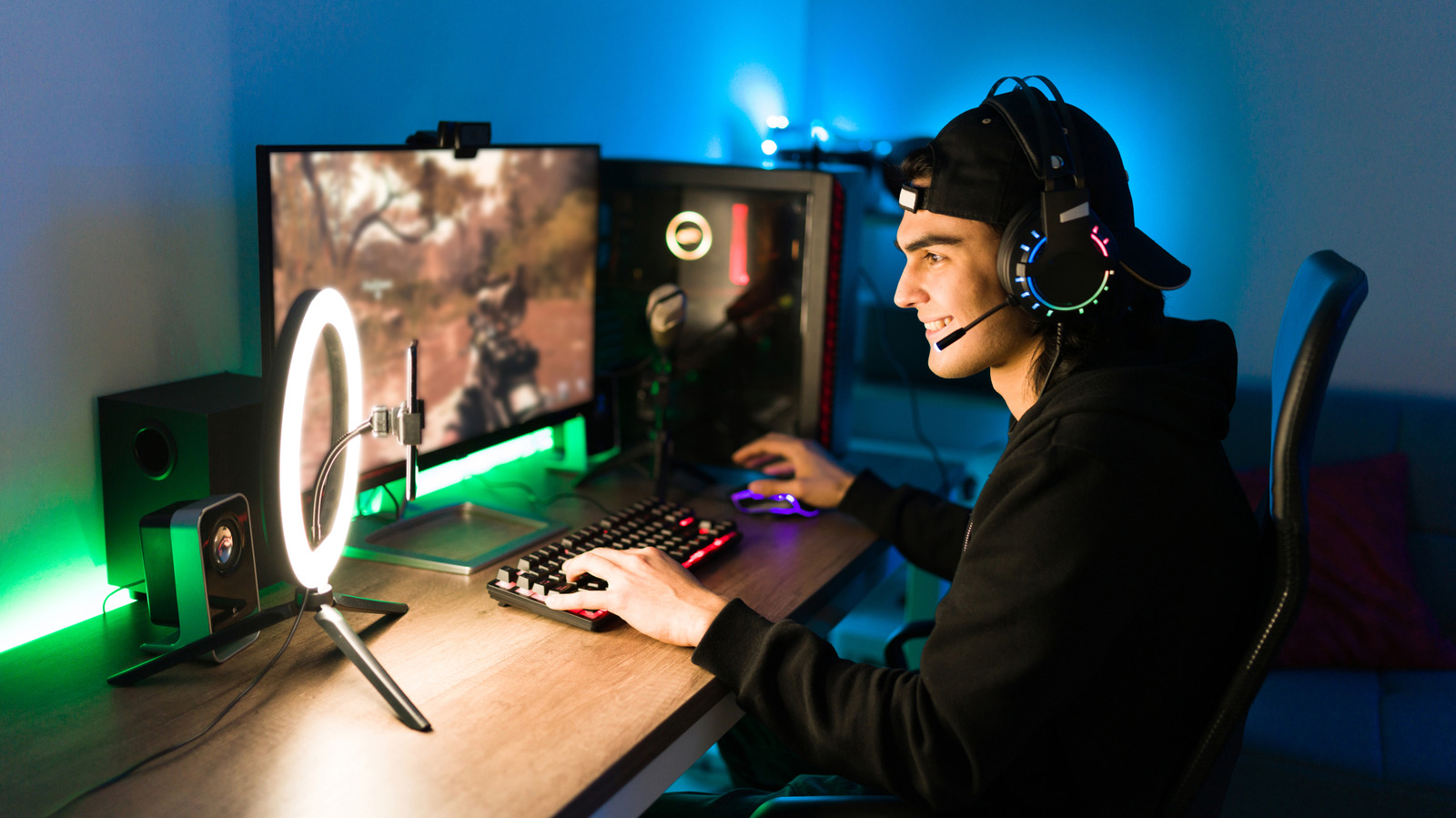
This article provides tips on improving GPU performance without purchasing a new graphics card, focusing on software tweaks, supersampling, and hardware maintenance.
What happened
The article outlines various methods to enhance the performance of an existing GPU, including using AI-driven supersampling, adjusting in-game settings, and maintaining hardware components.
Why it matters
For PC gamers and tech professionals with older GPUs, these techniques offer cost-effective ways to improve performance without hardware upgrades, which is particularly relevant given the current market challenges for new GPU purchases.
- Utilize AI-driven supersampling technologies to boost FPS without sacrificing too much visual quality.
- Adjust in-game settings and disable resource-heavy features like ray tracing to improve performance.
- Regular maintenance and overclocking can help maximize the performance of an existing GPU.
The bigger picture
The article provides practical advice for extending the lifespan of existing GPUs, which can be beneficial for users facing financial constraints or supply chain issues with new hardware.
The article offers actionable strategies for PC users to enhance their GPU performance through software and hardware optimizations, making it a valuable resource for those unable to upgrade to new graphics cards.
Technical details
- Supersampling techniques (DLSS, FSR, XeSS) use AI to upscale lower-resolution images to higher resolutions, improving frame rates.
- Thermal throttling occurs when dust buildup causes overheating, leading to reduced clock speeds and performance.
- Overclocking involves adjusting GPU settings beyond manufacturer defaults to increase performance, requiring tools like MSI Afterburner.
FAQ
What is supersampling and how does it help improve GPU performance?
Supersampling is a technique that renders games at a lower resolution and then upscales the image to a higher resolution using AI, resulting in higher frame rates with minimal visual quality loss.
Why should I disable ray tracing on an older GPU?
Ray tracing is a graphics technique that creates realistic lighting and reflections but is very demanding on older GPUs, often leading to significant performance drops.
How can I clean my GPU to improve performance?
Regularly clean your GPU using compressed air and a microfiber cloth to remove dust, which can cause overheating and thermal throttling, leading to reduced performance.
This summary and analysis were generated with AI from the original article and may contain errors. Read the original for the full story.
Read the full story
Originally published by Engadget on Oct 12, 2026.
Comments
Sign in to join the discussion.