
Elegant Themes Blog10 min read
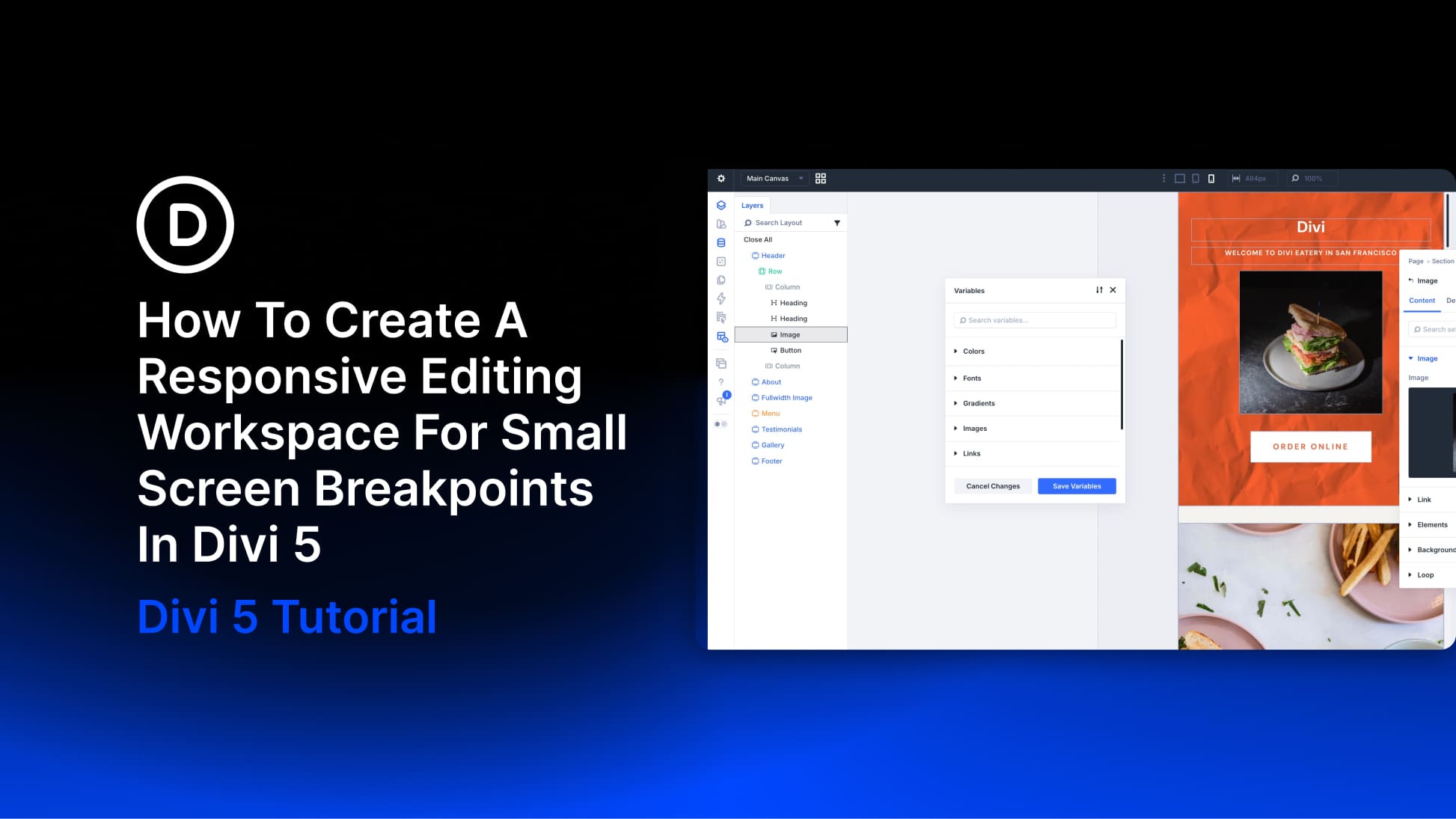
How To Create A Responsive Editing Workspace For Small Screen Breakpoints In Divi 5
Switch the canvas to Phone view and the page becomes a narrow column, while the builder panels keep their existing size and position. Depending on your setup, the settings panel can take up as much space as the layout you’re editing. For a quick check, that may be fine.
By Ekta SwarnkarDivi Blog
Read the full story
Originally published by Divi Blog on Sep 24, 2026.
Comments
Sign in to join the discussion.