
Tutorials7 min read
How to turn a photo into a 3D model of your product
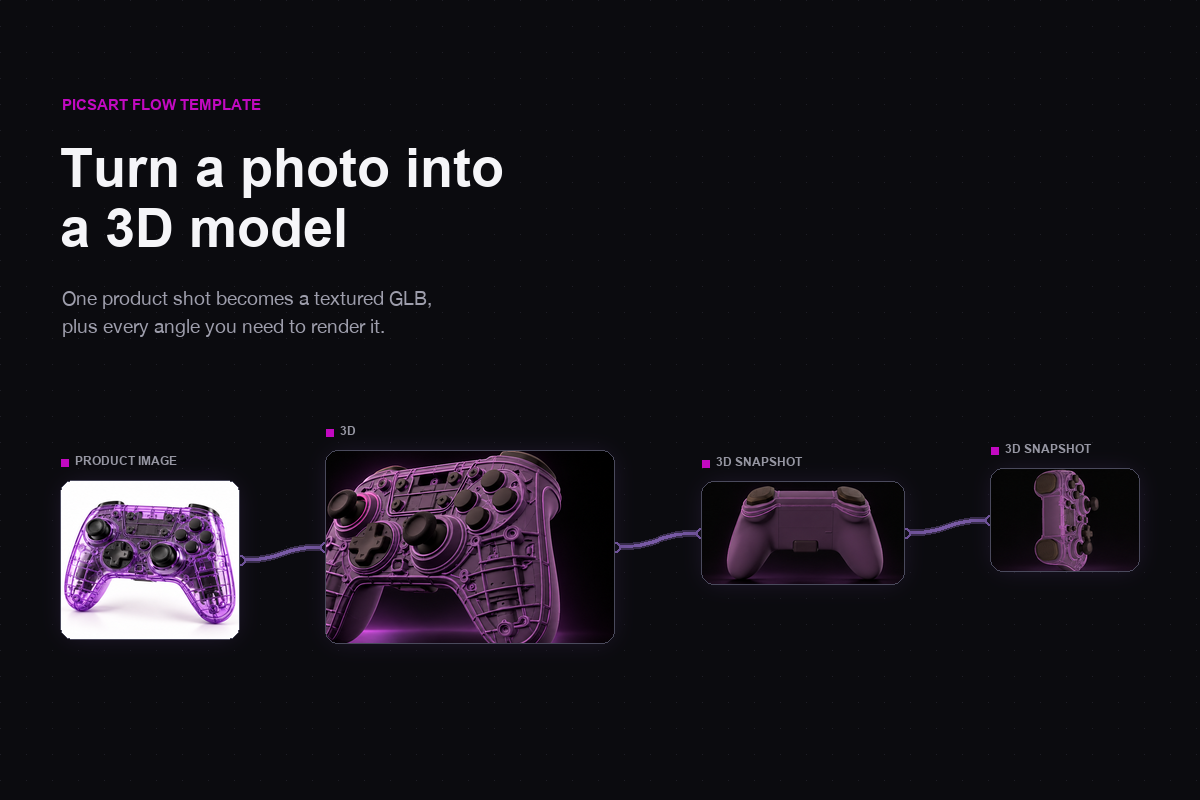
To turn a photo into a 3D model, connect one clear product shot to a 3D node in Picsart Flow, and the node rebuilds the object as a textured GLB model you can rotate, capture and download. Nothing has to be modeled by hand.
By Julia TovmasyanPicsArt Blog
Read the full story
Originally published by PicsArt Blog on Oct 16, 2026.
Comments
Sign in to join the discussion.