
Microsoft adds Office editing inside Copilot Notebooks, starting in preview
The update keeps project references, AI drafting and team revisions together. Office editing is available in Frontier preview, while recurring automations are still coming.
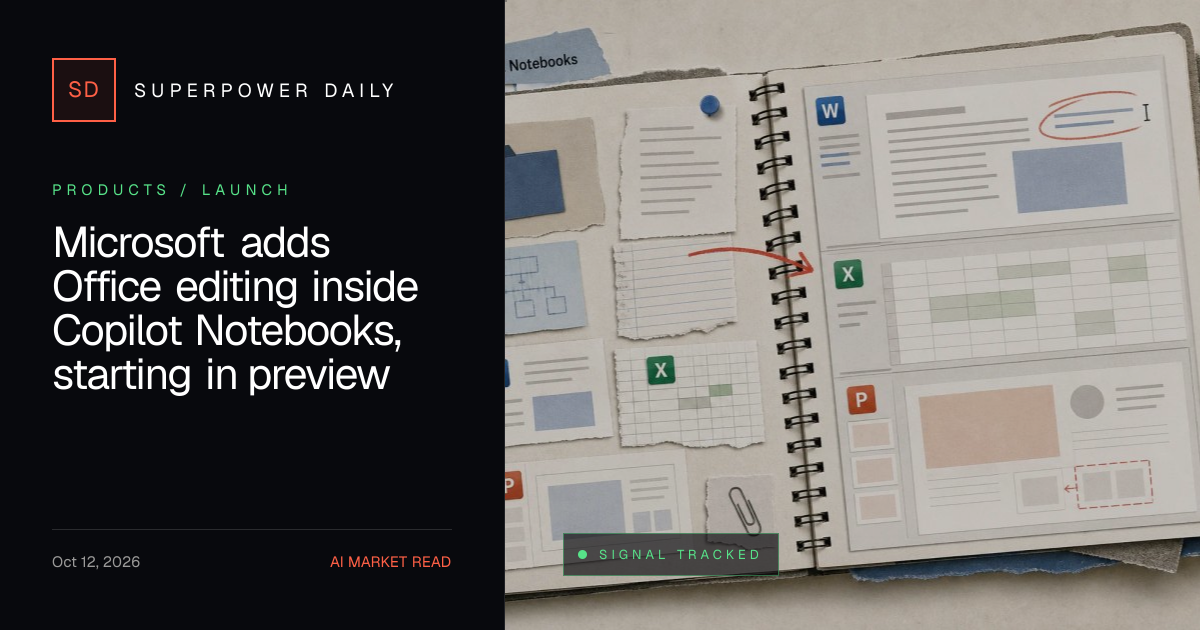
Microsoft has introduced Office editing capabilities within Copilot Notebooks, starting with a preview release.
What happened
Microsoft announced the addition of Office editing inside Copilot Notebooks, available in the Frontier preview. This update allows users to edit Word, Excel, and PowerPoint files directly within the notebook workspace, with Copilot assisting in revisions and formatting. The feature also supports team collaboration and keeps project references alongside the draft. Additional preview features include interactive reports, PDF creation, and task delegation. Microsoft plans to introduce recurring automations and notebook creation by goal description in the future.
Why it matters
This update enhances the workflow for users by integrating Office editing directly into Copilot Notebooks, allowing for more efficient collaboration and project management. It streamlines the process of creating and refining documents, making it easier for teams to work together without switching between applications. The ability to schedule recurring tasks and create notebooks based on goals further improves productivity and efficiency for AI developers and technology professionals.
- Microsoft's Copilot Notebooks now support inline Office editing, improving workflow efficiency.
- Team collaboration and project references are kept together within the notebook workspace.
- Preview features like interactive reports and PDF creation offer additional functionality for users.
- Recurring automations and goal-based notebook creation are upcoming enhancements.
- The integration of AI assistance in revisions and formatting enhances user productivity.
The bigger picture
The integration of Office editing into Copilot Notebooks streamlines document creation and collaboration, improving productivity for users. The preview features allow for more efficient workflows, while upcoming automations and notebook creation features promise to further enhance user efficiency and reduce manual tasks.
Microsoft has expanded the capabilities of Copilot Notebooks by adding Office editing features in a preview release, aiming to improve user efficiency and collaboration.
Technical details
- Frontier preview
- Inline editing of Office files
- Copilot assistance in revisions and formatting
- Team collaboration features
- Interactive reports and PDF creation
- Task delegation capabilities
- Recurring automations
- Notebook creation by goal description
- Audio overview updates
FAQ
What is Copilot Notebooks?
Copilot Notebooks is Microsoft's workspace for a project or topic, allowing users to gather information, draft files, and refine them without leaving the notebook.
What new features were added in the October 2026 update?
The October 2026 update added Word, Excel, and PowerPoint editing inside Copilot Notebooks through the Frontier preview, along with team collaboration, inline editing, and Copilot assistance.
What are the upcoming features for Copilot Notebooks?
Microsoft plans to introduce recurring automations, notebook creation by goal description, and audio overview updates in the coming weeks.
This summary and analysis were generated with AI from the original article and may contain errors. Read the original for the full story.
Read the full story
Originally published by Superpower Daily on Oct 13, 2026.
Comments
Sign in to join the discussion.