
What is NVIDIA DLSS and how does it work?
NVIDIA's upscaling software is truly powerful when used in the right situations.
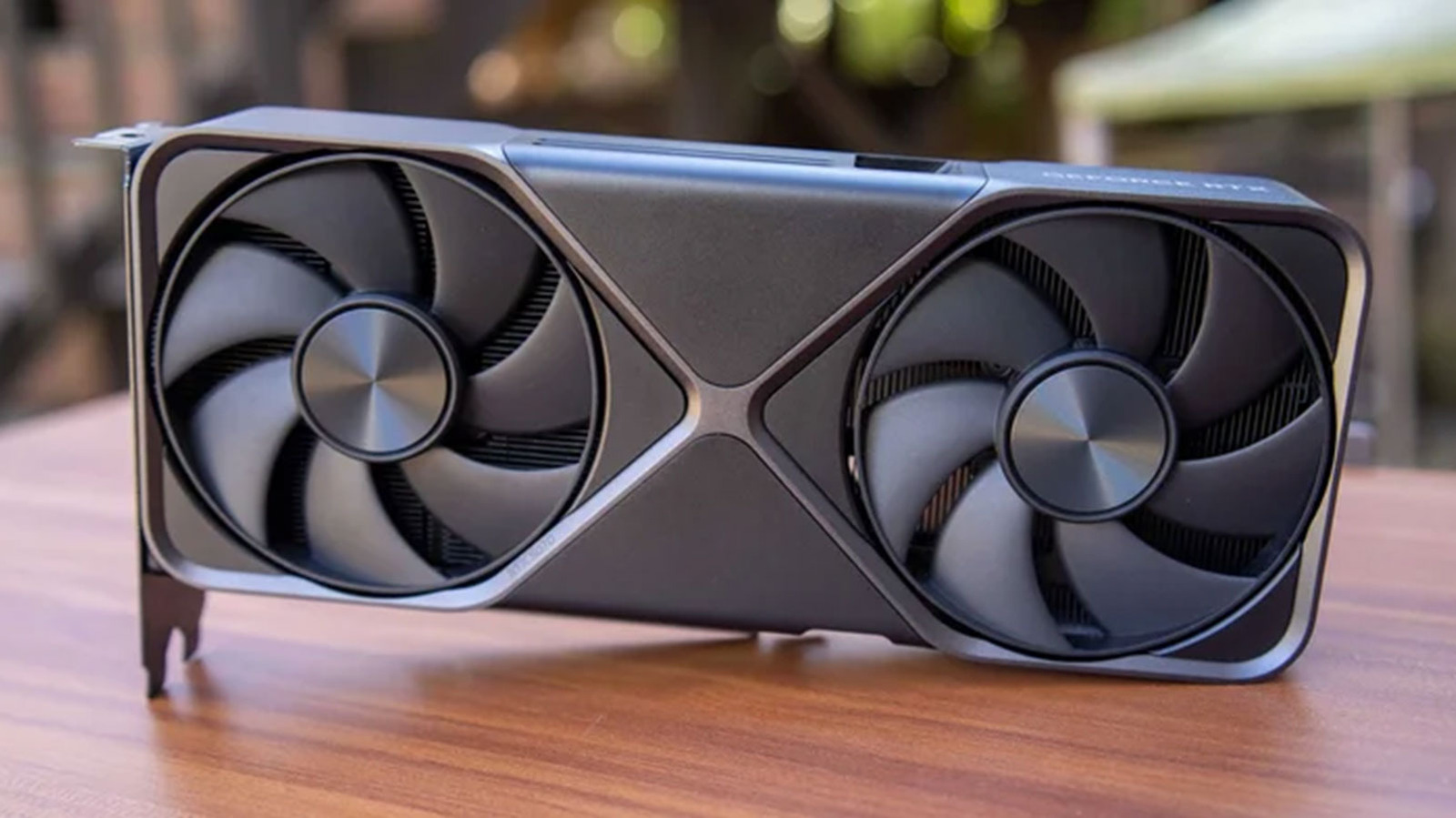
This article explains NVIDIA's DLSS technology, a machine learning-based upscaling solution designed to enhance gaming performance by rendering games at lower resolutions and upscaling them to the monitor's native resolution.
What happened
The article provides an in-depth explanation of NVIDIA's DLSS technology, detailing its functionality, different modes, and recent advancements like DLSS 4 and DLSS 5. It also discusses related features such as DLAA, Frame Generation, and Ray Reconstruction.
Why it matters
DLSS is significant for gamers and developers as it offers a way to enhance performance without sacrificing too much visual quality. It also highlights NVIDIA's ongoing advancements in AI-driven graphics technologies, which can influence future game development and hardware requirements.
- DLSS is a key technology for improving gaming performance through AI upscaling.
- Different DLSS modes offer trade-offs between image quality and frame rate, allowing users to customize their experience.
- NVIDIA's continuous updates to DLSS, like DLSS 4 and 5, demonstrate their commitment to AI-driven graphics improvements.
- DLSS 5 introduces AI filters for photorealistic effects but may impact performance.
- Understanding DLSS modes and features can help users optimize their gaming setup for better performance.
The bigger picture
DLSS enables better gaming performance and visual quality, influencing how games are developed and optimized. The introduction of DLSS 5 shows NVIDIA's push towards more advanced AI applications in gaming, which could set new standards for visual fidelity.
The article provides a comprehensive overview of NVIDIA's DLSS technology, explaining its functionality, various modes, and recent advancements. It highlights how AI is being leveraged to enhance gaming performance and visual quality, with ongoing developments like DLSS 5 pushing the boundaries of what's possible in game graphics.
Technical details
- DLSS uses machine learning algorithms trained by NVIDIA to upscale images from lower internal resolutions to the monitor's native resolution.
- DLSS modes (Quality, Balanced, Performance, Ultra Performance) determine the internal resolution and balance between image quality and frame rate.
- DLSS 4 employs a transformer-based architecture for better image quality and reduced ghosting.
- DLSS 5 applies AI filters for photorealistic lighting and materials, but does not improve frame rates.
- Frame Generation in DLSS 3 and 4 allows GPUs to generate interpolated frames, increasing frame rates.
FAQ
What is DLSS and how does it work?
DLSS (Deep Learning Super Sampling) is a proprietary upscaling technology by NVIDIA that uses machine learning to render games at a lower internal resolution and then upscale the image to the monitor's native resolution, improving performance while maintaining visual quality.
What are the different DLSS modes and their trade-offs?
DLSS has modes like Quality (best image quality, moderate performance gain), Balanced (middle ground between quality and performance), Performance (higher frame rates, lower image quality), and Ultra Performance (highest frame rates, lowest image quality).
What is DLSS 5 and how does it differ from previous versions?
DLSS 5 uses AI to apply photorealistic lighting and materials to games, focusing on visual fidelity rather than performance. Unlike previous versions, it does not improve frame rates and may even lower them due to higher processing overhead.
How does DLSS 4 improve upon previous versions?
DLSS 4 introduces a transformer-based machine learning architecture, offering better image quality, reduced ghosting, and improved image stability. It also allows for multi-frame generation on newer GPUs.
What are the related features of DLSS, such as DLAA and Frame Generation?
DLAA (Deep Learning Anti-Aliasing) reduces shimmer and flickering in native resolution outputs. Frame Generation, introduced in DLSS 3, allows GPUs to generate interpolated frames, increasing frame rates, especially on high-refresh rate monitors.
This summary and analysis were generated with AI from the original article and may contain errors. Read the original for the full story.
Read the full story
Originally published by Engadget on Oct 13, 2026.
Comments
Sign in to join the discussion.