

Aurora Notch
Turns Mac notch into a private control center for notes, clipboard, calendar, and widgets
- Freemium· from €2.99/month
- Open Source
What is Aurora Notch?
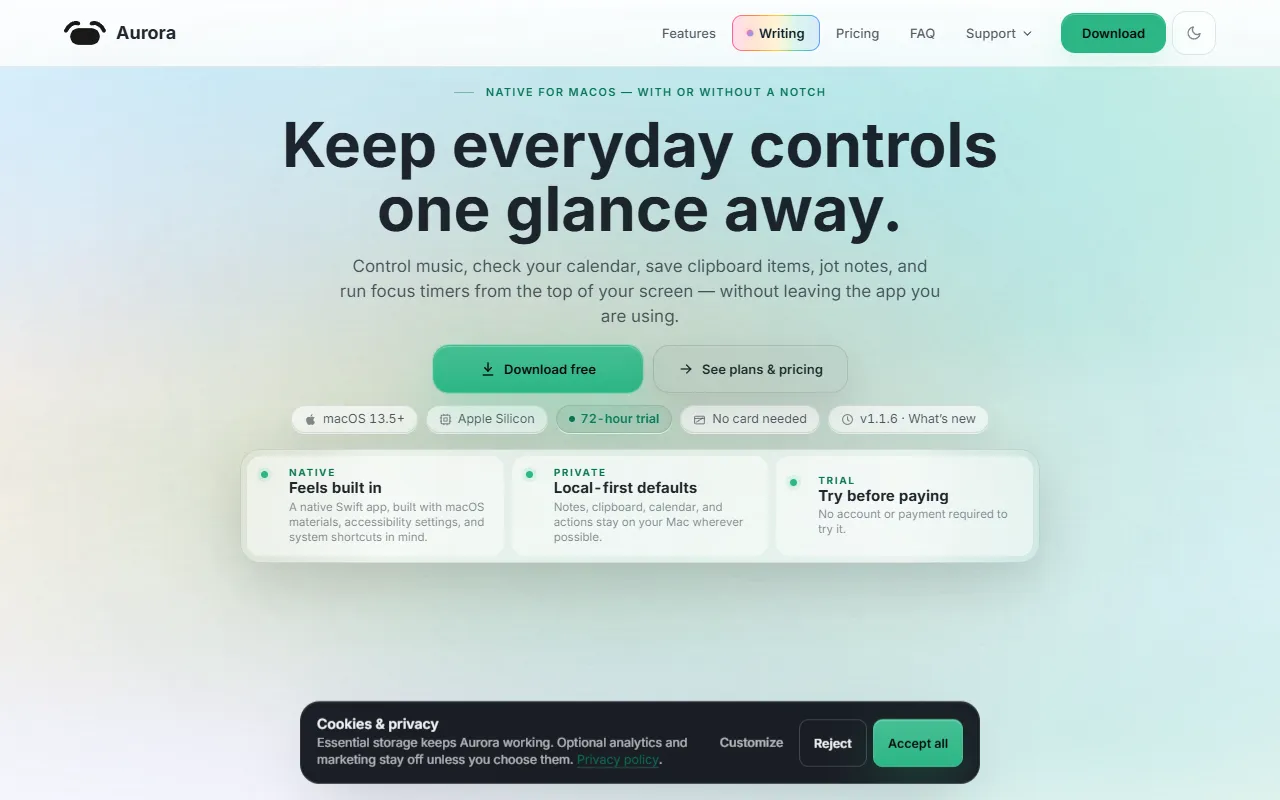
Aurora Notch is a Calendar Management tool that turns Mac notch into a private control center for notes, clipboard, calendar, and widgets. Aurora Notch is freemium: it has a free plan, and paid plans start at €2.99/month. A free trial is available. It is available on macOS. It is aimed at productivity enthusiasts, mac users and note takers.
Aurora Notch transforms the notch or top edge of a Mac into a private productivity dock. It offers quick access to notes, clipboard, calendar, focus timers, media controls, widgets, and writing tools. The tool is designed for users seeking a local-first, free 72-hour Pro trial.
Built for productivity enthusiasts, mac users and note takers.
Key capabilities
Features
Media Controls & Now Playing
Expanded Now Playing
Compact Mini Player
Source-Aware Playback
Smooth Transitions
Widgets & Customization
Modular Widget Shelf
Camera, Files & Quick Toggles
Quick Notes
Audio Output, Devices & Stats
Shortcuts, Search & Surface Styles
Calendar & Scheduling
Use cases
- Access notes quickly from the Mac notch
- Manage clipboard efficiently using the Mac notch
- Schedule events directly from the Mac notch
- Control media playback through the Mac notch
- Customize widgets for productivity tasks
- Use quick toggles for camera and files
Who it's for
Pros & cons
Pros
- Free 72-hour Pro trial
- Free plan available
Cons
No documented limitations yet.
Pricing
Freemium — paid plans start at €2.99/month. Free trial available.
| Plan | Price |
|---|---|
| 72-hour Aurora Pro trial | Free |
| Aurora Pro Monthly | €2.99 / month |
| Aurora Pro Lifetime | €24.99 |
Developer & API
Open source· 0 stars· 0 forks
FAQ
What is Aurora Notch?
Aurora Notch is a Calendar Management tool that turns Mac notch into a private control center for notes, clipboard, calendar, and widgets. Aurora Notch transforms the notch or top edge of a Mac into a private productivity dock. It offers quick access to notes, clipboard, calendar, focus timers, media controls, widgets, and writing tools. The tool is designed for users seeking a local-first, free 72-hour Pro trial.
Is Aurora Notch free?
Aurora Notch has a free plan; advanced features require a paid plan.
How much does Aurora Notch cost?
Aurora Notch offers 3 plans: 72-hour Aurora Pro trial (Free), Aurora Pro Monthly (€2.99 / month) and Aurora Pro Lifetime (€24.99).
What platforms does Aurora Notch support?
Aurora Notch is available on macOS.
Who should use Aurora Notch?
Aurora Notch is built for productivity enthusiasts, mac users and note takers. Common uses: access notes quickly from the Mac notch, manage clipboard efficiently using the Mac notch, schedule events directly from the Mac notch and control media playback through the Mac notch.
Is Aurora Notch open source?
Yes, Aurora Notch is open source.
What are the best alternatives to Aurora Notch?
Similar tools on AiByts include hora Calendar, nocal, Macuse, SuperIsland and Toki: AI Scheduling & Tasks.
Details are compiled from Aurora Notch's website and public sources, last verified Oct 6, 2026. Features and pricing change — confirm on the official site before you buy.
Try Aurora Notch
Freemium · from €2.99/month
Tags
- Private Control Center
- Productivity Dock
Comments
Sign in to join the discussion.