

Aye
Mac and iOS utility apps for file management, video playback, and task management.
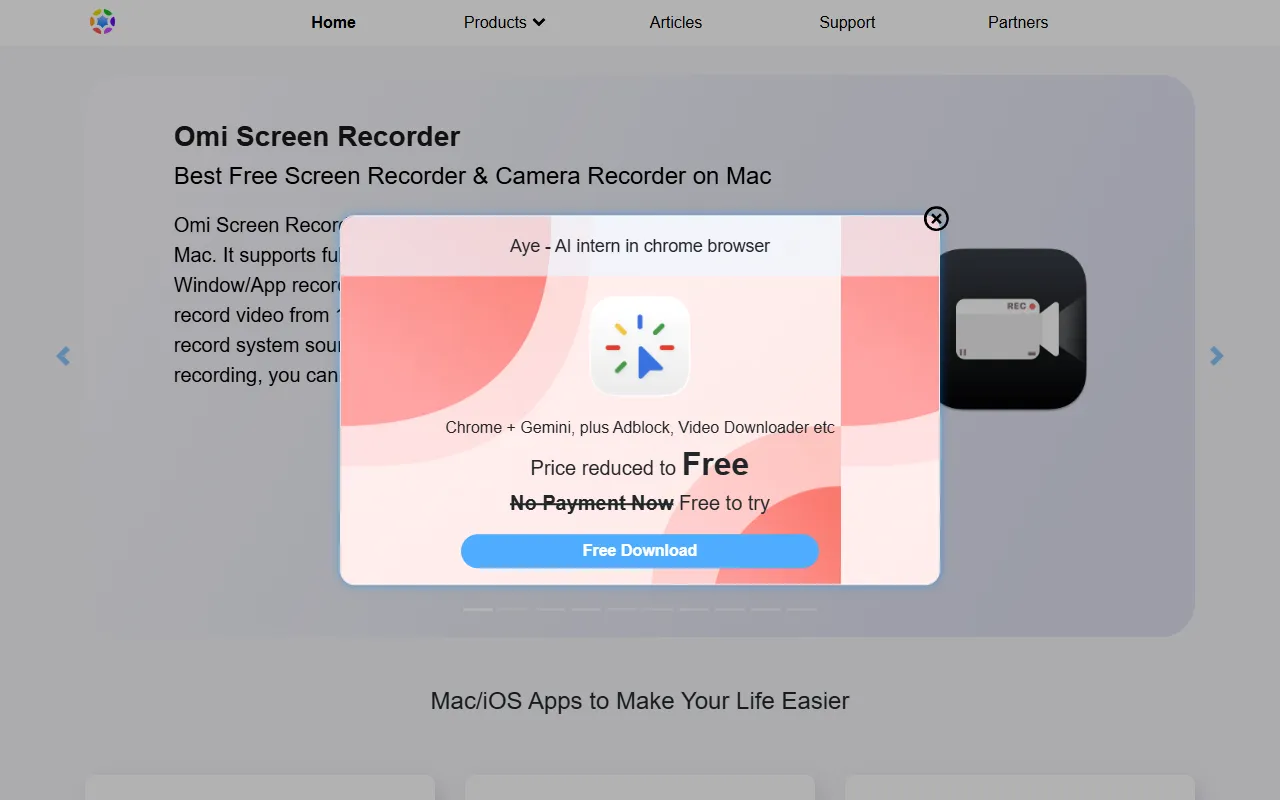
What is Aye?
Aye is a Task Management tool. Mac and iOS utility apps for file management, video playback, and task management. It is available on macOS. It is aimed at digital organizers, media users and productivity enthusiasts.
Oka Apps offers a range of free utility apps for macOS and iOS, including tools for file management, video playback, and task management. It includes features like video conversion, unarchiving, and clipboard management. The apps are designed for users needing efficient digital organization and media handling.
Built for digital organizers, media users, productivity enthusiasts and tech enthusiasts.
Features
Task Management
Manages tasks on Mac and iOS devices.
File Management
Handles file operations on Mac and iOS.
Video Playback
Supports video playback on Mac and iOS.
Clipboard Management
Manages clipboard content on Mac and iOS.
Video Conversion
Converts video files to different formats.
Unarchiving
Extracts files from RAR, ZIP, 7Z archives.
Window Management
Organizes and manages application windows.
Speed Testing
Tests network speed on Mac and iOS.
File Encryption
Encrypts files for secure storage.
Screen Recording
Video Player
Video Converter
Use cases
- Manage tasks on Mac and iOS devices
- Handle file operations on Mac and iOS
- Play videos on Mac and iOS devices
- Manage clipboard content on Mac and iOS
- Convert video files to different formats
- Extract files from RAR, ZIP, 7Z archives
Who it's for
- Digital Organizers
- Media Users
- Productivity Enthusiasts
- Tech Enthusiasts
Pros & cons
Pros
- Free to use
- Offers a variety of utility functions
- Available for macOS and iOS
Cons
No documented limitations yet.
FAQ
What is Aye?
Aye is a Task Management tool. Mac and iOS utility apps for file management, video playback, and task management. Oka Apps offers a range of free utility apps for macOS and iOS, including tools for file management, video playback, and task management. It includes features like video conversion, unarchiving, and clipboard management. The apps are designed for users needing efficient digital organization and media handling.
What platforms does Aye support?
Aye is available on macOS.
Who should use Aye?
Aye is built for digital organizers, media users, productivity enthusiasts and tech enthusiasts. Common uses: manage tasks on Mac and iOS devices, handle file operations on Mac and iOS, play videos on Mac and iOS devices and manage clipboard content on Mac and iOS.
What are the best alternatives to Aye?
Similar tools on AiByts include ClickUp, Toki: AI Scheduling & Tasks, Routine, Hello Aria and Todoist.
Details are compiled from Aye's website and public sources, last verified Oct 5, 2026. Features and pricing change — confirm on the official site before you buy.
Try Aye
Visit the official website
Tags
- Task Management
- File Management
- Clipboard Management
- Video Conversion
- Unarchiving
- Window Management
- Speed Testing
- File Encryption
- Screen Recording
Comments
Sign in to join the discussion.