

Canva
Create social media posts, presentations, posters, videos, and logos.
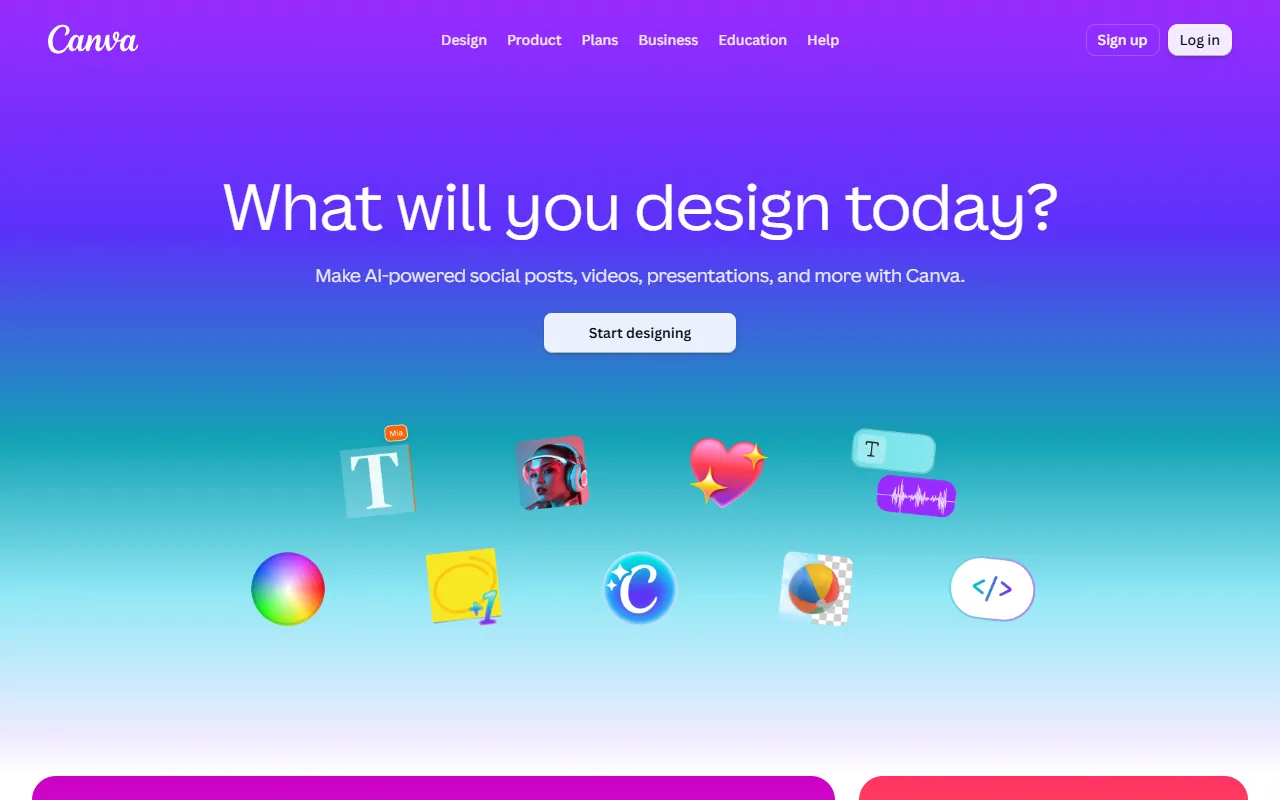
What is Canva?
Canva is a Graphic Design tool. Create social media posts, presentations, posters, videos, and logos. It is aimed at designers, marketers and teams.
Canva is a free online graphic design tool that allows users to create a variety of visual content. It offers features for editing images, trimming videos, and generating text and images with AI. The tool is designed for individuals and teams looking to produce professional-quality designs without advanced design skills.
Built for designers, marketers and teams.
Key capabilities
Features
Video Trimmer
Trim clips to catch perfect timing.
AI Photo Enhancer
Improve image quality.
Curved Text Generator
Craft beautifully curved letters.
AI Image Generator
Generate realistic images and art using AI.
Use cases
- Create social media posts
- Generate videos
- Improve image quality
Popular use cases
Pros & cons
Pros
- Free to use
- Offers AI tools for image and video editing
Cons
No documented limitations yet.
Security & compliance
- SOC 2
- ISO 27001
- SSO
As stated on Canva's website — not independently verified by AiByts.
FAQ
What is Canva?
Canva is a Graphic Design tool. Create social media posts, presentations, posters, videos, and logos. Canva is a free online graphic design tool that allows users to create a variety of visual content. It offers features for editing images, trimming videos, and generating text and images with AI. The tool is designed for individuals and teams looking to produce professional-quality designs without advanced design skills.
Who should use Canva?
Canva is built for designers, marketers and teams. Common uses: create social media posts, generate videos and improve image quality.
What are the best alternatives to Canva?
Similar tools on AiByts include Microsoft Designer, T-Shirt Design AI, Seede.ai, Napkin and Miora.
Details are compiled from Canva's website and public sources, last verified Oct 3, 2026. Features and pricing change — confirm on the official site before you buy.
Try Canva
Visit the official website
Tags
- AI Image Generator
- AI Photo Enhancer
- Curved Text Generator
- Video Trimmer
Comments
Sign in to join the discussion.