
CodeLook
Preview code files instantly with syntax highlighting and themes
What is CodeLook?
CodeLook is an AI Writing tool. Preview code files instantly with syntax highlighting and themes. It is available on macOS, iOS and App Store (iOS). It is aimed at developers, mac users and code enthusiasts.
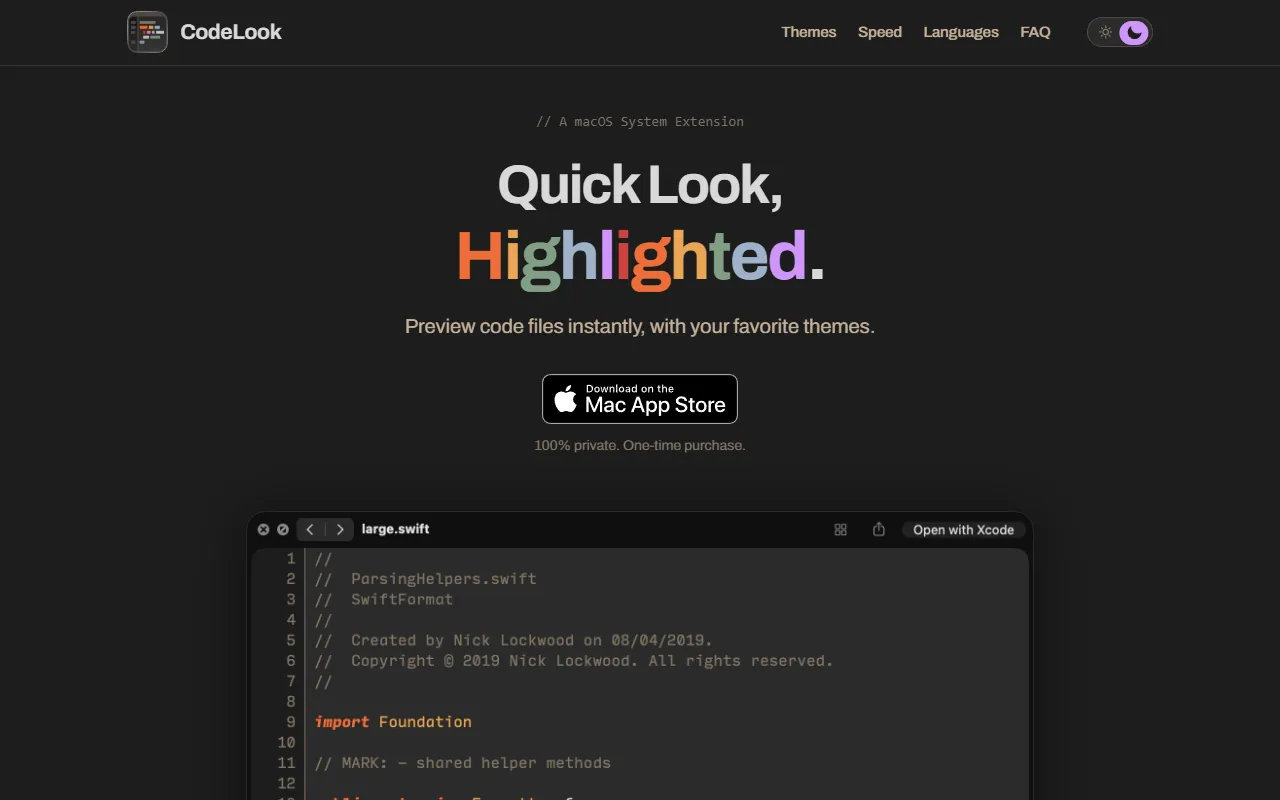
CodeLook is a macOS Quick Look extension that allows users to preview code files instantly with syntax highlighting. It offers 700+ themes matching text editors and supports various file types. The tool is 100% private and available as a one-time purchase.
Built for developers, mac users and code enthusiasts.
Features
Syntax Highlighting
Highlights code syntax for better readability
Themes
Quick Look Integration
Private
One-Time Purchase
Available as a one-time purchase
Supports Multiple File Types
Big File Handling
Custom Themes
Allows creation of custom themes
Mood Mode
Theme Matching
Parsed Content
User-Friendly
Use cases
- Preview code files instantly
- Customize code viewing with themes
- Handle large code files efficiently
- Match themes to user preferences
- Adapt to user's mood for code viewing
- Parse code content for accurate previews
Who it's for
- Developers
- Mac Users
- Code Enthusiasts
Pros & cons
Pros
- One-time purchase
- Supports 700+ themes
- Handles large files
- Parsed content, not matched
Cons
No documented limitations yet.
Developer & API
Open source· MIT· 27.1K stars· 2.9K forks
FAQ
What is CodeLook?
CodeLook is an AI Writing tool. Preview code files instantly with syntax highlighting and themes. CodeLook is a macOS Quick Look extension that allows users to preview code files instantly with syntax highlighting. It offers 700+ themes matching text editors and supports various file types. The tool is 100% private and available as a one-time purchase.
What platforms does CodeLook support?
CodeLook is available on macOS, iOS and App Store (iOS).
Who should use CodeLook?
CodeLook is built for developers, mac users and code enthusiasts. Common uses: preview code files instantly, customize code viewing with themes, handle large code files efficiently and match themes to user preferences.
Is CodeLook open source?
Yes, CodeLook is open source under the MIT license.
What are the best alternatives to CodeLook?
Similar tools on AiByts include Creed, Future Tools, HIX AI, Magic Potion and Netus AI.
Details are compiled from CodeLook's website and public sources, last verified Oct 5, 2026. Features and pricing change — confirm on the official site before you buy.
Try CodeLook
Visit the official website
Tags
- Code Preview
- Syntax Highlighting
- Themes
- Private Tool
- One-Time Purchase
- Mood Mode
- Theme Matching
Comments
Sign in to join the discussion.