

Columns AI
Data automation and visualization platform for spreadsheet users.
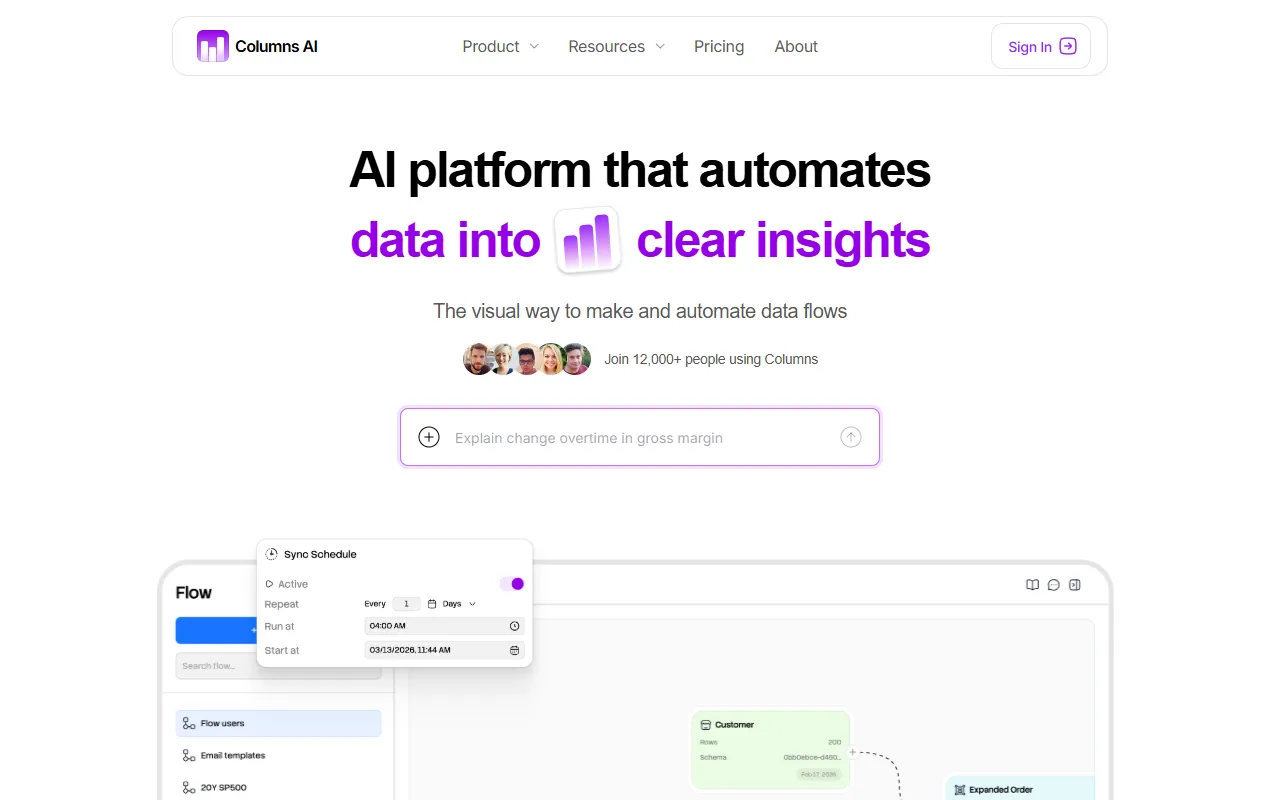
What is Columns AI?
Columns AI is a Data Visualization tool. Data automation and visualization platform for spreadsheet users. Columns AI is freemium: it has a free plan plus paid upgrades. It is aimed at spreadsheet users and business analysts.
Columns AI is a data automation and visualization platform designed for spreadsheet users. It enables users to clean, automate, and visualize data through scheduled workflows, structured datasets, and shareable reports using plain language.
Built for spreadsheet users and business analysts.
Key capabilities
Features
Scheduled Workflows
Automate data processing tasks with scheduled workflows.
Structured Datasets
Organize and structure data into datasets.
Branded Charts
Create visually appealing, branded charts.
Alerts
Set up alerts for data changes or thresholds.
Shareable Reports
Generate and share reports with stakeholders.
Use cases
- Automate data processing tasks with scheduled workflows
- Organize and structure data into datasets
- Create visually appealing, branded charts
Popular use cases
Who it's for
- Spreadsheet Users
- Business Analysts
Pros & cons
Pros
- Free plan available
Cons
No documented limitations yet.
Pricing
Freemium.
See current pricing on Columns AI's website (opens in a new tab)FAQ
What is Columns AI?
Columns AI is a Data Visualization tool. Data automation and visualization platform for spreadsheet users. Columns AI is a data automation and visualization platform designed for spreadsheet users. It enables users to clean, automate, and visualize data through scheduled workflows, structured datasets, and shareable reports using plain language.
Is Columns AI free?
Columns AI has a free plan; advanced features require a paid plan.
How much does Columns AI cost?
Columns AI is freemium: it has a free plan plus paid upgrades.
Who should use Columns AI?
Columns AI is built for spreadsheet users and business analysts. Common uses: automate data processing tasks with scheduled workflows, organize and structure data into datasets and create visually appealing, branded charts.
What are the best alternatives to Columns AI?
Similar tools on AiByts include Bricks, Excelmatic, Thunderbit, Hex AI and ConnectWizard.
Columns AI news & updates
Details are compiled from Columns AI's website and public sources, last verified Oct 2, 2026. Features and pricing change — confirm on the official site before you buy.
Try Columns AI
Freemium
Tags
- Data Automation
- Data Visualization
- NoCode
- Business Intelligence
Comments
Sign in to join the discussion.