

Dayflow
Tracks time automatically for Mac users, with local storage and optional cloud AI.
- Freemium· from $20/month
- API Available
- Open Source
What is Dayflow?
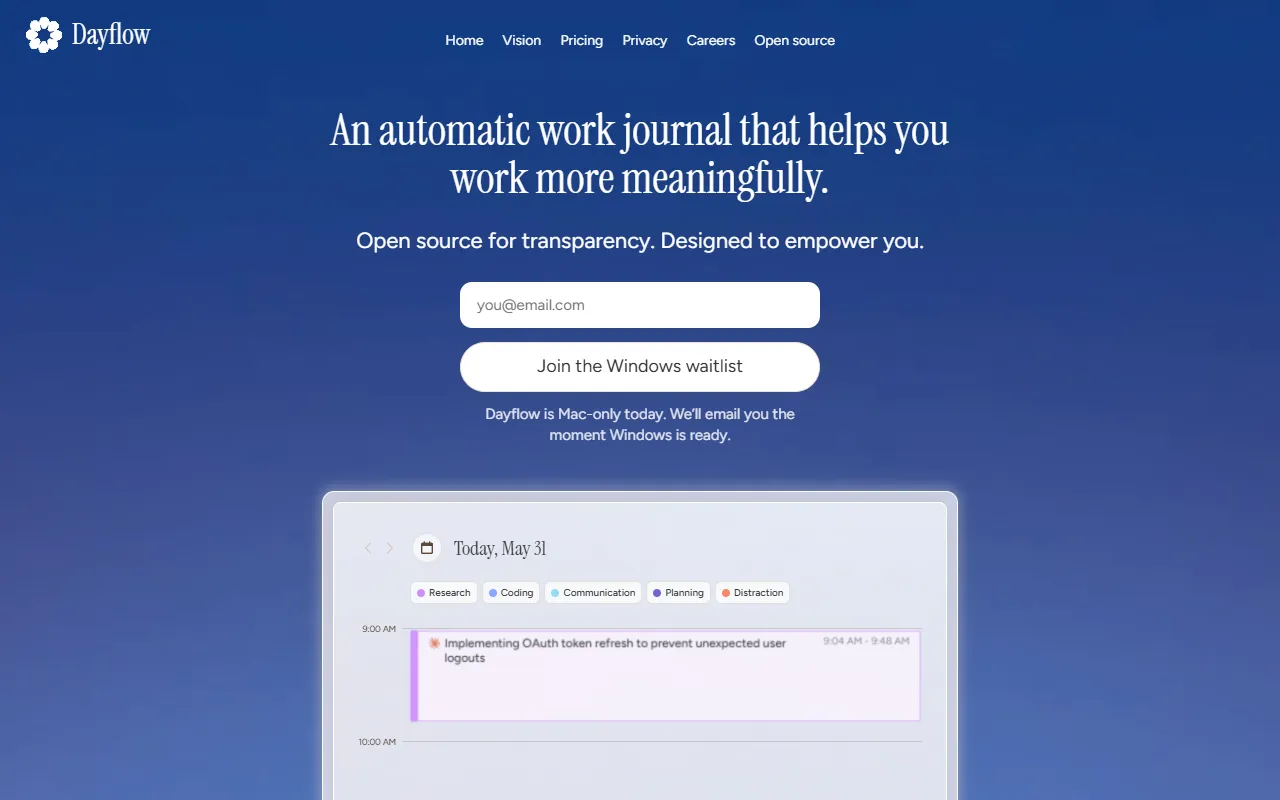
Dayflow is a Time Management tool that tracks time automatically for Mac users, with local storage and optional cloud AI. Dayflow is freemium: it has a free plan, and paid plans start at $20/month. It is available on Windows and macOS. It is aimed at remote workers, freelancers and productivity enthusiasts.
Dayflow is a free, open-source automatic time tracker for Mac. It provides full recordings that stay on your device, with local or optional cloud AI to create a readable timeline.
Built for remote workers, freelancers and productivity enthusiasts.
Features
Local Storage
Readable Timeline
Creates a timeline using AI for recorded data.
One Click Updates
Accountability Tools
Open Source Companion
AI Timeline Creation
Uses AI to create a readable timeline from recordings.
Optional Cloud AI
Offers optional cloud AI for timeline creation.
API Access
Public API available for integration.
SSO/SAML Integration
Use cases
- Track time automatically for Mac users with local storage
- Create a readable timeline using AI from recorded data
- Provide updates in one click for work progress
- Stay accountable with built-in accountability tools
- Access free plan for time tracking without cost
- Utilize API for custom integrations and automation
Pros & cons
Pros
- Free plan available
- Public API available
- SSO/SAML integration support
- Optional cloud AI for timeline creation
- Local storage for recordings
Cons
- Limited platform support
Pricing
Freemium — paid plans start at $20/month.
| Plan | Price |
|---|---|
| Free | Free |
| Pro | $20 / month |
AI models
- GPT 5
Developer & API
Public API available
Open source· MIT· 7.2K stars· 441 forks
Security & compliance
- SSO
- SAML
- Encryption
- Data deletion
As stated on Dayflow's website — not independently verified by AiByts.
FAQ
What is Dayflow?
Dayflow is a Time Management tool that tracks time automatically for Mac users, with local storage and optional cloud AI. Dayflow is a free, open-source automatic time tracker for Mac. It provides full recordings that stay on your device, with local or optional cloud AI to create a readable timeline.
Is Dayflow free?
Dayflow has a free plan; advanced features require a paid plan.
How much does Dayflow cost?
Dayflow offers 2 plans: Free (Free) and Pro ($20 / month).
Does Dayflow have an API?
Yes, Dayflow offers a public API for building custom integrations.
What platforms does Dayflow support?
Dayflow is available on Windows and macOS.
Who should use Dayflow?
Dayflow is built for remote workers, freelancers and productivity enthusiasts. Common uses: track time automatically for Mac users with local storage, create a readable timeline using AI from recorded data, provide updates in one click for work progress and stay accountable with built-in accountability tools.
What does Dayflow integrate with?
Dayflow integrates with Anthropic and VS Code.
Is Dayflow open source?
Yes, Dayflow is open source under the MIT license.
What are the best alternatives to Dayflow?
Similar tools on AiByts include Operations, RescueTime, AI for Productivity, Clockk and lofi.town.
Dayflow news & updates
Details are compiled from Dayflow's website and public sources, last verified Oct 6, 2026. Features and pricing change — confirm on the official site before you buy.
Try Dayflow
Freemium · from $20/month
Comments
Sign in to join the discussion.