

Eddie AI
AI video editor for professionals, creates rough cuts from raw footage
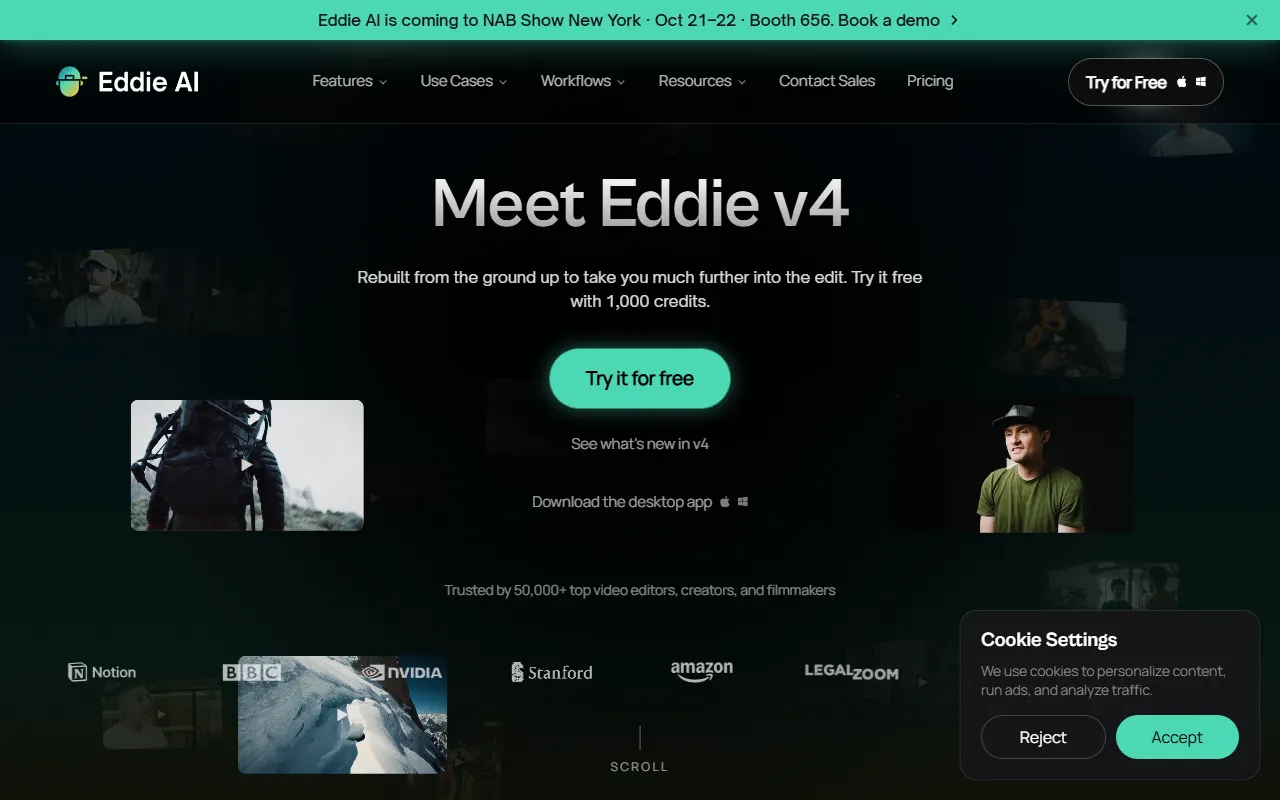
What is Eddie AI?
Eddie AI is a Video Editing tool. AI video editor for professionals, creates rough cuts from raw footage. Eddie AI is a paid tool. It is available on Web App, Windows, macOS, iOS and App Store (iOS). It is aimed at video professionals and editors.
Eddie AI is an AI video editor designed for professionals, enabling them to import interviews and collaborate with AI or connect to ChatGPT or Claude via MCP to generate rough cuts quickly. It supports exporting to various formats and editing tools.
Built for video professionals and editors.
Key capabilities
Features
A-roll and B-roll logging
Multicam sync and angle switching
Color grading, keyframing, and speed ramps
Transcription in 100+ languages
Titles, motion graphics, and captions
Music, voiceover, and audio ducking
Adobe Premiere Pro
DaVinci Resolve
Final Cut Pro
Avid Media Composer integrations
Rough Cuts
Use cases
- Import interviews and chat with Eddie
- Connect to ChatGPT or Claude over MCP to get rough cuts
- Export to MP4, Adobe, FCP, DaVinci Resolve, and Avid
Popular use cases
Who it's for
- Video Professionals
- Editors
Pros & cons
Pros
- Public API available
- Web, Windows, macOS, iOS, and API platforms
- SOC 2 Type II compliant
- GDPR compliant
- SSO, admin, and custom limits for organizations
Cons
- No free plan available
- Usage-based pricing with credit system
Integrations
- Adobe Premiere Pro
- Final Cut Pro
- DaVinci Resolve
- Anthropic
Developer & API
Public SDK API available
- Authentication
- API Key
- SDKs
- -g
Security & compliance
- SOC 2
- GDPR
- HIPAA
- SSO
- SAML
- Data deletion
As stated on Eddie AI's website — not independently verified by AiByts.
FAQ
What is Eddie AI?
Eddie AI is a Video Editing tool. AI video editor for professionals, creates rough cuts from raw footage. Eddie AI is an AI video editor designed for professionals, enabling them to import interviews and collaborate with AI or connect to ChatGPT or Claude via MCP to generate rough cuts quickly. It supports exporting to various formats and editing tools.
Is Eddie AI free?
No, Eddie AI is a paid tool.
How much does Eddie AI cost?
Eddie AI is a paid tool.
Does Eddie AI have an API?
Yes, Eddie AI offers a public SDK API for building custom integrations.
What platforms does Eddie AI support?
Eddie AI is available on Web App, Windows, macOS, iOS and App Store (iOS).
Who should use Eddie AI?
Eddie AI is built for video professionals and editors. Common uses: import interviews and chat with Eddie, connect to ChatGPT or Claude over MCP to get rough cuts and export to MP4, Adobe, FCP, DaVinci Resolve, and Avid.
What does Eddie AI integrate with?
Eddie AI integrates with Adobe Premiere Pro, Final Cut Pro, DaVinci Resolve and Anthropic.
What are the best alternatives to Eddie AI?
Similar tools on AiByts include Clipwing, Icon, Vidalgo, Based AI and Hypernatural.
Details are compiled from Eddie AI's website and public sources, last verified Oct 5, 2026. Features and pricing change — confirm on the official site before you buy.
Try Eddie AI
Paid
Comments
Sign in to join the discussion.