

Harker
Free voice-to-text app for Mac with global shortcut.
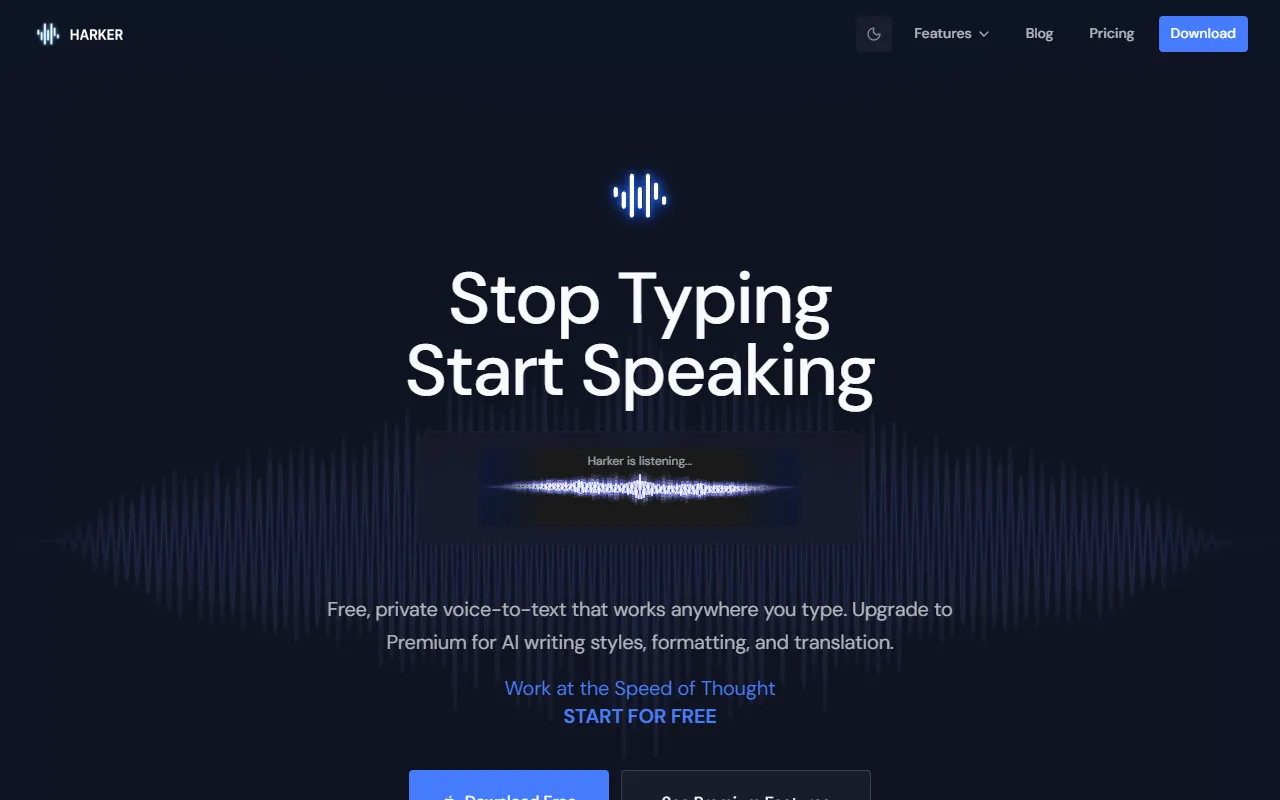
What is Harker?
Harker is a Speech to Text tool. Free voice-to-text app for Mac with global shortcut. Harker is free to use. It is available on macOS. It is aimed at writers, professionals and students.
Harker is a free voice-to-text app for Mac that allows users to dictate anywhere using a global shortcut. It offers premium AI writing features for advanced tasks. The app works locally on your Mac without needing an internet connection.
Built for writers, professionals and students.
Key capabilities
Features
Global Keyboard Shortcut
Instant Text Appearance
Free to Use
Premium Features
Power Through Tasks
Speak Naturally
Use cases
- Dictate emails using a global shortcut
- Create documents by speaking naturally
- Transcribe spoken words into text instantly
Popular use cases
Who it's for
Pros & cons
Pros
- Free plan available
- Global keyboard shortcut for dictation
Cons
No documented limitations yet.
Pricing
Free.
FAQ
What is Harker?
Harker is a Speech to Text tool. Free voice-to-text app for Mac with global shortcut. Harker is a free voice-to-text app for Mac that allows users to dictate anywhere using a global shortcut. It offers premium AI writing features for advanced tasks. The app works locally on your Mac without needing an internet connection.
Is Harker free?
Yes, Harker is free to use.
How much does Harker cost?
Harker is free to use.
What platforms does Harker support?
Harker is available on macOS.
Who should use Harker?
Harker is built for writers, professionals and students. Common uses: dictate emails using a global shortcut, create documents by speaking naturally and transcribe spoken words into text instantly.
What are the best alternatives to Harker?
Similar tools on AiByts include Voicr for Mac, Letterly, BlabbyAI, AssemblyAI and Deepgram.
Harker news & updates
Details are compiled from Harker's website and public sources, last verified Oct 5, 2026. Features and pricing change — confirm on the official site before you buy.
Try Harker
Free
Tags
- Voice to Text
- Global Shortcut
Comments
Sign in to join the discussion.