

Lyto
Automates browser tasks like tab management and form filling.
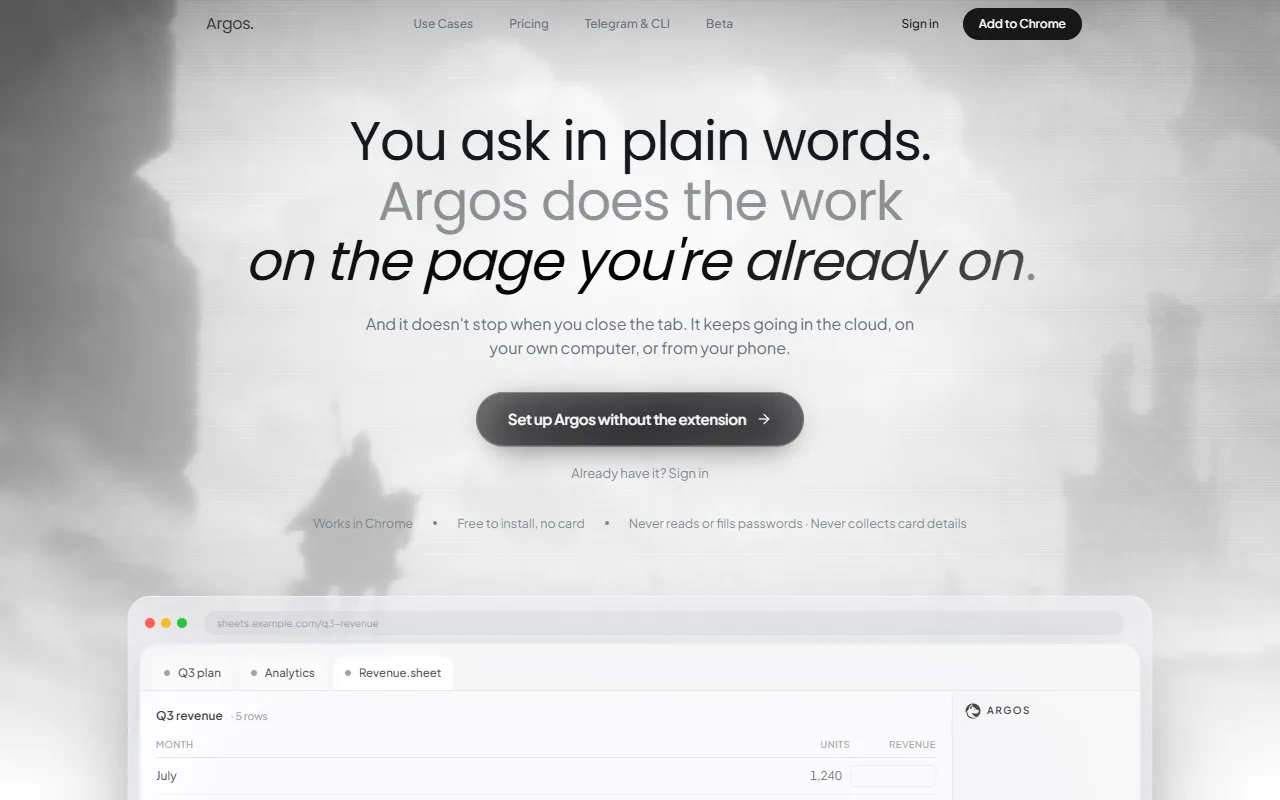
What is Lyto?
Lyto is a Browser Automation tool that automates browser tasks like tab management and form filling. Lyto is free to use. It is available on Chrome. It is aimed at researchers, productivity professionals and google users.
Argos is a Chrome extension that provides full browser control, enabling users to automate tasks such as opening and closing tabs, scrolling, clicking, and form filling. It integrates with Google Docs, Gmail, and Google Sheets for streamlined workflow management.
Built for researchers, productivity professionals and google users.
Key capabilities
Features
Tab Management
Controls opening and closing of browser tabs.
Form Filling
Automates filling of forms in the browser.
Task Automation
Automates repetitive browser tasks.
Workflow Organization
Helps organize and manage workflow within the browser.
Integration With Google Services
Integrates with Google Docs, Gmail, and Google Sheets.
Use cases
- Automate tab management and form filling tasks
- Streamline workflow by integrating with Google Docs, Gmail, and Google Sheets
- Organize browser workflow efficiently
Who it's for
- Researchers
- Productivity Professionals
- Google Users
Pros & cons
Pros
- Integrates with Google Docs, Gmail, and Google Sheets
- Free plan available
- Simple, transparent pricing
Cons
No documented limitations yet.
Pricing
Free.
Integrations
Security & compliance
- Encryption
- Data deletion
As stated on Lyto's website — not independently verified by AiByts.
FAQ
What is Lyto?
Lyto is a Browser Automation tool that automates browser tasks like tab management and form filling. Argos is a Chrome extension that provides full browser control, enabling users to automate tasks such as opening and closing tabs, scrolling, clicking, and form filling. It integrates with Google Docs, Gmail, and Google Sheets for streamlined workflow management.
Is Lyto free?
Yes, Lyto is free to use.
How much does Lyto cost?
Lyto is free to use.
What platforms does Lyto support?
Lyto is available on Chrome.
Who should use Lyto?
Lyto is built for researchers, productivity professionals and google users. Common uses: automate tab management and form filling tasks, streamline workflow by integrating with Google Docs, Gmail, and Google Sheets and organize browser workflow efficiently.
What does Lyto integrate with?
Lyto integrates with Telegram.
What are the best alternatives to Lyto?
Similar tools on AiByts include levity.ai, Nekton AI, Plouton AI, Fellou and Hyperbrowser.
Details are compiled from Lyto's website and public sources, last verified Oct 5, 2026. Features and pricing change — confirm on the official site before you buy.
Try Lyto
Free
Tags
- Browser Control
- Task Automation
- Form Filling
- Workflow Organization
Comments
Sign in to join the discussion.