

Nero AI
Create, edit, upscale, and enhance images and videos.
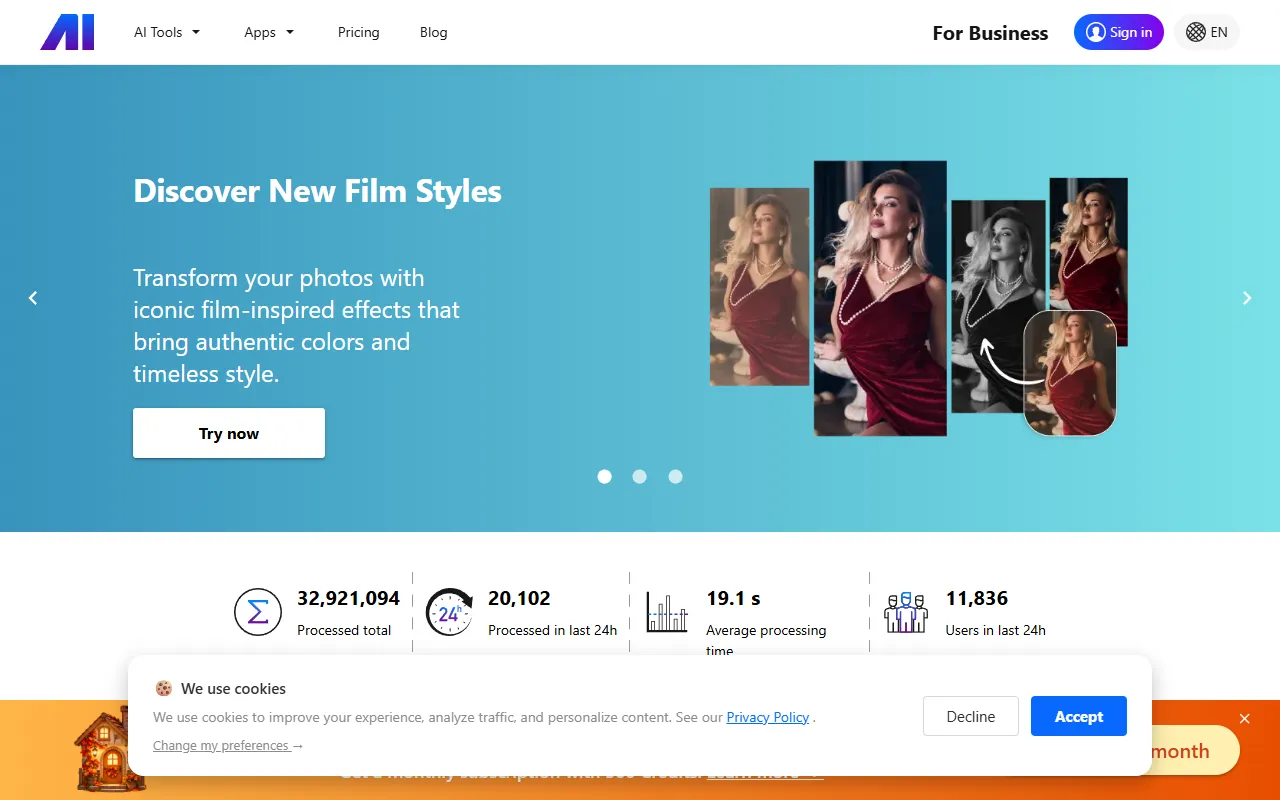
What is Nero AI?
Nero AI is an Image Editing tool. Create, edit, upscale, and enhance images and videos. Nero AI is a paid tool. It is available on macOS. It is aimed at photographers, graphic designers and content creators.
Nero AI offers tools for image and video creation, editing, upscaling, and enhancement. It provides professional-quality results with simple AI tools. The platform supports various image and video processing tasks.
Built for photographers, graphic designers and content creators.
Key capabilities
Features
Image Upscaling
Enhances image resolution.
Image Repair
Removes scratches from images.
Image Coloring
Adds color to black and white images.
Noise Removal
Reduces image noise.
Background Change
Changes the background of an image.
Magical Erasing Pen
Removes unwanted elements from images.
Portrait Enhancement
Improves portrait images.
AI Filters
Applies AI-generated filters to images.
Background Remover
Removes image backgrounds.
Background Changer
Changes image backgrounds.
Image to Video
Converts images into videos.
Face Animation
Animates facial features in images.
Use cases
- Upscale images for higher resolution
- Repair scratches on old photographs
- Colorize black and white images
- Remove noise from low-light photographs
- Change the background of an image
- Erase unwanted elements from images
Popular use cases
Who it's for
Pros & cons
Pros
- Public API available
Cons
- No free plan available
Developer & API
Public API available
FAQ
What is Nero AI?
Nero AI is an Image Editing tool. Create, edit, upscale, and enhance images and videos. Nero AI offers tools for image and video creation, editing, upscaling, and enhancement. It provides professional-quality results with simple AI tools. The platform supports various image and video processing tasks.
Is Nero AI free?
No, Nero AI is a paid tool.
How much does Nero AI cost?
Nero AI is a paid tool.
Does Nero AI have an API?
Yes, Nero AI offers a public API for building custom integrations.
What platforms does Nero AI support?
Nero AI is available on macOS.
Who should use Nero AI?
Nero AI is built for photographers, graphic designers and content creators. Common uses: upscale images for higher resolution, repair scratches on old photographs, colorize black and white images and remove noise from low-light photographs.
What are the best alternatives to Nero AI?
Similar tools on AiByts include Pixlr, AI Boost, Visro AI, Cre8tiveAI and GlobalGPT.
Nero AI news & updates
Details are compiled from Nero AI's website and public sources, last verified Oct 3, 2026. Features and pricing change — confirm on the official site before you buy.
Try Nero AI
Paid
Tags
- Image Upscaling
- Photo Restoration
- AI Filters
- Colorize Photo
- Background Remover
- Background Changer
- Image to Video
- Face Animation
Comments
Sign in to join the discussion.