

Obsidian
Free and flexible markdown note-taking app for private thoughts.
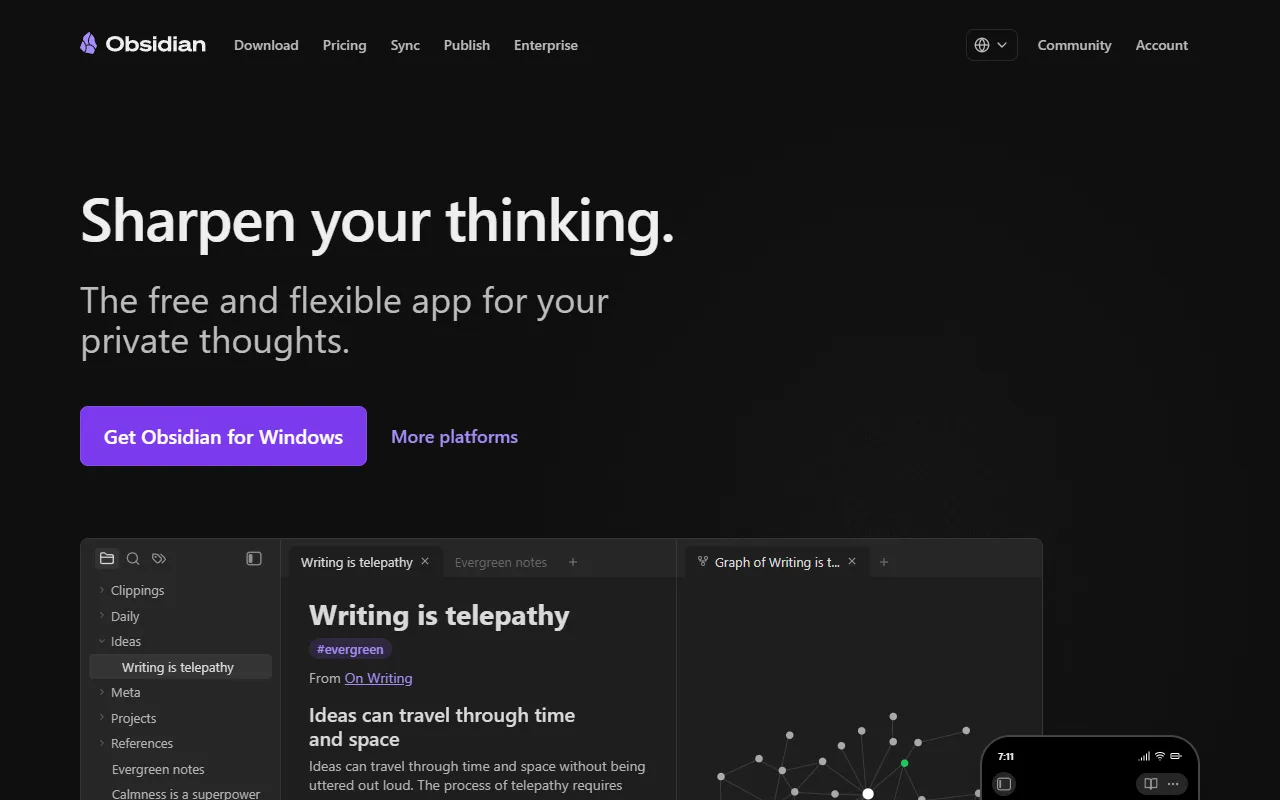
What is Obsidian?
Obsidian is a Note Taking tool. Free and flexible markdown note-taking app for private thoughts. Obsidian is freemium: it has a free plan plus paid upgrades. It is available on Windows. It is aimed at developers and productivity enthusiasts.
Obsidian is a free and flexible markdown note-taking app designed for private thoughts. It offers local-first functionality with a robust AI plugin ecosystem, supporting AI summarization, RAG, and intelligent note processing through community plugins.
Built for developers and productivity enthusiasts.
Key capabilities
Features
AI Plugin Ecosystem
Community plugins enable AI summarization, RAG, and intelligent note processing.
Local-First Functionality
Stores data locally for privacy and control.
Public API
Secure Sync
Instant Publish
Use cases
- Organize private thoughts using markdown formatting
- Leverage AI plugins for summarization and data analysis
- Sync notes securely across devices
Popular use cases
Who it's for
Pros & cons
Pros
- Public API available
- Free plan available
Cons
No documented limitations yet.
Pricing
Freemium.
| Plan | Price |
|---|---|
| Free without limits. | Free |
Developer & API
Public CLI API available
Security & compliance
- Encryption
- Data deletion
As stated on Obsidian's website — not independently verified by AiByts.
FAQ
What is Obsidian?
Obsidian is a Note Taking tool. Free and flexible markdown note-taking app for private thoughts. Obsidian is a free and flexible markdown note-taking app designed for private thoughts. It offers local-first functionality with a robust AI plugin ecosystem, supporting AI summarization, RAG, and intelligent note processing through community plugins.
Is Obsidian free?
Obsidian has a free plan; advanced features require a paid plan.
How much does Obsidian cost?
Obsidian offers one plan: Free without limits. (Free).
Does Obsidian have an API?
Yes, Obsidian offers a public CLI API for building custom integrations.
What platforms does Obsidian support?
Obsidian is available on Windows.
Who should use Obsidian?
Obsidian is built for developers and productivity enthusiasts. Common uses: organize private thoughts using markdown formatting, leverage AI plugins for summarization and data analysis and sync notes securely across devices.
What are the best alternatives to Obsidian?
Similar tools on AiByts include ClickUp, Granola, AICamp, Fireflies and Krisp.
Obsidian news & updates
Details are compiled from Obsidian's website and public sources, last verified Oct 3, 2026. Features and pricing change — confirm on the official site before you buy.
Try Obsidian
Freemium
Tags
- Markdown
- Private Notes
- AI Plugins
Comments
Sign in to join the discussion.