

onUI
Annotate and draw web UIs for AI agents, export structured context without code changes.
What is onUI?
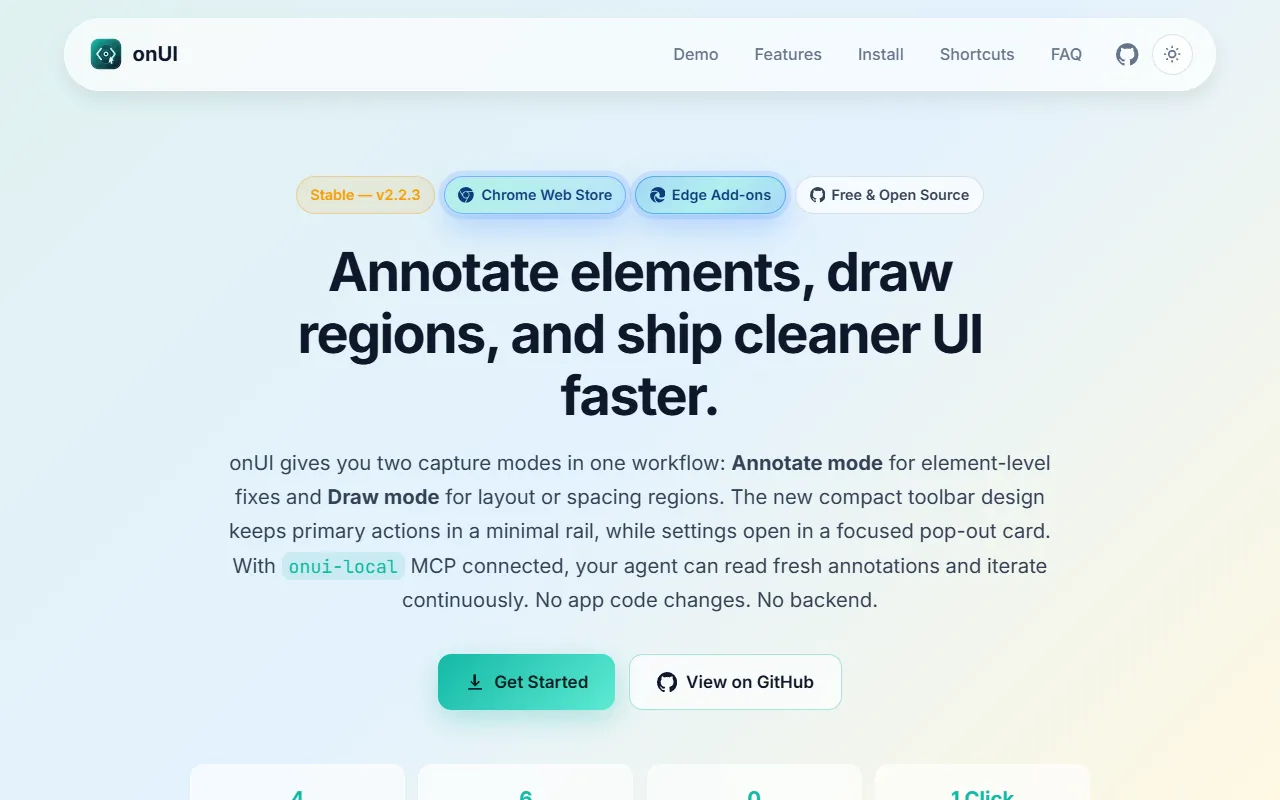
onUI is an UI Generation tool. Annotate and draw web UIs for AI agents, export structured context without code changes. onUI is free to use. It is available on Windows, Chrome and Edge. It is aimed at developers and ai agent developers.
onUI allows users to annotate and draw any web UI for AI agents, enabling the export of structured context without requiring app code changes. It is designed as an open-source browser extension and MCP server for annotation-first UI pair programming with AI agents. The tool supports integration with various AI coding assistants like Claude Code, Cursor, Windsurf, and Copilot.
Built for developers and ai agent developers.
Features
Annotate Any UI for AI Agents
Browser Extension
Provides a browser extension for Chrome, Edge, and Firefox.
Local MCP Setup
Use cases
- Annotate web UIs for AI agents to enable structured context export without code changes
- Integrate with AI coding assistants like Claude Code and Copilot through browser extensions
- Set up local MCP servers for annotation-first UI pair programming with AI agents
Popular use cases
Who it's for
- Developers
- AI Agent Developers
Pros & cons
Pros
- Free and open source under GPL-3.0 license
- Supports multiple AI coding assistants including Claude Code, Cursor, Windsurf, and Copilot
Cons
No documented limitations yet.
Pricing
Free.
Developer & API
Open source· 102 stars· 10 forks
FAQ
What is onUI?
onUI is an UI Generation tool. Annotate and draw web UIs for AI agents, export structured context without code changes. onUI allows users to annotate and draw any web UI for AI agents, enabling the export of structured context without requiring app code changes. It is designed as an open-source browser extension and MCP server for annotation-first UI pair programming with AI agents. The tool supports integration with various AI coding assistants like Claude Code, Cursor, Windsurf, and Copilot.
Is onUI free?
Yes, onUI is free to use.
How much does onUI cost?
onUI is free to use.
What platforms does onUI support?
onUI is available on Windows, Chrome and Edge.
Who should use onUI?
onUI is built for developers and ai agent developers. Common uses: annotate web UIs for AI agents to enable structured context export without code changes, integrate with AI coding assistants like Claude Code and Copilot through browser extensions and set up local MCP servers for annotation-first UI pair programming with AI agents.
Is onUI open source?
Yes, onUI is open source.
What are the best alternatives to onUI?
Similar tools on AiByts include Uiverse.io, Balsa UI, Handle, MiroMiro and Radar.
Details are compiled from onUI's website and public sources, last verified Oct 3, 2026. Features and pricing change — confirm on the official site before you buy.
Try onUI
Free
Tags
- AI Agents
- Browser Extensions
- UI Annotation
Comments
Sign in to join the discussion.