

Otty
Native terminal app with GPU-accelerated rendering for developers
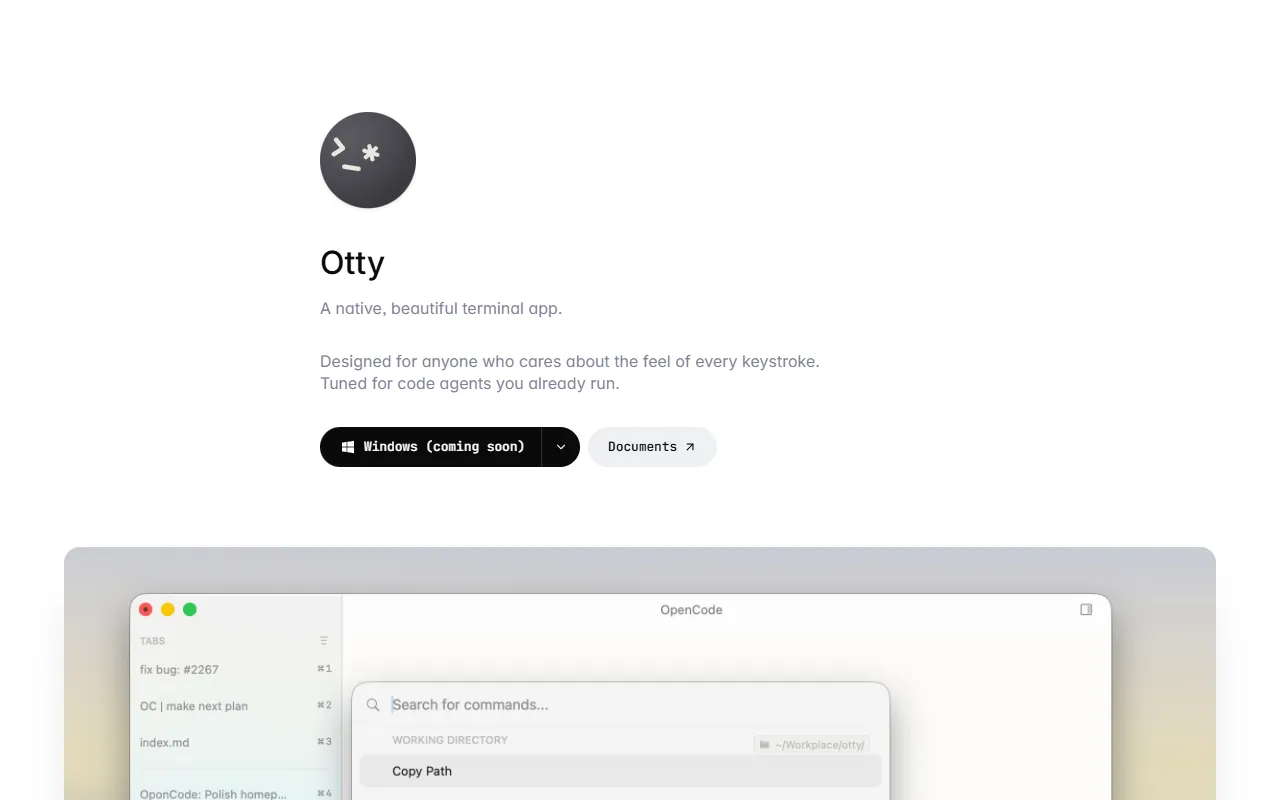
What is Otty?
Otty is a Terminal Assistants tool. Native terminal app with GPU-accelerated rendering for developers. Otty is free to use. It is available on macOS. It is aimed at developers, code-related professionals and software engineers.
Otty is a native terminal app designed for developers who value performance and aesthetics. It features GPU-accelerated rendering, tabs, splits, and file panes for efficient workflow management. The app supports code-agent workflows and integrates with tools like Codex and OpenCode.
Built for developers, code-related professionals and software engineers.
Key capabilities
Features
Native macOS Terminal Emulator
GPU-Accelerated Rendering
Tabs and Splits
Supports multiple tabs and splits for workflow management
Code-Agent Workflows
Integrates with code agents for development tasks
Codex and OpenCode Integration
Live-Reloading Config File
Allows real-time configuration changes with a settings panel
Modern Interface
Keyboard Shortcuts
Provides shortcuts for every command
Multi-Threaded Window
Use cases
- Run code-agent workflows for Claude Code
- Integrate with Codex and OpenCode tools
- Manage multiple terminal sessions with tabs and splits
- Customize settings with live-reloading config files
- Access keyboard shortcuts for efficient command execution
- Utilize GPU-accelerated rendering for improved performance
Who it's for
- Developers
- Code-Related Professionals
- Software Engineers
Pros & cons
Pros
- Free plan available
- Public API available
- Supports code-agent workflows
Cons
No documented limitations yet.
Developer & API
Public GraphQL API available
FAQ
What is Otty?
Otty is a Terminal Assistants tool. Native terminal app with GPU-accelerated rendering for developers. Otty is a native terminal app designed for developers who value performance and aesthetics. It features GPU-accelerated rendering, tabs, splits, and file panes for efficient workflow management. The app supports code-agent workflows and integrates with tools like Codex and OpenCode.
Is Otty free?
Yes, Otty is free to use.
How much does Otty cost?
Otty is free to use.
Does Otty have an API?
Yes, Otty offers a public GraphQL API for building custom integrations.
What platforms does Otty support?
Otty is available on macOS.
Who should use Otty?
Otty is built for developers, code-related professionals and software engineers. Common uses: run code-agent workflows for Claude Code, integrate with Codex and OpenCode tools, manage multiple terminal sessions with tabs and splits and customize settings with live-reloading config files.
What are the best alternatives to Otty?
Similar tools on AiByts include Orca, CtrlOps, ChatWithCloud, BlackFlare and Cosyra.
Details are compiled from Otty's website and public sources, last verified Oct 5, 2026. Features and pricing change — confirm on the official site before you buy.
Try Otty
Free
Tags
- Code-Agent Workflows
- GPU-Accelerated Rendering
- Tabs and Splits
- Live-Reloading Config
Comments
Sign in to join the discussion.