

Pica
Manage fonts on macOS
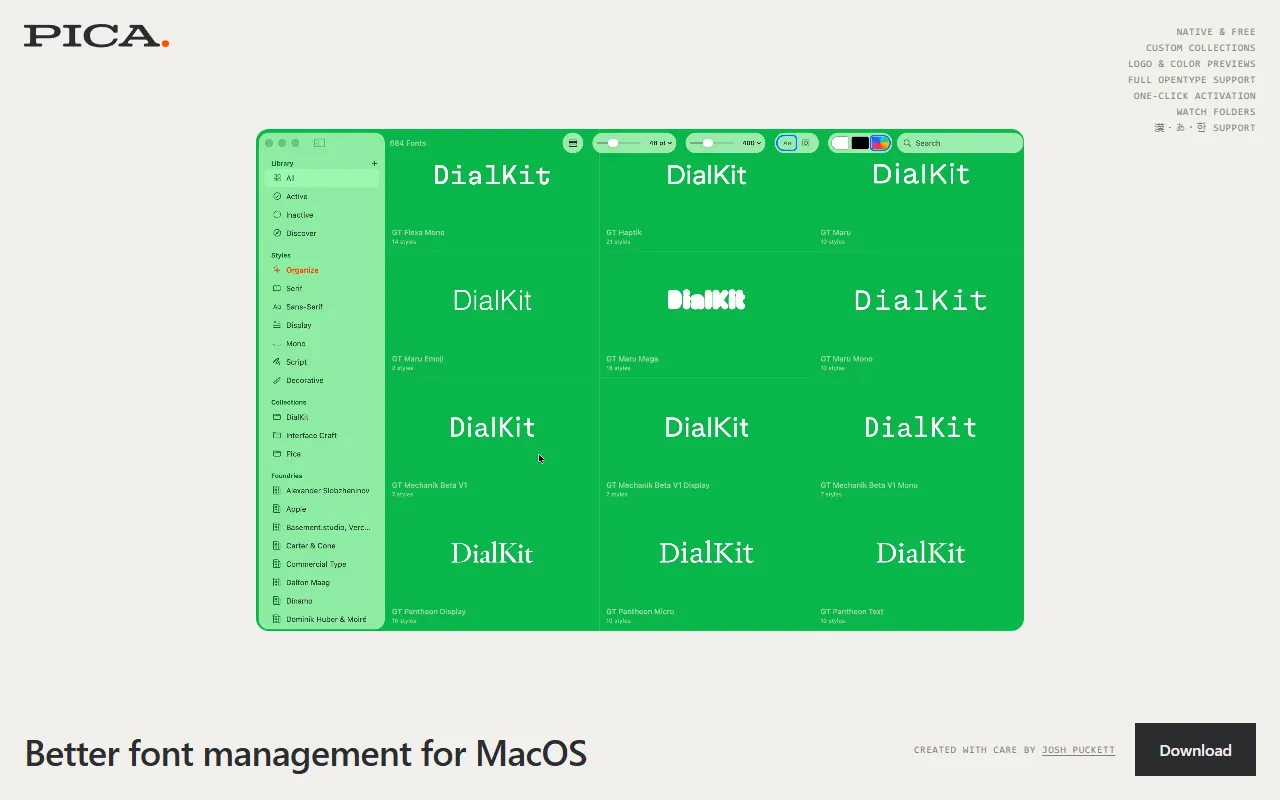
What is Pica?
Pica is a Color Design tool. Manage fonts on macOS. It is available on macOS. It is aimed at designers and graphic designers.
Pica is a macOS font management app that organizes fonts into collections, tests color themes and logos, and manages installed fonts. It offers advanced features like watching folders for changes.
Built for designers and graphic designers.
Key capabilities
Features
Font Collections
Organize fonts into collections
Color Theme Testing
Test color themes and logos
Folder Watching
Watch folders for changes
Use cases
- Organize fonts into collections
- Test color themes and logos
- Manage installed fonts
Who it's for
Pros & cons
Pros
- Designed for macOS
Cons
No documented limitations yet.
FAQ
What is Pica?
Pica is a Color Design tool. Manage fonts on macOS. Pica is a macOS font management app that organizes fonts into collections, tests color themes and logos, and manages installed fonts. It offers advanced features like watching folders for changes.
What platforms does Pica support?
Pica is available on macOS.
Who should use Pica?
Pica is built for designers and graphic designers. Common uses: organize fonts into collections, test color themes and logos and manage installed fonts.
What are the best alternatives to Pica?
Similar tools on AiByts include Aurcue, Miora, Stitch AI by Dynamic Mockups, Carousels Generator and Napkin.
Details are compiled from Pica's website and public sources, last verified Oct 5, 2026. Features and pricing change — confirm on the official site before you buy.
Try Pica
Visit the official website
Tags
- Font Management
- Color Themes
Comments
Sign in to join the discussion.