

Pulse Island
Turns MacBook notch into a Dynamic Island with system stats, music, and meetings.
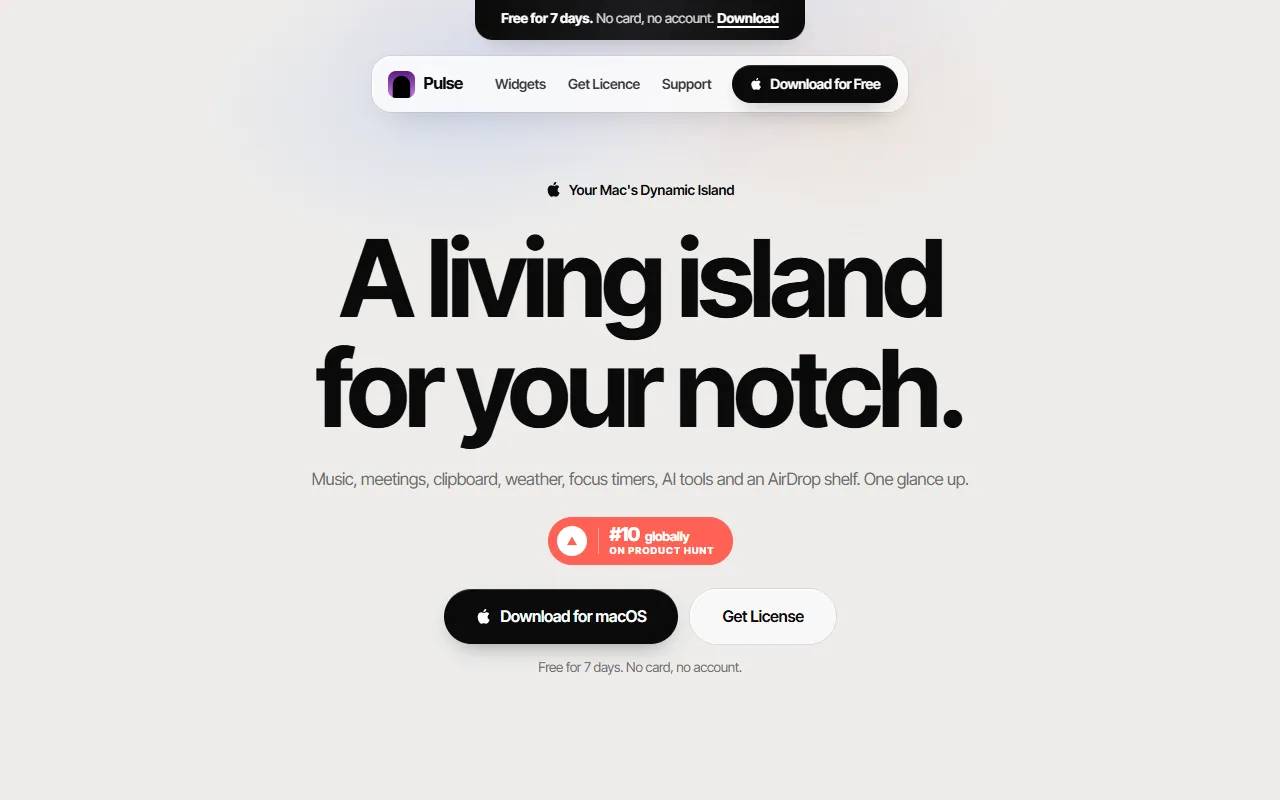
What is Pulse Island?
Pulse Island is a Focus & Productivity tool that turns MacBook notch into a Dynamic Island with system stats, music, and meetings. It is available on macOS. It is aimed at productivity enthusiasts, macbook users and remote workers.
Pulse transforms your MacBook's notch into a Dynamic Island, providing quick access to music, meetings, clipboard, weather, focus timers, devices, and live system stats. It aims to streamline daily tasks with a cleaner menu bar and one-glance functionality.
Built for productivity enthusiasts, macbook users and remote workers.
Features
Music Player
Teleprompter
Ask From the Notch
Meetings That Join Themselves
Smart Clipboard
Reminders In the Notch
Weather At a Glance
System Monitor
Monitors system stats in the notch.
Devices One Slide
Focus & Breaks
Meeting Controls
Shelf In the Notch
Use cases
- Access music playback controls from the notch
- Display presentation text using the teleprompter feature
- Automatically join meetings without manual input
- Manage focus timers and breaks efficiently
- Monitor system stats in real-time from the notch
- Control meetings directly from the notch
Popular use cases
Who it's for
- Productivity Enthusiasts
- MacBook Users
- Remote Workers
Pros & cons
Pros
- Free for 7 days
- Integrates with MacBook notch
Cons
No documented limitations yet.
Security & compliance
- Data deletion
As stated on Pulse Island's website — not independently verified by AiByts.
FAQ
What is Pulse Island?
Pulse Island is a Focus & Productivity tool that turns MacBook notch into a Dynamic Island with system stats, music, and meetings. Pulse transforms your MacBook's notch into a Dynamic Island, providing quick access to music, meetings, clipboard, weather, focus timers, devices, and live system stats. It aims to streamline daily tasks with a cleaner menu bar and one-glance functionality.
What platforms does Pulse Island support?
Pulse Island is available on macOS.
Who should use Pulse Island?
Pulse Island is built for productivity enthusiasts, macbook users and remote workers. Common uses: access music playback controls from the notch, display presentation text using the teleprompter feature, automatically join meetings without manual input and manage focus timers and breaks efficiently.
What are the best alternatives to Pulse Island?
Similar tools on AiByts include AccountyCat, BooBar, Faahh, Mac Pet and PeekFocus.
Details are compiled from Pulse Island's website and public sources, last verified Oct 6, 2026. Features and pricing change — confirm on the official site before you buy.
Try Pulse Island
Visit the official website
Tags
- Dynamic Island
- System Monitor
- Focus Timers
- Smart Clipboard
- Meeting Controls
Comments
Sign in to join the discussion.