
RetroMac
Brings retro CRT, VHS, and classic themes to macOS with live shaders and themes.
What is RetroMac?
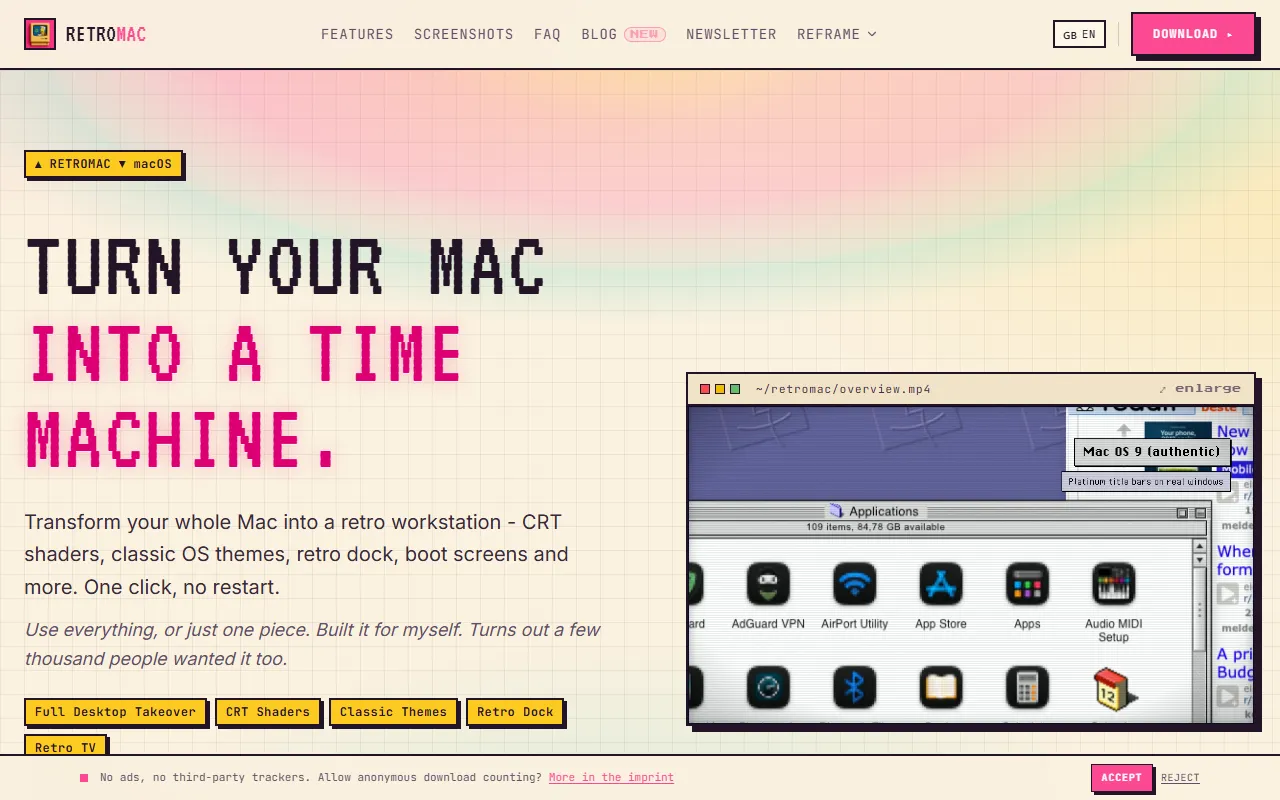
RetroMac is a Video Effects tool that brings retro CRT, VHS, and classic themes to macOS with live shaders and themes. It is available on Windows and macOS. It is aimed at retro computing enthusiasts, designers and developers.
RetroMac is a macOS menu bar app that applies live CRT, VHS, and classic Mac & Windows themes to your screen or a single window. It offers real retro shaders and a variety of retro-themed features for a nostalgic computing experience.
Built for retro computing enthusiasts, designers and developers.
Key capabilities
Features
CRT & Shader Effects
Classic Themes
Retro Dock
Boot Screens & Screensavers
Desktop Widgets & Classic Surfaces
Retro TV & Tube Mode
Launcher, Menu Bar & Hotkeys
Safe & Reversible
Retro Game Library
Retro Glitches & Crashes
Full Theme Takeover
Just a CRT Shader
Use cases
- Apply retro CRT shaders to a single window for nostalgic visual effects
- Use classic Macintosh themes to transform the desktop interface
- Enable retro TV mode to simulate an old television display
- Access retro game library to play classic games on modern macOS
- Simulate retro glitches and crashes for authentic computing experience
- Use safe and reversible changes to experiment with retro themes without permanent system alterations
Who it's for
- Retro Computing Enthusiasts
- Designers
- Developers
Pros & cons
Pros
- Free with optional one-time Pro upgrade
- Supports multiple platforms including macOS and Windows
Cons
No documented limitations yet.
FAQ
What is RetroMac?
RetroMac is a Video Effects tool that brings retro CRT, VHS, and classic themes to macOS with live shaders and themes. RetroMac is a macOS menu bar app that applies live CRT, VHS, and classic Mac & Windows themes to your screen or a single window. It offers real retro shaders and a variety of retro-themed features for a nostalgic computing experience.
What platforms does RetroMac support?
RetroMac is available on Windows and macOS.
Who should use RetroMac?
RetroMac is built for retro computing enthusiasts, designers and developers. Common uses: apply retro CRT shaders to a single window for nostalgic visual effects, use classic Macintosh themes to transform the desktop interface, enable retro TV mode to simulate an old television display and access retro game library to play classic games on modern macOS.
What are the best alternatives to RetroMac?
Similar tools on AiByts include NTSC-RS, DualStream, Screenify Studio, Premation and Flicka.
Details are compiled from RetroMac's website and public sources, last verified Oct 5, 2026. Features and pricing change — confirm on the official site before you buy.
Try RetroMac
Visit the official website
Tags
- CRT Shader
- Retro TV
- Classic Themes
- Retro Glitches
- Retro Game Library
- Retro Dock
Comments
Sign in to join the discussion.