
Tadata
Automates repetitive work in Slack with an AI employee
What is Tadata?
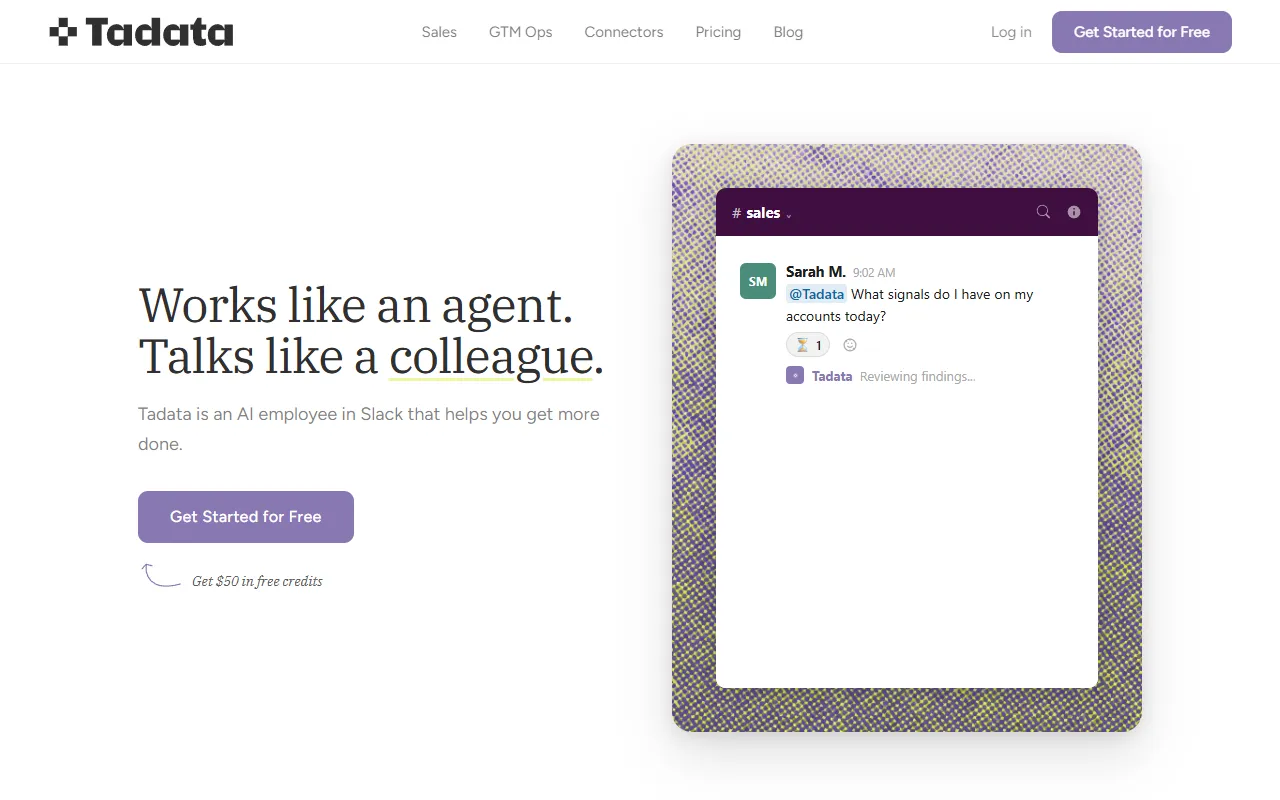
Tadata is an AI Automation tool that automates repetitive work in Slack with an AI employee. Tadata is freemium: it has a free plan plus paid upgrades. It is aimed at teams, researchers and productivity workers.
Tadata automates repetitive tasks and research by acting as an AI employee within Slack. It handles tasks like briefing before opening tabs, noticing repetitive actions, and integrating with various tools. Designed for teams, it streamlines workflows and reduces manual effort.
Built for teams, researchers and productivity workers.
Key capabilities
Features
AI Employee
Acts as an AI employee in Slack
Briefing Before Tabs
Repetition Detection
Notices repetitive tasks and offers to take them
Tool Integration
Integrates with multiple tools and web corners
Model Agnostic
Works with any model without lock-in
Portable Design
Responsibility
Emphasizes responsibility with power
Use cases
- Automate repetitive tasks in Slack
- Brief before opening tabs
- Detect and handle repetitive work
- Integrate with multiple tools
- Use any model without lock-in
- Reduce manual work with an agent
Popular use cases
Who it's for
- Teams
- Researchers
- Productivity Workers
Pros & cons
Pros
- Free plan available
- Credit system for usage
- Custom/enterprise pricing via sales
Cons
No documented limitations yet.
Pricing
Freemium.
| Plan | Price |
|---|---|
| Free | Free |
| Lite | $39 |
| Pro | $149 |
| Scale | $299 |
| Enterprise | Custom |
Integrations
Security & compliance
- Encryption
- Data deletion
As stated on Tadata's website — not independently verified by AiByts.
FAQ
What is Tadata?
Tadata is an AI Automation tool that automates repetitive work in Slack with an AI employee. Tadata automates repetitive tasks and research by acting as an AI employee within Slack. It handles tasks like briefing before opening tabs, noticing repetitive actions, and integrating with various tools. Designed for teams, it streamlines workflows and reduces manual effort.
Is Tadata free?
Tadata has a free plan; advanced features require a paid plan.
How much does Tadata cost?
Tadata offers 5 plans: Free (Free), Lite ($39), Pro ($149), Scale ($299) and Enterprise (Custom).
Who should use Tadata?
Tadata is built for teams, researchers and productivity workers. Common uses: automate repetitive tasks in Slack, brief before opening tabs, detect and handle repetitive work and integrate with multiple tools.
What does Tadata integrate with?
Tadata integrates with Notion, Google Drive, Google Docs, Google Sheets, Gmail, Google Calendar, Outlook and GitHub, among 25 integrations.
What are the best alternatives to Tadata?
Similar tools on AiByts include Kipps AI, Manus, Nex, Tendem by Toloka and Monday CRM (Lexi).
Details are compiled from Tadata's website and public sources, last verified Oct 5, 2026. Features and pricing change — confirm on the official site before you buy.
Try Tadata
Freemium
Comments
Sign in to join the discussion.