

Wispro
Desktop voice dictation assistant that converts speech to formatted text for any Windows app.
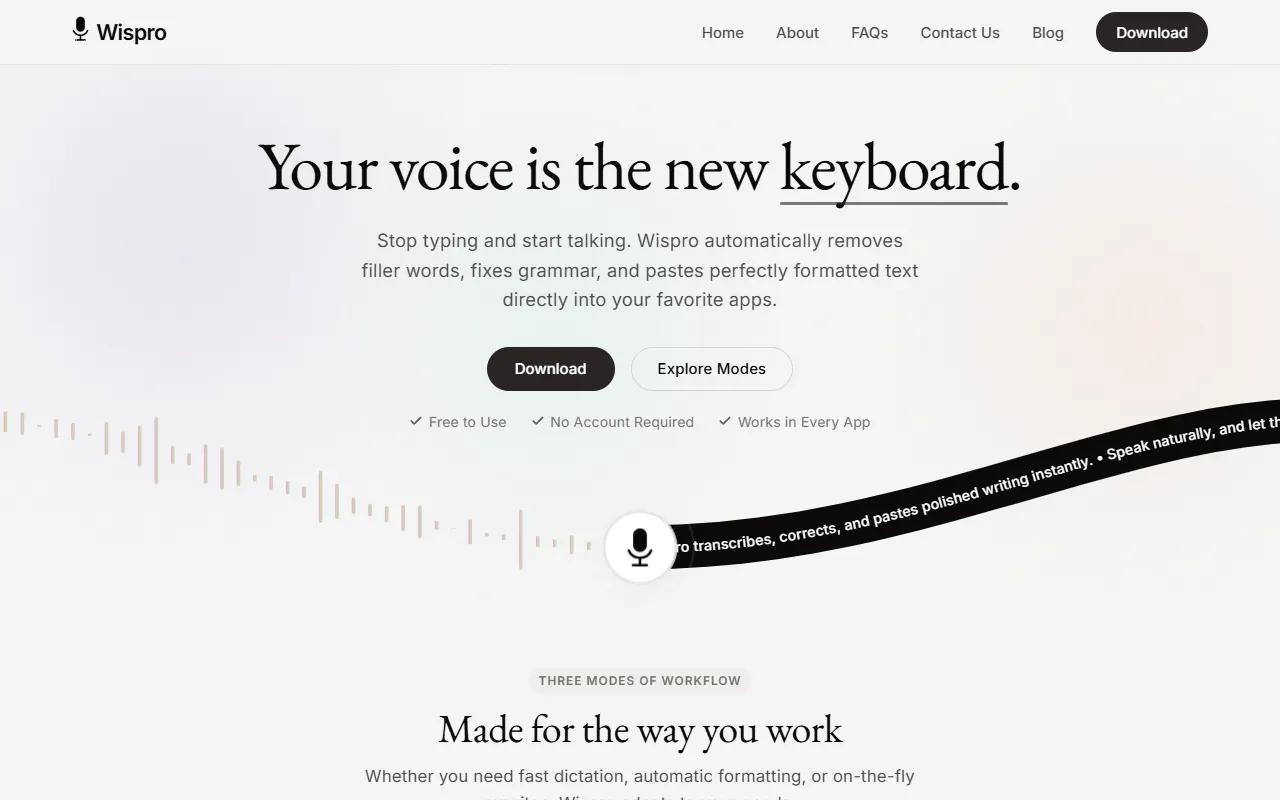
What is Wispro?
Wispro is a Speech to Text tool. Desktop voice dictation assistant that converts speech to formatted text for any Windows app. Wispro is free to use. It is available on Windows and Chrome. It is aimed at professionals, students and writers.
Wispro is a desktop voice dictation assistant that converts natural speech into polished, formatted prose. It can be used in any Windows application, offering features like context awareness and custom formatting rules. Designed for users who need to transcribe speech efficiently.
Built for professionals, students, writers and developers.
Key capabilities
Features
Basic Mode
Command Mode
Voice Snippets
Context Awareness
Custom Formatting Rules
Maximum Privacy
From Thought To Text In Seconds
Trigger
Use cases
- Convert spoken notes into formatted text for documents
- Use voice commands to control and dictate text in any Windows application
- Transcribe meetings or lectures into written notes using context-aware transcription
- Create custom formatting rules for consistent document structure
- Use voice snippets to quickly insert pre-recorded phrases
- Ensure privacy when transcribing sensitive information
Popular use cases
Who it's for
Pros & cons
Pros
- Public API available
- Free plan available
- Supports 100+ languages
Cons
No documented limitations yet.
Pricing
Free.
Developer & API
Public API available
Security & compliance
- Data deletion
As stated on Wispro's website — not independently verified by AiByts.
FAQ
What is Wispro?
Wispro is a Speech to Text tool. Desktop voice dictation assistant that converts speech to formatted text for any Windows app. Wispro is a desktop voice dictation assistant that converts natural speech into polished, formatted prose. It can be used in any Windows application, offering features like context awareness and custom formatting rules. Designed for users who need to transcribe speech efficiently.
Is Wispro free?
Yes, Wispro is free to use.
How much does Wispro cost?
Wispro is free to use.
Does Wispro have an API?
Yes, Wispro offers a public API for building custom integrations.
What platforms does Wispro support?
Wispro is available on Windows and Chrome.
Who should use Wispro?
Wispro is built for professionals, students, writers and developers. Common uses: convert spoken notes into formatted text for documents, use voice commands to control and dictate text in any Windows application, transcribe meetings or lectures into written notes using context-aware transcription and create custom formatting rules for consistent document structure.
What are the best alternatives to Wispro?
Similar tools on AiByts include Rev.ai, AssemblyAI, BlabbyAI, Deepgram and Letterly.
Details are compiled from Wispro's website and public sources, last verified Oct 5, 2026. Features and pricing change — confirm on the official site before you buy.
Try Wispro
Free
Tags
- Voice Dictation
- Speech To Text
- Text Formatting
- Context Awareness
Comments
Sign in to join the discussion.