

Claude Fable 5.2's Wildest Demos: Games, Slides, and Videos
Claude Fable 5.2 is generating one-shot 3D games, polished slide decks, and edited videos. Here's a roundup of the best real demos so far.
MindStudio Blog7 min read
87 stories
Claude Fable 5.2 is generating one-shot 3D games, polished slide decks, and edited videos. Here's a roundup of the best real demos so far.
Follow the demonstrated event-recap workflow: prepare music, interviews and B-roll, review suggested quotes, assemble a rough cut, then refine story and sound.
Follow the demonstrated Creator Mode workflow: silence cleanup, reviewable transcript decisions, approved cuts, and editable captions in Premiere Pro.
A music-video workflow based on the AutoEdit demonstration: organize the song, stack performance takes, synchronize, cut around the beat, and review the first pass.
A practical guide to AI editing in Premiere Pro: connectors, plugins, transcript-driven cuts, music-video assembly, event recaps, and the review each workflow needs.
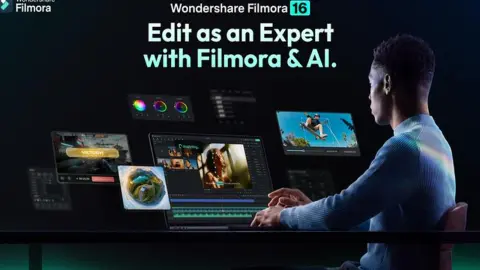
Making great video content does not always call for a camera crew or overtly expensive gear. Here is how we used Wondershare Filmora 16 and smart automation to turn casual phone snaps into a finished, dynamic video clip in minutes.
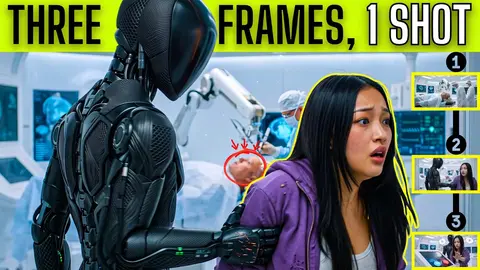
👉 https://higgsfield.ai/s/higgsfield-kling-4-0-yt-ainewsofficial-wjbRmK Try Kling 4.0 on Higgsfield Product page: https://higgsfield.ai/blog/kling-4-0-on-higgsfield What if one AI video generator could hold a scene for a full 30 seconds?
In this video, I will teach you how to edit your YouTube videos with Claude Opus 5.5, using extremely high-quality graphics and motion design templates.
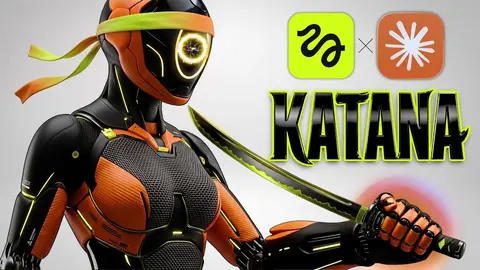
👉 https://higgsfield.ai/s/katana-inside-claude-yt-ainewsofficial-FVOZBm Try Higgsfield Katana in Claude Can Claude AI remake a viral edit that doesn't look AI-generated? AI News puts Higgsfield Katana to the test.
A hands-on look at Claude Motion for generated animation, including the export process, the Premiere Pro handoff, and when ready-made templates are the faster choice.
Free event-recap transitions, film burns, camera effects, mixed-media graphics, titles, and sound design—plus a practical AI rough-cut walkthrough.
A step-by-step guide to syncing performance takes, detecting BPM, cutting to the beat, placing B-roll, and generating an editable music-video first cut.
Use Premiere Pro object masking, nested layers, and free motion-graphics templates to place animated text and icons behind a subject.
A same-footage comparison of silence removal, repeated-take cleanup, editable AI first cuts, captions, free tools, and day-to-day Premiere Pro fit.
Copy a browser image, read it from the clipboard, and add it at the Premiere Pro playhead without the usual download-and-import loop.
A practical tier list of Premiere Pro plugins, browser editors, clipping tools, and AI video workspaces—with direct links to every full comparison.
A source-checked comparison of AutoEdit and FireCut for professional video editors, YouTube teams, and creators choosing an AI editing workflow in 2026.
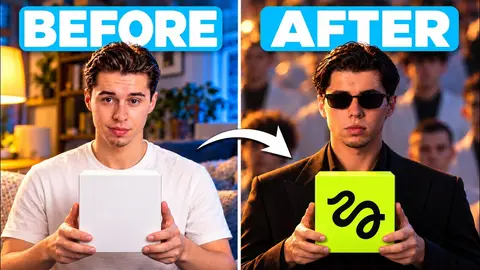
Access Higgsfield Genjutsu 👉 https://roboverse-ai.com/Higgsfield ✅ Sign up to Higgsfield & Get my Bonus Package for FREE 👉 https://higgsbonuspackage.com/ In this video, I put Higgsfield Genjutsu through six tests, including character replacement, alien motion transfer, perfume product swaps,…
Showing 18 of 87 stories
Load more storiesGet the top AI news and tools straight to your inbox every week.
Weekly · AI news
Join 15,000+ AI enthusiasts