Generate Polished Real Estate Listing Materials at a Click
Stop spending hours designing real estate listing materials manually. Automate it with three nocode tools, so all you have to do is hit one button! Learn how in this guide.
31 stories
Stop spending hours designing real estate listing materials manually. Automate it with three nocode tools, so all you have to do is hit one button! Learn how in this guide.
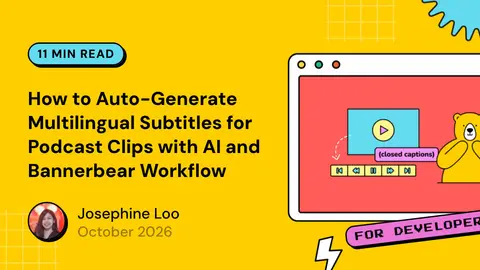
A step-by-step guide to adding multilingual subtitles to podcast clips: transcribe with Whisper, translate with an AI agent, and render with a Bannerbear workflow.
(https://bannerbear.com/) In this tutorial, you'll learn how to set up Bannerbear MCP inside Codex so you can create templates, generate images, and run workflows—just by talking to your AI assistant in plain English.
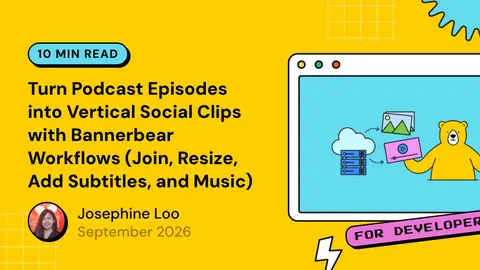
Turn podcast episodes into vertical social clips automatically. Join highlight clips, resize, add subtitles, and music with one Bannerbear Workflow.
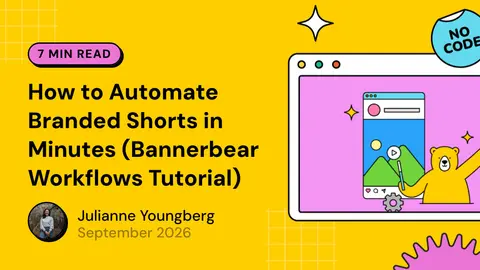
Bannerbear Workflows can help you turn long-form videos into mobile-ready shorts with title animations, branding elements, and subtitles... automatically! Learn how in this guide.
In this tutorial, you'll learn how to connect Bannerbear to ChatGPT using the Model Context Protocol (MCP) — so you can generate and iterate on designs without ever leaving the chat.
Want to generate custom images with Bannerbear without touching the dashboard or writing a single API call?
A lot of behind-the-scenes work goes into a podcast, and that can place solo podcasters at a disadvantage. That's where tools come in. Combining ChatGPT's conversational power with Bannerbear's image generation can help you ship professional marketing assets in minutes.
Competing on features is over, because anyone can build any feature in a weekend now. Here are seven ways a traditional SaaS company can still compete, or pivot in the AI era.
Bannerbear V5 just landed with a major redesign — and the headline feature is Workflows, letting you chain images, animations, and videos together in one automated pipeline.
Bannerbear V5 is here — one API for image generation, animation, video editing tools, and now Workflows.
V5 is here, and with it, plenty of features to help you iterate faster. Responsive templates make resizing a breeze, and the new MCP is enabling you to access Bannerbear in-chat. Workflows keeps multi-step video automation in one app.
Generate images, resize videos, automate multi-step video workflows, and more with the Bannerbear V5 API! This developer guide will walk you through some practical examples with code.
Showing 31 of 31 stories
You're all caught up.
Get the top AI news and tools straight to your inbox every week.
Weekly · AI news
Join 15,000+ AI enthusiasts