
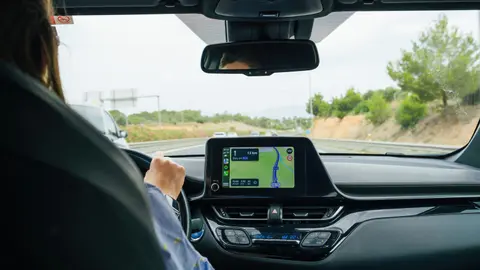
The simple and convenient Apple Maps feature every CarPlay user should know about
Apple Maps has plenty of useful features - some big, some small. This particular feature is relatively minor but can prove very useful indeed.
Engadget2 min read
8 stories
Apple Maps has plenty of useful features - some big, some small. This particular feature is relatively minor but can prove very useful indeed.
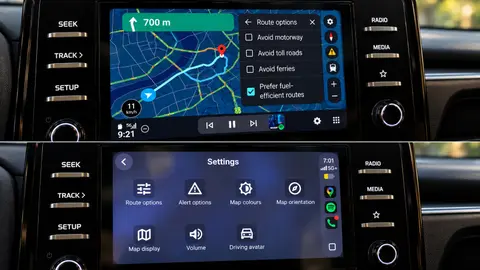
You would think that Maps would be the same regardless of your phone's brand, but there are some differences between the Android Auto and CarPlay experiences.

The HomeView won't have its own App Store, but there's another method for using compatible third-party apps on the display.
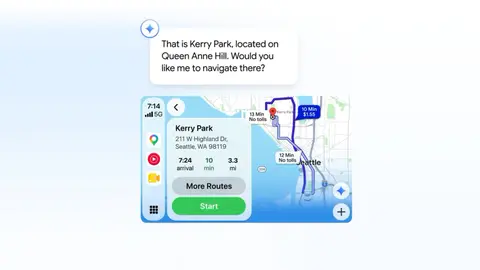
If you're one of the many CarPlay users who prefers Google Maps for navigation, Google has begun rolling out a small but meaningful update for the iOS version of Maps. Now you can use the company's conversational driving experience, Gemini in navigation, through CarPlay.
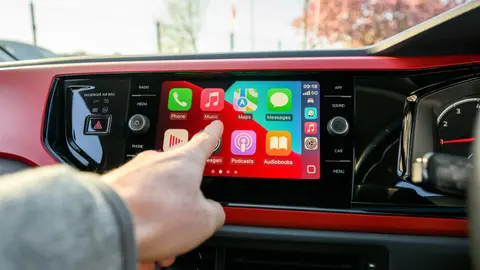
With the release of iOS 27, car owners with CarPlay support can enjoy lots of cool new features. However, not all iPhone models are able to support them all.
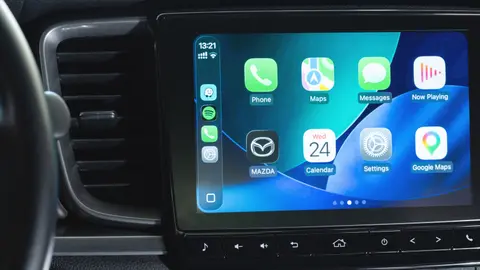
CarPlay and Android Auto do a great job of projecting your phone onto your vehicle's dash. However, certain stresses can cause it to overheat and play up.
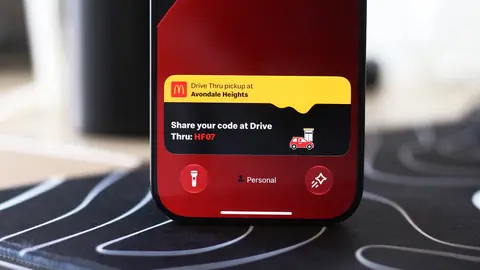
Live Activities put the most important real-time information from apps in a place where it's easy to keep an eye on.
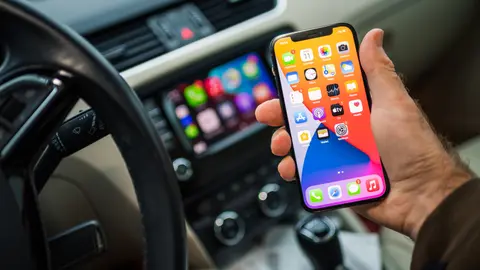
CarPlay's widgets let you check info quickly, which is a great option for apps that aren't otherwise supported.
Showing 8 of 8 stories
You're all caught up.
Get the top AI news and tools straight to your inbox every week.
Weekly · AI news from Engadget
Join 15,000+ AI enthusiasts