
Teach Superscribe the Names It Gets Wrong
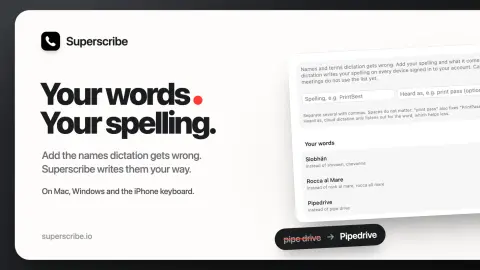
Add the names and terms dictation keeps getting wrong, and what it hears instead. Superscribe then writes your spelling on Mac, Windows and the iPhone keyboard.
Superscribe Blog3 min read
8 stories
Add the names and terms dictation keeps getting wrong, and what it hears instead. Superscribe then writes your spelling on Mac, Windows and the iPhone keyboard.
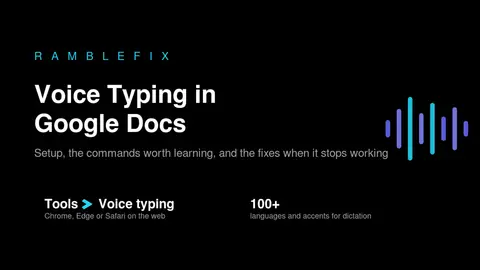
Turn on voice typing in Google Docs, learn the shortcut and commands, use it on your phone, and fix it when it's greyed out or silent.
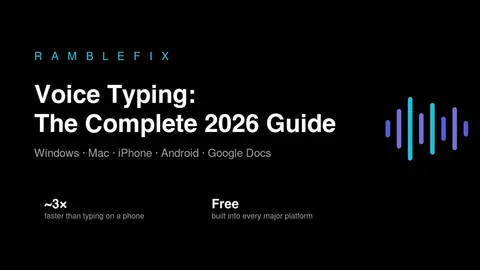
How to use voice typing on Windows, Mac, iPhone, Android and Google Docs, how fast and accurate it really is, and what to do when it stops working.
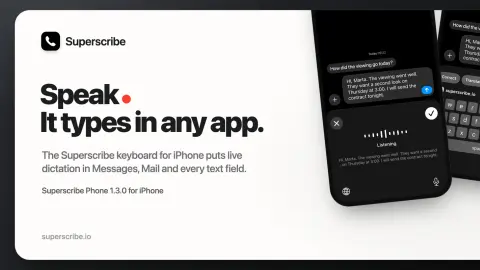
The Superscribe keyboard brings live dictation to Messages, Mail, Notes and the other apps on your iPhone, like the desktop app does on a computer.
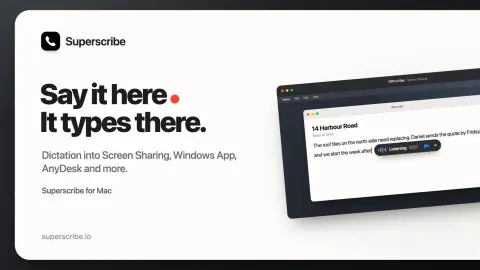
Superscribe for Mac now types what you say into Screen Sharing, Windows App, AnyDesk, TeamViewer and other remote desktops, plus last week's fixes.
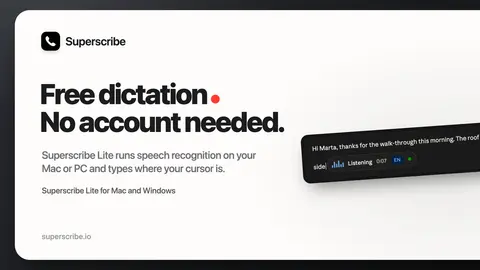
Superscribe Lite is free offline dictation for Mac and Windows. It needs no account, runs speech recognition locally and types where your cursor is.
Turn any voice note into clean text — free built-in methods, transcription apps, and how to get organized writing instead of a raw transcript.
Dictation got accurate years ago. What still costs you time is turning a rambling transcript into something you'd actually send — and that's the part worth fixing.
Showing 8 of 8 stories
You're all caught up.
Get the top AI news and tools straight to your inbox every week.
Weekly · AI news
Join 15,000+ AI enthusiasts