How to Test HTML Email in Outlook and Catch What Breaks
How to test HTML email in Outlook without paying for a rendering service: which Outlook versions actually matter, a free test ladder and what to check on every render.
31 stories
How to test HTML email in Outlook without paying for a rendering service: which Outlook versions actually matter, a free test ladder and what to check on every render.
The best AI tools for email marketing, tested and ranked by use case. Compare design, copy, automation, and send-time AI across 9 platforms plus how to choose.
Learn how AI email design works, which tools deliver, and how to keep AI output on-brand and dark-mode-safe. A practical guide for marketers.
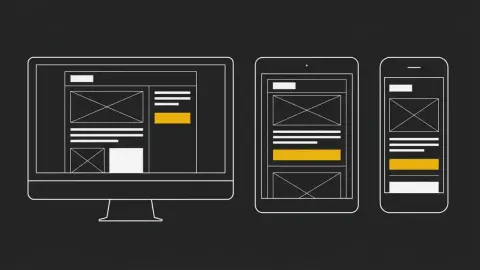
Build responsive emails that hold up on any screen and in dark mode. A step-by-step guide to the fluid table backbone, media queries, and testing.
Stop AI-generated email HTML breaking in Outlook. 8 rules — table layout, inline CSS, VML buttons, dark mode — to encode in your prompt before you send.
Nine checks a system should catch for you. One only you can. The email QA checklist that stops a broken send before it reaches a single subscriber.
Learn how to make a custom editable Mailchimp template with mc:edit regions in the Classic editor, so marketers can swap headlines, images, and cards.
Copy a mobile responsive email template that holds its shape on any screen—even when Gmail strips your styles. Free HTML code, no media queries needed.
See exactly which styles to inline and which to leave in a style block, so your email renders the same in Gmail, Outlook, Apple Mail, and mobile.
Outlook collapses email buttons to clickable text. Build bulletproof buttons with copy-paste VML + anchor code that work everywhere, even in dark mode.
Your email looks perfect everywhere but Outlook? Blame the Word engine. Here are 6 structural fixes for rounded buttons, broken layouts, and image gaps.
AI can write HTML email that actually sends—if a system handles Outlook, dark mode, fonts, and compliance for you. See the failures, the fixes, and try it free.
Most AI emails look cheap because the model is guessing. See the 6 context layers that make AI email marketing actually usable — and the failure modes to avoid.
Showing 31 of 31 stories
You're all caught up.
Get the top AI news and tools straight to your inbox every week.
Weekly · AI news
Join 15,000+ AI enthusiasts