
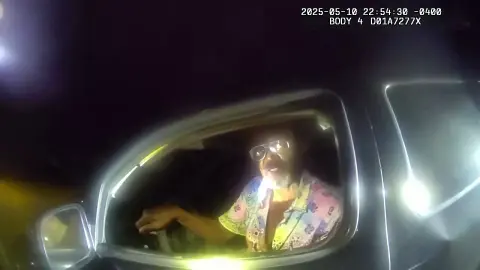
How to Do the Stop Sign AI Meme with One Photo
Make the Stop Sign AI meme from one photo in Oakgen. Follow the driver dialogue, keep the listening pauses, and check your face and audio before downloading.
OakGen Blog7 min read
260 stories
Make the Stop Sign AI meme from one photo in Oakgen. Follow the driver dialogue, keep the listening pauses, and check your face and audio before downloading.
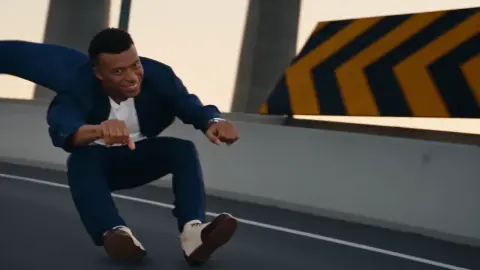
Compare the two Hover Chase source cuts by framing, action coverage and the rider-pursuer relationship before choosing a version.
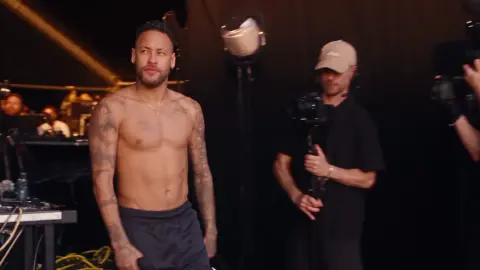
Separate the original Lil Yachty stage walkout, the Joker meme adaptation and the Neymar reference recreation before making your own entrance.
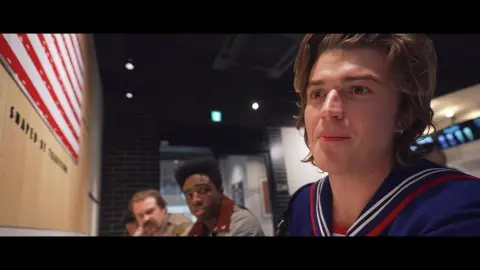
Understand the I Be Thinking Bout My Bills AI trend, its DDG reaction aliases and 13-second scene beats, then plan a clear three-person recreation in Oakgen.
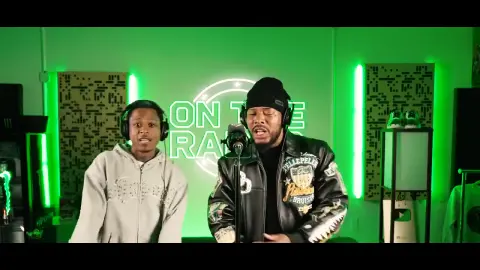
Compare a fitted booth video, a moving crop and a two-shot layout so both On The Radar performers remain readable on a vertical screen.
Build a two-person booth performance around a clear relationship, with a lead, a hype partner and a joke that survives without an explanation.
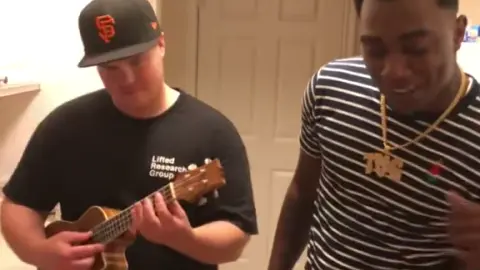
Make the Oouuh ukulele AI duet with two photos in Oakgen. Assign player and singer, follow the kitchen reference, and review motion and audio before sharing.
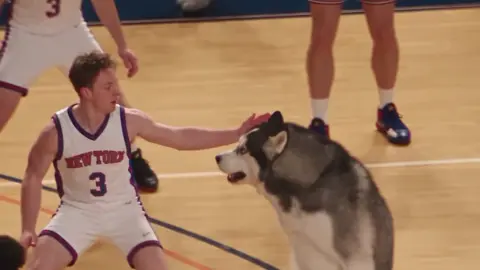
Identify the JMSN Love Me soundtrack in the basketball dog reel, distinguish the supplied remake from its motion source, and recognize the complete scene.
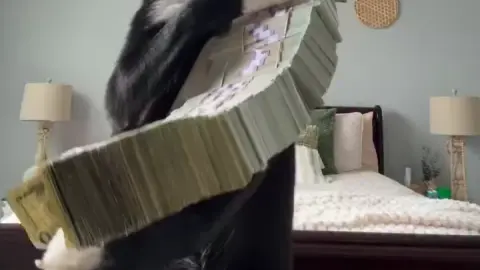
Identify Beretta in the cash-flex dog reel and compare the matching human performance. Learn which scene details match and what creator attribution remains unknown.
Choose two Hover Chase AI photos and review the rider, pilot, close-ups, and stunt continuity. Diagnose casting and crop problems before another Oakgen attempt.
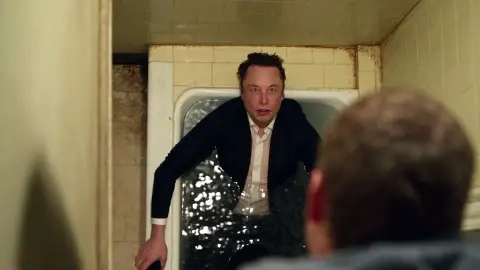
Review the bathroom sequence with a scene-specific checklist for gravity changes, returning faces, hand contact and the final bathtub action.
Make a Crazy Frog style Hover Chase in Oakgen with two photos. Cast the lead and pursuing pilot, check the full scene, and keep both characters recognizable.
Assign the two bathroom-fight roles deliberately and review each return to a face, from bathtub close-ups to the final struggle.
Build a clearly fictional bathroom-fight comedy with a small disagreement, readable roles and a payoff that does not need extra generated shots.
Review an AI basketball dunk for face continuity, ball contact, defender overlap and a complete finish. Separate input problems from editing mistakes.
Check a cash-flex AI result for grip continuity, changing money bundles and face consistency after occlusion. Includes a practical review log.
Choose and assign three DDG Bills photos without mixing up the cast. Use Oakgen's role map and review checklist to diagnose face drift and dialogue timing.
Compare Crazy Frog AI trend endings, shot timing and chase roles in Oakgen’s Landscape and Portrait references, with scene maps for planning your own video.
Showing 198 of 260 stories
Load more storiesGet the top AI news and tools straight to your inbox every week.
Weekly · AI news
Join 15,000+ AI enthusiasts