

Annotate
Record screen, point, and speak for AI prompts
What is Annotate?
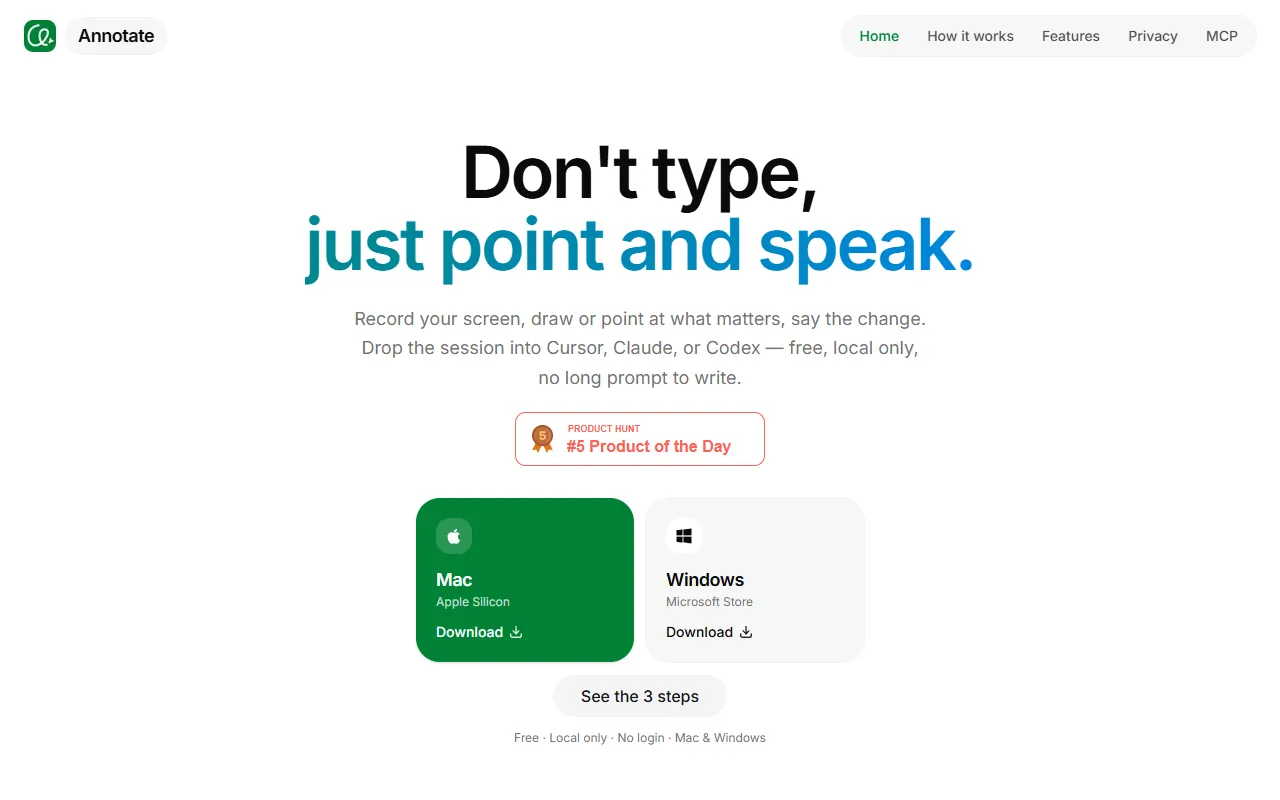
Annotate is a Screen Recording tool. Record screen, point, and speak for AI prompts. It is available on Windows and macOS. It is aimed at developers and ai agents users.
Records screen, allows pointing and speaking, and hands off to AI agents. Designed for clear intent with fewer tokens and direct handoff. Runs locally on Mac without uploading data.
Built for developers and ai agents users.
Key capabilities
Features
Record Screen
Captures screen activity for AI prompts
Point and Speak
Handoff to Agent
Local Processing
Keeps data on Mac without uploading
Clear Intent
Reduces tokens by clarifying user intent
UI Marking
Use cases
- Record screen for AI agent prompts
- Point and speak during screen recording
- Hand off recorded data to AI agents
Who it's for
- Developers
- AI Agents Users
Pros & cons
Pros
- Local processing without data upload
- Direct handoff to AI agents
Cons
No documented limitations yet.
Integrations
FAQ
What is Annotate?
Annotate is a Screen Recording tool. Record screen, point, and speak for AI prompts. Records screen, allows pointing and speaking, and hands off to AI agents. Designed for clear intent with fewer tokens and direct handoff. Runs locally on Mac without uploading data.
What platforms does Annotate support?
Annotate is available on Windows and macOS.
Who should use Annotate?
Annotate is built for developers and ai agents users. Common uses: record screen for AI agent prompts, point and speak during screen recording and hand off recorded data to AI agents.
What does Annotate integrate with?
Annotate integrates with Anthropic.
What are the best alternatives to Annotate?
Similar tools on AiByts include Pane Studio (Beta), Supercut, FocuSee, Highlight Studio and Flicka.
Details are compiled from Annotate's website and public sources, last verified Oct 5, 2026. Features and pricing change — confirm on the official site before you buy.
Try Annotate
Visit the official website
Tags
- AI Agent Prompting
- UI Marking
Comments
Sign in to join the discussion.