

Pane Studio (Beta)
Professional screen recorder for Windows 10 and 11 with automatic zoom and cinematic animations.
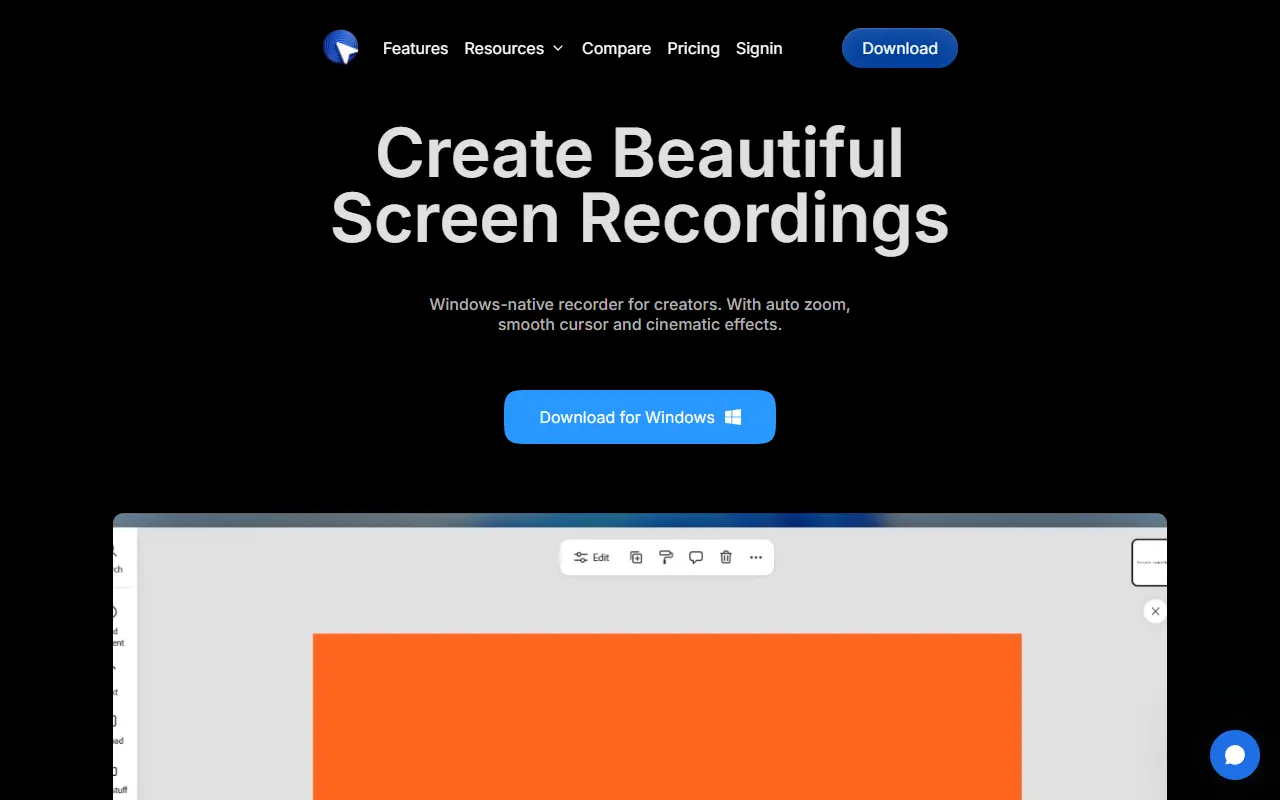
What is Pane Studio (Beta)?
Pane Studio (Beta) is a Screen Recording tool. Professional screen recorder for Windows 10 and 11 with automatic zoom and cinematic animations. Pane Studio (Beta) is free to use. A free trial is available. It is available on Windows. It is aimed at educators and content creators.
Pane Studio is a Windows-native screen recorder designed for creating polished product demos, tutorials, and course videos. It offers automatic zoom, smooth cursor effects, and cinematic animations without requiring post-editing. The tool is positioned as an alternative to professional screen studios.
Built for educators and content creators.
Key capabilities
Features
High-res Export
Smooth Zoom Effects
Beautiful Backgrounds
Crop and Frame Adjustment
Cut and Speed Control
Aspect Ratio Switching
Shadow and Padding Controls
Post-recording Cursor Editing
Cursor Size Adjustment
Cursor Motion Smoothing
Camera Layouts
Use cases
- Create product demos with automatic zoom and cinematic animations
- Produce tutorials and course videos with smooth cursor effects
- Generate professional-looking screen recordings without post-editing
Who it's for
Pros & cons
Pros
- Free plan available
- Free trial available
Cons
No documented limitations yet.
Pricing
Free. Free trial available.
| Plan | Price |
|---|---|
| Free | Free |
FAQ
What is Pane Studio (Beta)?
Pane Studio (Beta) is a Screen Recording tool. Professional screen recorder for Windows 10 and 11 with automatic zoom and cinematic animations. Pane Studio is a Windows-native screen recorder designed for creating polished product demos, tutorials, and course videos. It offers automatic zoom, smooth cursor effects, and cinematic animations without requiring post-editing. The tool is positioned as an alternative to professional screen studios.
Is Pane Studio (Beta) free?
Yes, Pane Studio (Beta) is free to use.
How much does Pane Studio (Beta) cost?
Pane Studio (Beta) offers one plan: Free (Free).
What platforms does Pane Studio (Beta) support?
Pane Studio (Beta) is available on Windows.
Who should use Pane Studio (Beta)?
Pane Studio (Beta) is built for educators and content creators. Common uses: create product demos with automatic zoom and cinematic animations, produce tutorials and course videos with smooth cursor effects and generate professional-looking screen recordings without post-editing.
What are the best alternatives to Pane Studio (Beta)?
Similar tools on AiByts include Supercut, FocuSee, Flicka, Dina and Glideo.
Details are compiled from Pane Studio (Beta)'s website and public sources, last verified Oct 5, 2026. Features and pricing change — confirm on the official site before you buy.
Try Pane Studio (Beta)
Free
Tags
- 4K Export
- Smooth Zoom
- Cinematic Animations
Comments
Sign in to join the discussion.