
Glideo
Free macOS screen recorder for product demos and dev tools
What is Glideo?
Glideo is a Screen Recording tool. Free macOS screen recorder for product demos and dev tools. Glideo is free to use. It is available on macOS. It is aimed at product developers, tech marketers and content creators.
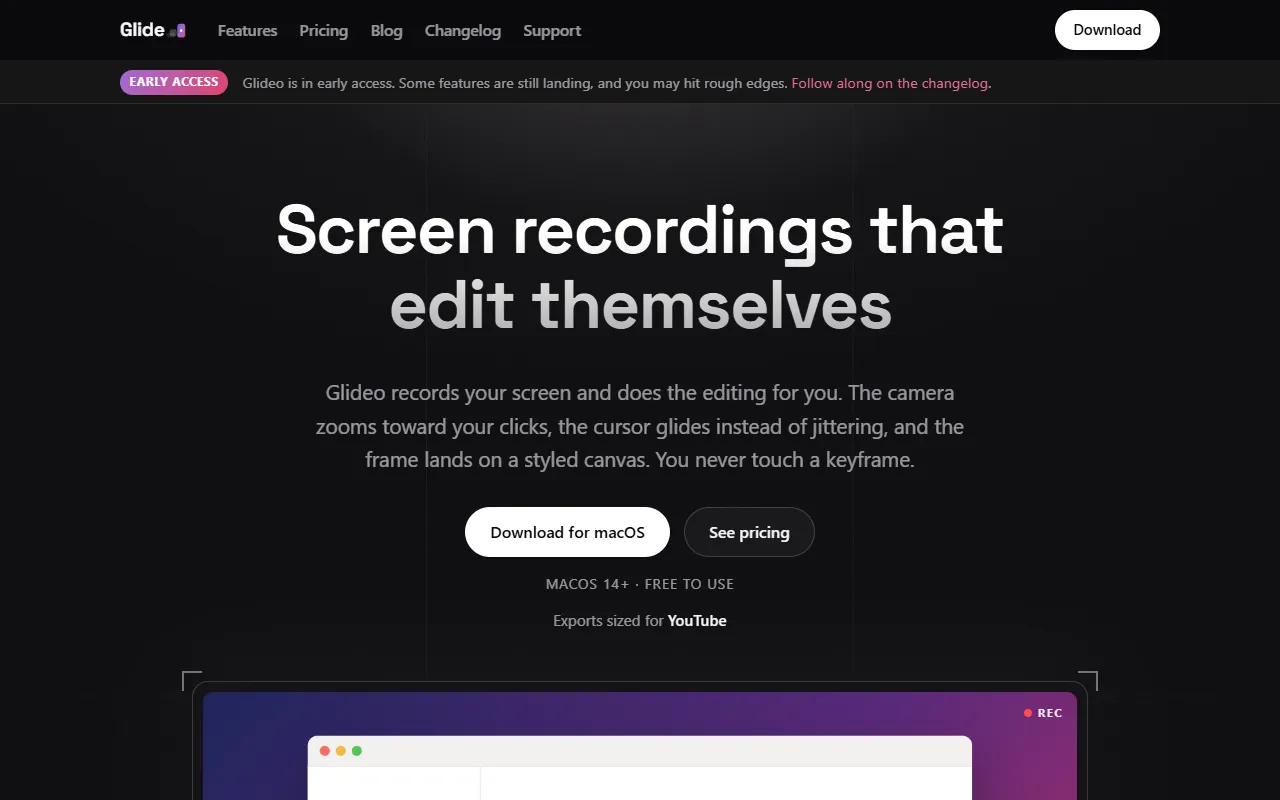
Glideo is a free macOS screen recorder designed for creating polished demo videos. It automatically zooms and pans based on user clicks, eliminating the need for keyframing. The tool offers features like cursor smoothing, styled canvas, and offline editing.
Built for product developers, tech marketers and content creators.
Key capabilities
Features
Automatic Zoom And Pan
Automatically zooms and pans based on user clicks
Cursor Smoothing
Styled Canvas
Provides backgrounds, padding, and shadows
Editable Motion
Allows editing of zoom timeline without keyframes
Reopenable Projects
Private By Design
Offline Editing
No internet required for editing
No Watermark
Use cases
- Create polished demo videos for product presentations
- Record and edit screen activities for developer tools
- Produce YouTube videos in 16:9 and 9:16 formats
- Generate TikTok and Reels content
Popular use cases
Who it's for
- Product Developers
- Tech Marketers
- Content Creators
Pros & cons
Pros
- Free plan available
- No watermark on exports
- Fully offline operation
- Supports 4K output
Cons
No documented limitations yet.
Pricing
Free.
| Plan | Price |
|---|---|
| Individual | Free |
| Enterprise | Custom |
FAQ
What is Glideo?
Glideo is a Screen Recording tool. Free macOS screen recorder for product demos and dev tools. Glideo is a free macOS screen recorder designed for creating polished demo videos. It automatically zooms and pans based on user clicks, eliminating the need for keyframing. The tool offers features like cursor smoothing, styled canvas, and offline editing.
Is Glideo free?
Yes, Glideo is free to use.
How much does Glideo cost?
Glideo offers 2 plans: Individual (Free) and Enterprise (Custom).
What platforms does Glideo support?
Glideo is available on macOS.
Who should use Glideo?
Glideo is built for product developers, tech marketers and content creators. Common uses: create polished demo videos for product presentations, record and edit screen activities for developer tools, produce YouTube videos in 16:9 and 9:16 formats and generate TikTok and Reels content.
What are the best alternatives to Glideo?
Similar tools on AiByts include Pane Studio (Beta), Snapr, Stanley Studio, FocuSee and Based AI.
Details are compiled from Glideo's website and public sources, last verified Oct 5, 2026. Features and pricing change — confirm on the official site before you buy.
Try Glideo
Free
Tags
- Auto Zoom
- Cursor Smoothing
- Styled Canvas
- Editable Motion
- 16:9 Export
- 4K Output
Comments
Sign in to join the discussion.