
Assist
Clipboard history, notes, and focus timers for macOS 14+
What is Assist?
Assist is a Time Management tool. Clipboard history, notes, and focus timers for macOS 14+. It is available on macOS. It is aimed at mac users and productivity enthusiasts.
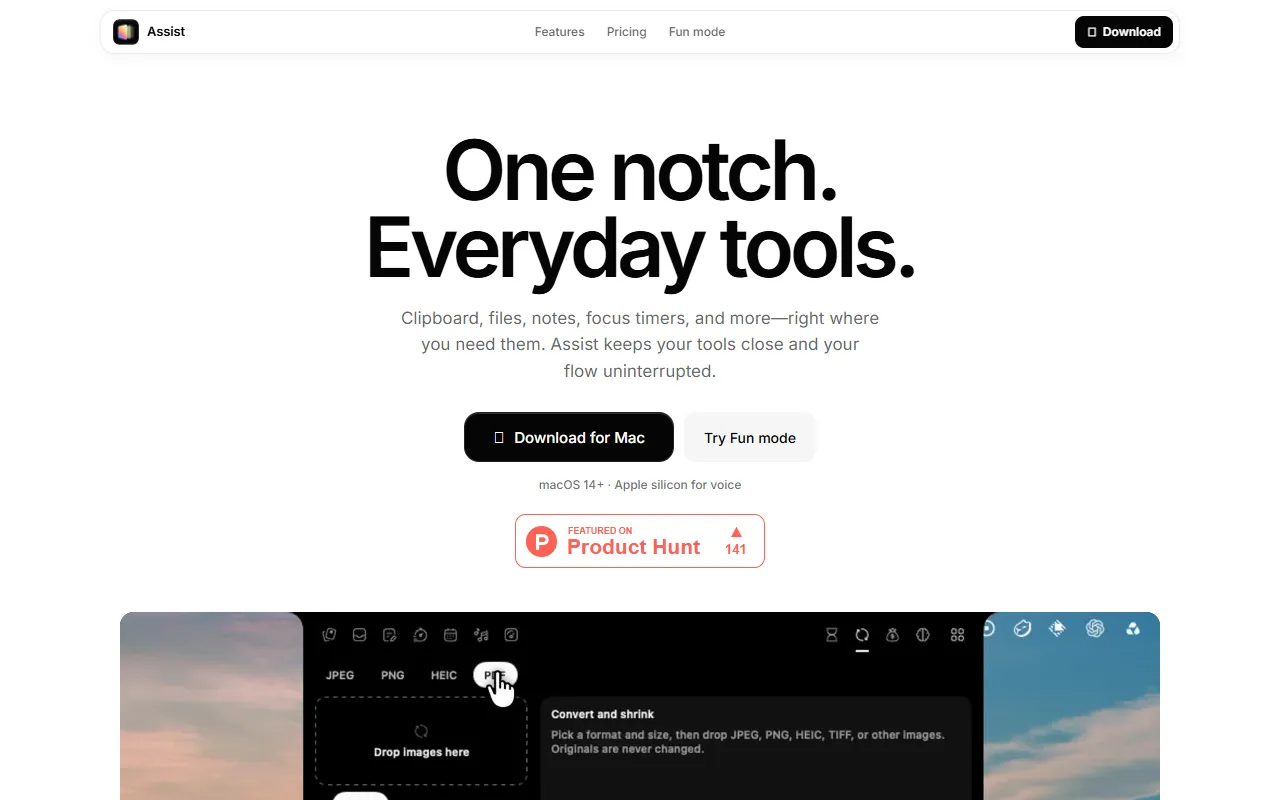
Assist for Mac offers clipboard history, quick notes, focus timers, and a file shelf in the Mac notch. It includes screenshot capture, annotation, and local storage. Designed for productivity on macOS 14+.
Built for mac users and productivity enthusiasts.
Key capabilities
Features
Clipboard History
Stores copied text, links, and images locally
Screenshot Capture
Captures full-screen images with keyboard shortcuts
Screenshot Editing
Edits screenshots with crop, blur, and backdrops
Voice Annotation
Annotates screens using voice commands
Local Transcription
Uses local Whisper model for speech-to-text
File Shelf
Stores files in the Mac notch
Quick Notes
Focus Timers
Tracks focus time and hydration
Calendar Integration
Use cases
- Capture full-screen screenshots using keyboard shortcuts
- Edit screenshots with crop and blur tools
- Annotate screens using voice commands
- Transcribe speech to text locally
- Store files in the Mac notch
- Track focus time and hydration with timers
Popular use cases
Who it's for
Pros & cons
Pros
- Local-first storage for privacy
- No internet required for transcription
Cons
No documented limitations yet.
FAQ
What is Assist?
Assist is a Time Management tool. Clipboard history, notes, and focus timers for macOS 14+. Assist for Mac offers clipboard history, quick notes, focus timers, and a file shelf in the Mac notch. It includes screenshot capture, annotation, and local storage. Designed for productivity on macOS 14+.
What platforms does Assist support?
Assist is available on macOS.
Who should use Assist?
Assist is built for mac users and productivity enthusiasts. Common uses: capture full-screen screenshots using keyboard shortcuts, edit screenshots with crop and blur tools, annotate screens using voice commands and transcribe speech to text locally.
What are the best alternatives to Assist?
Similar tools on AiByts include Dayflow, AI for Productivity, Clockk, Keepresso and Operations.
Details are compiled from Assist's website and public sources, last verified Oct 6, 2026. Features and pricing change — confirm on the official site before you buy.
Try Assist
Visit the official website
Tags
- Clipboard History
- Screenshot Capture
- Voice Annotation
- Local Transcription
- File Shelf
- Quick Notes
- Focus Timers
Comments
Sign in to join the discussion.