

Clipto
Transforms media into searchable AI memory for organization and understanding.
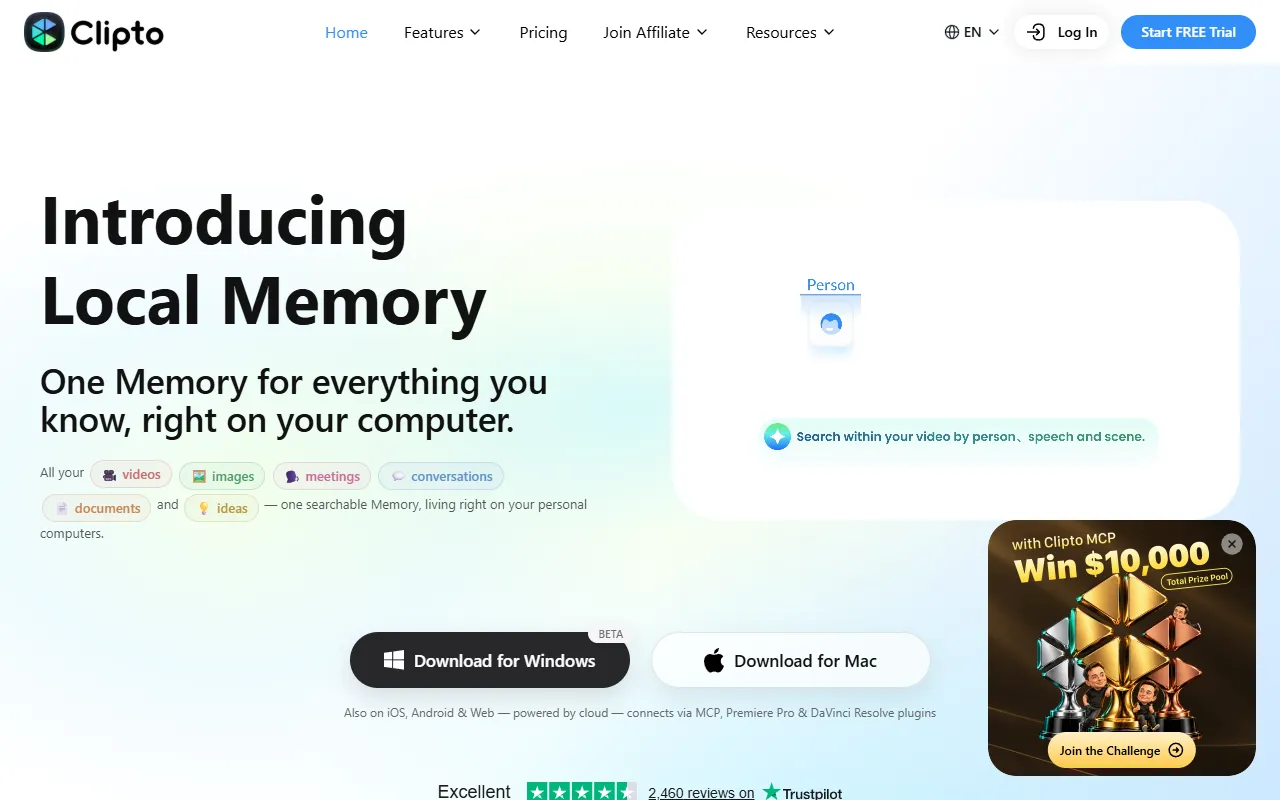
What is Clipto?
Clipto is a Media Generation tool that transforms media into searchable AI memory for organization and understanding. Clipto is a paid tool. A free trial is available. It is available on Windows and macOS. It is aimed at content creators and media professionals.
Clipto helps transcribe, organize, search, and understand media using AI tools. It allows users to build a lasting memory of their content for continuous use across AI applications.
Built for content creators and media professionals.
Key capabilities
Features
Searchable AI Memory
Organizes and makes media searchable through AI tools.
Local Storage
Stores media locally for privacy and accessibility.
Cross-Platform Integration
Integrates with tools like Salesforce and Adobe Premiere Pro.
Use cases
- Transcribe audio and video files for easier access and organization
- Organize large media collections using AI-powered search features
- Build a lasting memory of content for use across multiple AI applications
Popular use cases
Who it's for
- Content Creators
- Media Professionals
Pros & cons
Pros
- Public API available
Cons
- No free plan available
Pricing
Paid. Free trial available.
| Plan | Price |
|---|---|
| Pro | $9.99 |
Integrations
- Salesforce
- Adobe Premiere Pro
- DaVinci Resolve
- PayPal
Developer & API
Public API available
Security & compliance
- Encryption
- Data deletion
As stated on Clipto's website — not independently verified by AiByts.
FAQ
What is Clipto?
Clipto is a Media Generation tool that transforms media into searchable AI memory for organization and understanding. Clipto helps transcribe, organize, search, and understand media using AI tools. It allows users to build a lasting memory of their content for continuous use across AI applications.
Is Clipto free?
No, Clipto is a paid tool. A free trial is available.
How much does Clipto cost?
Clipto offers one plan: Pro ($9.99).
Does Clipto have an API?
Yes, Clipto offers a public API for building custom integrations.
What platforms does Clipto support?
Clipto is available on Windows and macOS.
Who should use Clipto?
Clipto is built for content creators and media professionals. Common uses: transcribe audio and video files for easier access and organization, organize large media collections using AI-powered search features and build a lasting memory of content for use across multiple AI applications.
What does Clipto integrate with?
Clipto integrates with Salesforce, Adobe Premiere Pro, DaVinci Resolve and PayPal.
What are the best alternatives to Clipto?
Similar tools on AiByts include CustomPod.io, Playbook, WaveSpeed, Plask and Whip.
Clipto news & updates
PR – Clipto at VidSummit 2026: Helping Creators Unlock the Value of Their Content
From September 29 to October 1, VidSummit 2026 brought the global video creator community together in the Dallas area of Texas. Now in its 13th year, the annual conference welcomed approximately 3,000–4,000 creators and industry professionals for more than 100 keynotes, panel discussions, and…
Clipto Blog3 min read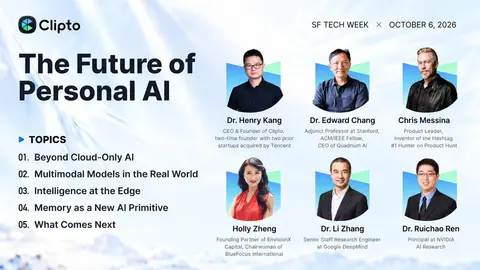
PR – The Future of Personal AI: A Night of Conversation at SF Tech Week
What happens when AI can see, hear, remember — and work closer to the people who use it? On October 6, during SF Tech Week, Clipto hosted The Future of Personal AI: On-Device Intelligence in San Francisco.
Clipto Blog3 min read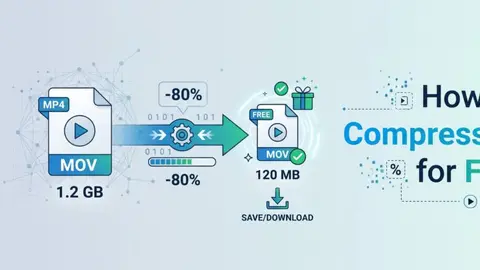
[Complete Guide] How to Compress a Video for Free with 10 Best Video Compressors
Looking for the best video compressor to reduce video file size without losing quality? Whether you want to share videos online for Discord, YouTube, WhatsApp, send them via email, save storage space, or upload files faster, choosing the right tool can make a difference.
Clipto Blog11 min read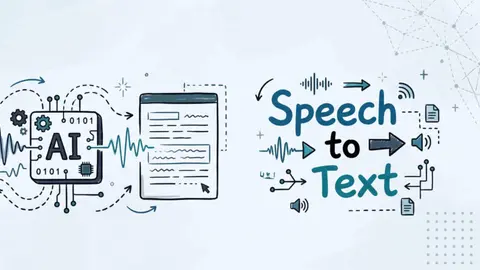
8 Best Private & Online Speech to Text Converters
Speech-to-text tools turn audio into text quickly and accurately, helping you move beyond simple dictation and work with different types of audio content.
Clipto Blog15 min read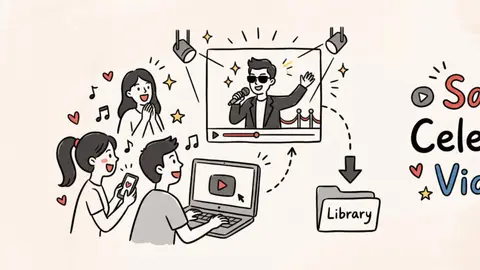
How to Save Celebrity Videos Online and Offline: 5 Easy Methods
Whether it’s a red carpet interview you keep replaying or a viral performance clip you never want to lose, chances are there are plenty of celebrity videos online you would like to keep.
Clipto Blog10 min read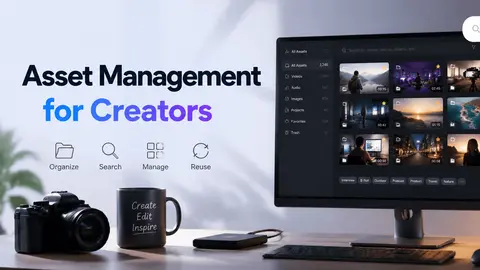
Asset Management for Creators: How to Organize and Search Your Footage
Here’s something nobody tells you about building a growing content library: the clip you need is often already on your Mac, you just can’t find it. The reason? Footage has been scattered across project folders, external drives, and files with names that stopped making sense weeks ago.
Clipto Blog10 min read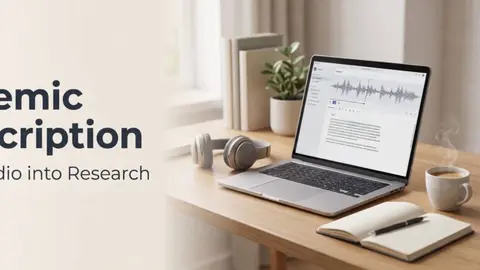
[Complet Guide] Academic Transcription: What It Is, Benefits, and How to Get Started
Taking notes during lectures is something many students struggle with. It can feel stressful and means they can’t fully engage with the class while trying to capture every important point.
Clipto Blog6 min read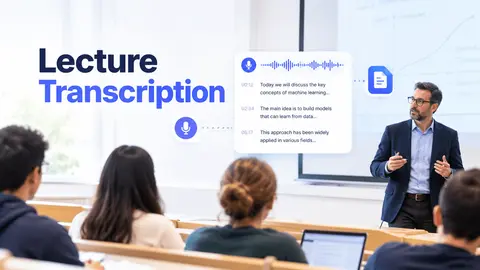
How Lecture Transcription Turns Classes into Notes
You open your notes after class and see a few keywords, but can’t recall how the professor connected them. Lecture transcription helps you fill those gaps without replaying the entire recording. A transcript turns live classes and saved audio or video lectures into searchable text.
Clipto Blog6 min read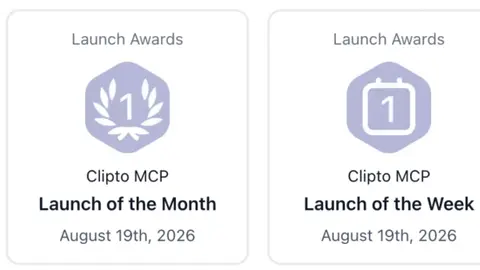
Clipto MCP Tops Product Hunt’s Monthly Rankings
Giving AI agents the ability to understand and work with your local videos, audio, and images. Clipto.AI (Clipto), a global AI company, recently launched Clipto MCP, which ranked No. 1 Product of the Month on Product Hunt for August 2026 and also took the top spot for the week.
Clipto Blog4 min read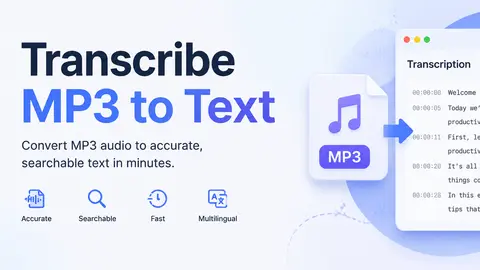
Everything You Need to Know to Transcribe MP3 to Text
Transcribe MP3 to text – two simple actions that may seem separate at first, but are actually closely connected. With the rapid growth of audio content online, the need to quickly convert MP3 to text and create accurate transcripts has become more important than ever.
Clipto Blog8 min read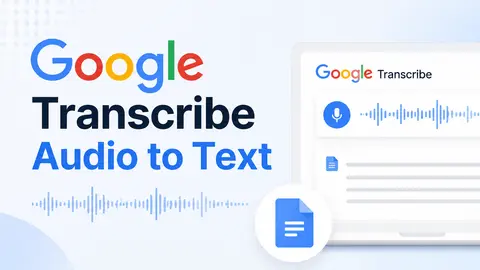
[Complete Guide] Google Transcribe Audio to Text
People need transcripts for all kinds of reasons. You may be taking notes from an important meeting, recording an interview, saving details from a lecture, or trying to keep track of what was said in a presentation.
Clipto Blog13 min read
Can ChatGPT Transcribe Audio? Everything You Need to Know
Can ChatGPT transcribe audio? Yes, sometimes. It mainly depends on the way you use it: Record Mode, file upload, or an audio model / Whisper setup. ChatGPT is fine when you only need something quick. The problem starts when transcripts pile up inside different chats. One file is easy.
Clipto Blog10 min read
[5 Easy Ways] How to Transcribe Audio to Text Online Free
Need to know how to transcribe audio to text online free for a call, meeting, webinar, podcast, or voice memo? It’s easier than ever, thanks to a range of AI tools and built-in features.
Clipto Blog10 min read
Transcribe Audio to Text Free Online or Locally – 8 AI Speech-to-Text Converter
Learning how to transcribe audio to text helps you turn interviews, podcasts, lectures, meetings, voice notes, and videos into searchable, editable content.
Clipto Blog11 min read
[Complete Guide] How to Record a Zoom Meeting
Record a Zoom meeting includes capturing all of the audio, video and shared content from an online meeting for review, sharing and future use. Meetings are no longer simply conversations; they are the source of information, ideas, and decisions in the remote world today.
Clipto Blog6 min read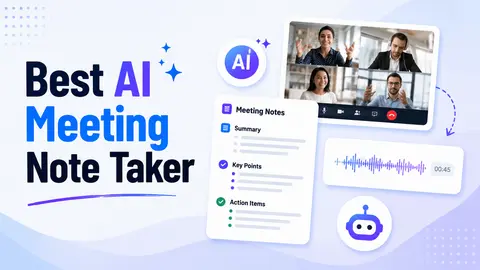
Best AI Meeting Note Taker: Turn Meetings into Actionable Insights
Decisions occur during meetings, but the details will be missed. An attempt to listen, think and take notes simultaneously usually results in incomplete or incoherent records.
Clipto Blog9 min read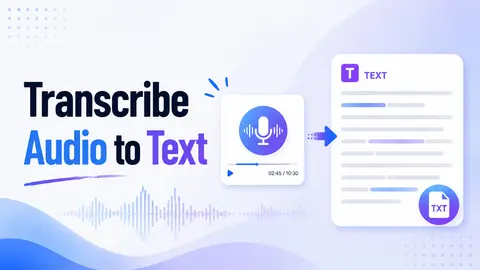
How to Transcribe Audio to Text: Step-by-Step Guide
If you want to find some details from a long meeting, interview or class recording, it’s really annoying to drag the progress bar repeatedly, and it’s easy to miss the original words you need. But if you transcribe audio to text, you can directly search for names, key points and citations.
Clipto Blog10 min read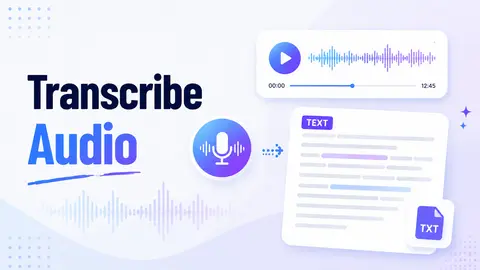
How to Transcribe Audio to Text: Complete Audio Transcription Guide
Meeting recordings, interviews, classes, voice memos, podcasts… These things accumulate very quickly, especially when you still need to find quotations, take notes, add subtitles or leave a clear transcript.
Clipto Blog12 min read
Details are compiled from Clipto's website and public sources, last verified Oct 6, 2026. Features and pricing change — confirm on the official site before you buy.
Try Clipto
Paid
Comments
Sign in to join the discussion.