

Flowstep
Generates multi-screen UI from prompts, edits via chat or manually, and exports to Figma or code.
- Freemium· from $15/month
- Web
What is Flowstep?
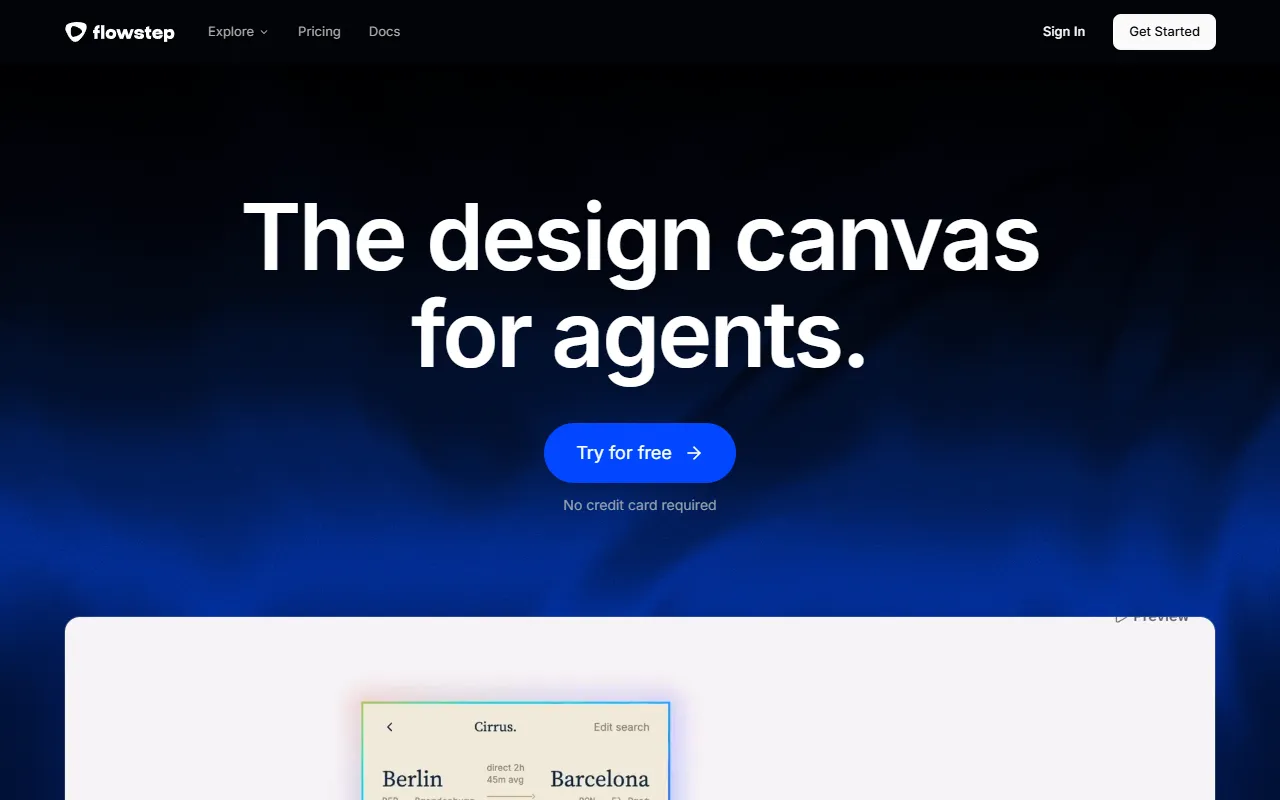
Flowstep is an UI Generation tool that generates multi-screen UI from prompts, edits via chat or manually, and exports to Figma or code. Flowstep is freemium: it has a free plan, and paid plans start at $15/month. It is available on Web App. It is aimed at developers and designers.
Flowstep is an AI design tool that generates multi-screen UI from prompts. It allows editing via chat or manual input, and supports exporting to Figma or code. It is designed for developers and designers.
Built for developers and designers.
Key capabilities
Features
Build Better Products
Not Just Static Designs
Edit With AI Or By Hand
Design From A PRD, Image, Or Link
Copy To Figma — Or From It
Create Together, Anywhere
Made By Designers
Use cases
- Generate multi-screen UI from prompts
- Edit UI via chat or manual input
- Export designs to Figma or code
- Design UI directly from IDE
Who it's for
Pros & cons
Pros
- Free plan available
- Paid plans from USD 15/month
- Integrates with Figma
Cons
No documented limitations yet.
Pricing
Freemium — paid plans start at $15/month.
| Plan | Price |
|---|---|
| Free | Free |
| Starter | $15 / month |
| Enterprise | Custom |
Security & compliance
- Encryption
As stated on Flowstep's website — not independently verified by AiByts.
FAQ
What is Flowstep?
Flowstep is an UI Generation tool that generates multi-screen UI from prompts, edits via chat or manually, and exports to Figma or code. Flowstep is an AI design tool that generates multi-screen UI from prompts. It allows editing via chat or manual input, and supports exporting to Figma or code. It is designed for developers and designers.
Is Flowstep free?
Flowstep has a free plan; advanced features require a paid plan.
How much does Flowstep cost?
Flowstep offers 3 plans: Free (Free), Starter ($15 / month) and Enterprise (Custom).
What platforms does Flowstep support?
Flowstep is available on Web App.
Who should use Flowstep?
Flowstep is built for developers and designers. Common uses: generate multi-screen UI from prompts, edit UI via chat or manual input, export designs to Figma or code and design UI directly from IDE.
What does Flowstep integrate with?
Flowstep integrates with Figma and Anthropic.
What are the best alternatives to Flowstep?
Similar tools on AiByts include FlexApp, Handle, Lovable, AppWizzy and Uiverse.io.
Flowstep news & updates
14 Best Mockup Tools in 2026 (Expert-Tested and Compared)
The 14 best mockup tools for designers in 2026, compared by pricing and use case, from Flowstep and Figma to Canva, Placeit, and more.
Flowstep Blog27 min read
16 Best AI Tools for Designers: 2026 Top Picks
Discover the best AI tools for designers [2026], including Flowstep, Figma Make and more top picks to speed up your UI/UX workflow and create better designs faster.
Flowstep Blog25 min read
We Tested 12 Best Prototyping Tools: Our Honest Take for 2026
See the best prototyping tools in 2026, from AI-driven to high-fidelity options. Find which tool is best suited for your team.
Flowstep Blog29 min read
16 Best AI Tools for Business in 2026 (Compared by Use Case)
We compared the 16 best AI tools for business in 2026 across design, marketing, coding, automation, and productivity — with honest "best for" verdicts.
Flowstep Blog17 min read
9 Best Wireframing Tools in 2026: Tested and Ranked by Use Case
We tested and reviewed 9 best wireframing tools: AI-powered wireframe generators, design platforms, prototyping tools and visual collaboration tools.
Flowstep Blog11 min read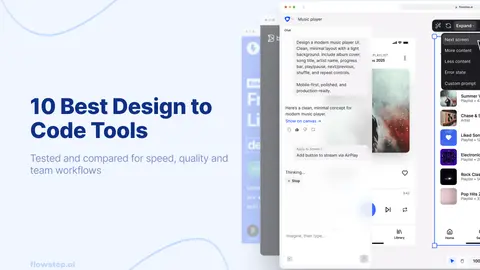
10 Best Design to Code Tools for 2026 (Prompt-to-Code, Figma Export & Handoff)
Compare the 10 best design to code tools of 2026: AI design engineers, Figma-to-code converters, app builders and handoff tools.
Flowstep Blog11 min read
12 Best UI UX Design Agencies: Premium, SaaS & Startup Picks
Compare the best UI UX design agencies in 2026 by use case — premium, SaaS, enterprise and startup picks — with pricing bands and trade-offs.
Flowstep Blog10 min read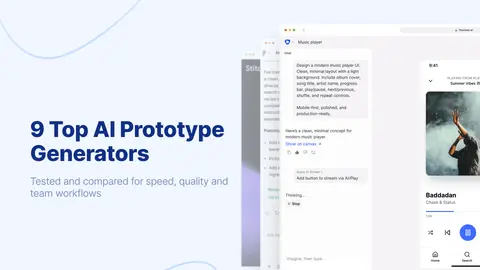
9 Top AI Prototype Generators in 2026 (By Use Case)
Discover the best AI prototype generator in 2026. Compare 9 AI UI design tools and app builders with features, pricing and the best option for your workflow.
Flowstep Blog13 min read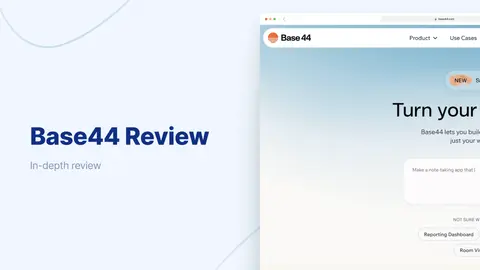
Base44 Review (2026): Pricing, Features & Pros & Cons
Before you choose Base44, read this. This Base44 review highlights some important things to consider about its strengths, weaknesses, pricing and when a different tool might be a better fit.
Flowstep Blog9 min read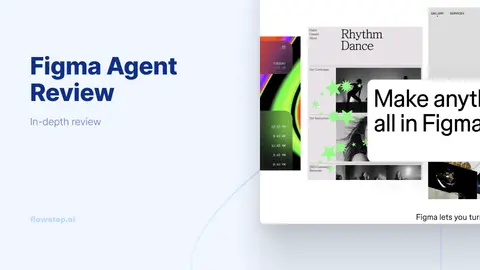
Figma Agent Review: Features, Pricing, and Who It's For
Hands-On Figma Agent Review — Here’s what Figma’s new canvas AI agent actually does, including what to expect from pricing and seat access, the pros and cons you’re looking for, and the best Figma alternative for anyone shipping code.
Flowstep Blog11 min read
Replit Review (2026): Features, Pricing and Real-World Performance
This Replit review covers Agent 4 features, Replit pricing, the credit system's hidden costs, and what users say about the experience.
Flowstep Blog14 min read
9 Best No-Code Web Design Platforms for Your Business
Discover the best no-code web design platform for your business in 2026. Compare 9 tools—from AI UI generators to website builders and app builders.
Flowstep Blog12 min read
10 UXPin Alternative Tools—Faster, Simpler, AI-Powered
Looking for a UXPin alternative? These tools are faster, simpler and built for product teams—compared by AI design, Figma export and pricing.
Flowstep Blog20 min read
Deep Dive Into UXPin Reviews: Features, Pricing, Pros, Cons and Alternative
A deep dive into UXPin reviews and pricing, covering features, what users love, where it falls short, and a faster AI alternative for UI generation.
Flowstep Blog10 min read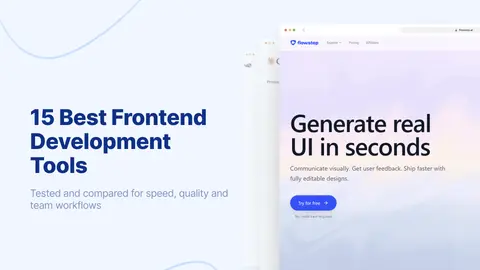
15 Best Frontend Development Tools Most Developers Are Missing
Discover 15 frontend development tools most developers overlook in 2026—from AI UI generators to build tools and testing frameworks that close workflow gaps.
Flowstep Blog17 min read
Details are compiled from Flowstep's website and public sources, last verified Oct 5, 2026. Features and pricing change — confirm on the official site before you buy.
Try Flowstep
Freemium · from $15/month
Comments
Sign in to join the discussion.