
GitKraken
A Git GUI and CLI tool for developers and teams
- Paid· from ₹1,250/month
What is GitKraken?
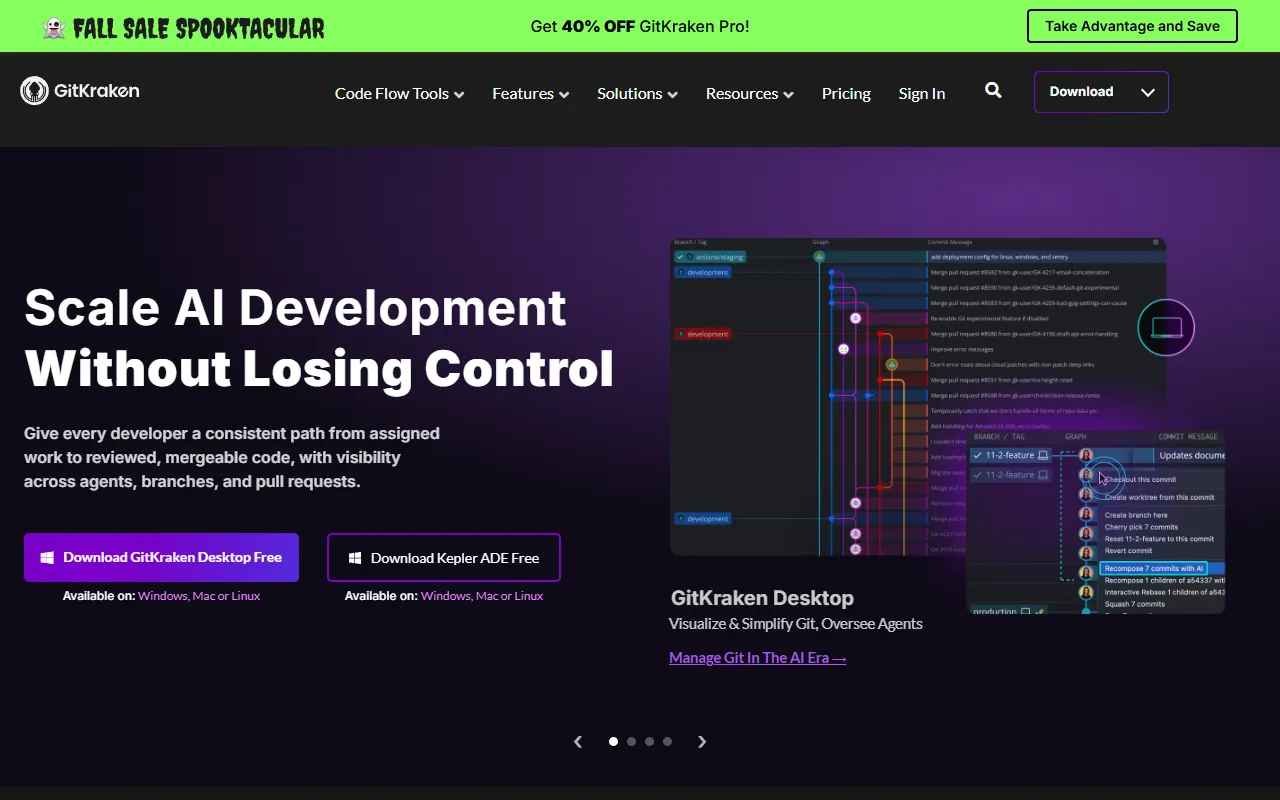
GitKraken is a Git Assistants tool. A Git GUI and CLI tool for developers and teams. GitKraken is a paid tool, starting at ₹1,250/month. A free trial of 14 days is available. It is available on Chrome, Firefox and Edge. It is aimed at developers, teams and software engineers.
GitKraken provides a Git GUI and CLI for developers and teams. It includes features like automations, cloud patches, codemaps, and code suggest. The tool integrates with Jira and supports multiple platforms.
Built for developers, teams and software engineers.
Key capabilities
Features
Automations
Cloud Patches
Codemaps
Code Suggest
Commit Graph
GitKraken AI
Insights
Launchpad
MCP Server
Merge Tool
Security Controls
Workspaces
Use cases
- Automate repetitive Git tasks
- Manage and apply cloud patches
- Visualize code structure with codemaps
- Get AI-powered code suggestions
- Visualize commit history and branches
- Access AI-powered features for Git workflows
Popular use cases
Who it's for
Pros & cons
Pros
- Integrates with Jira
- Supports multiple platforms including Chrome, Firefox, and Edge
- Offers a free trial for 14 days
Cons
- No free plan available
- Paid plans start at INR 1250/month
Pricing
Paid — paid plans start at ₹1,250/month. Free trial of 14 days available.
| Plan | Price |
|---|---|
| Pro2 seats | ₹375 |
| Advanced10 seats | ₹1,250 / month |
| Business | ₹1,600 |
| Enterprise | Custom |
Integrations
AI models
- GPT 5
- Claude Sonnet 5
- Gemini 3
Security & compliance
- SOC 2
- SSO
- SAML
- Encryption
- Data deletion
As stated on GitKraken's website — not independently verified by AiByts.
FAQ
What is GitKraken?
GitKraken is a Git Assistants tool. A Git GUI and CLI tool for developers and teams. GitKraken provides a Git GUI and CLI for developers and teams. It includes features like automations, cloud patches, codemaps, and code suggest. The tool integrates with Jira and supports multiple platforms.
Is GitKraken free?
No, GitKraken is a paid tool. A free trial is available.
How much does GitKraken cost?
GitKraken offers 4 plans: Pro (₹375), Advanced (₹1,250 / month), Business (₹1,600) and Enterprise (Custom).
What platforms does GitKraken support?
GitKraken is available on Chrome, Firefox and Edge.
Who should use GitKraken?
GitKraken is built for developers, teams and software engineers. Common uses: automate repetitive Git tasks, manage and apply cloud patches, visualize code structure with codemaps and get AI-powered code suggestions.
What does GitKraken integrate with?
GitKraken integrates with Jira.
What are the best alternatives to GitKraken?
Similar tools on AiByts include Ara, Superset, Thousand, regent and Git-Native Agent Protocol (GNAP).
GitKraken news & updates
GitKraken AI Case Study
X Have questions or want to start a free trial of GitKraken Desktop On-Premise? Your team can experience GitKraken Desktop On-Premise with all of its features, plus onboarding & support, 100% free of charge. We’re here to answer any questions about the product or pricing.
GitKraken Blog9 min read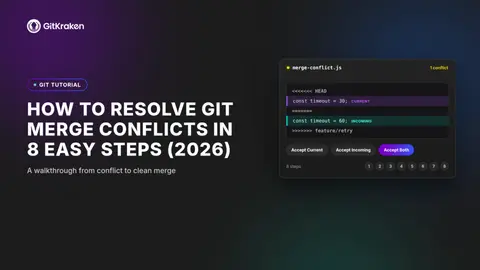
How to Resolve Git Merge Conflicts in 8 Easy Steps (2026)
A Git merge conflict happens when two branches edit the same line of code in different ways. Git can’t decide which version to keep, so it pauses the merge and asks you to step in. The longer a conflict sits unresolved, the harder it becomes to untangle.
GitKraken Blog8 min read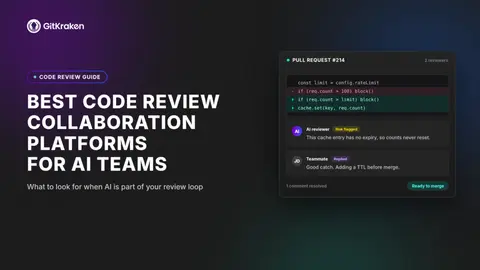
Best Code Review Collaboration Platforms for AI Teams
Your team ships more code than ever, but are your pull requests keeping pace? As AI-assisted development accelerates output, code review collaboration platforms have become the difference between shipping confidently and merging blindly.
GitKraken Blog12 min read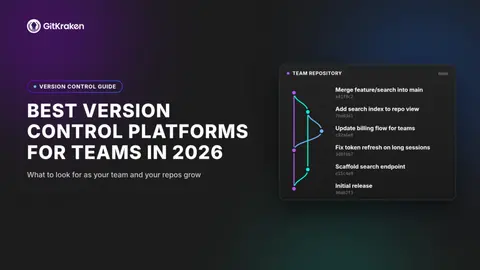
Best Version Control Platforms for Teams in 2026
Your distributed team just merged three branches at once, and the commit graph looks like a plate of spaghetti. Choosing the right version control platform determines whether that scenario ends in a five-minute fix or a full afternoon of detective work.
GitKraken Blog12 min read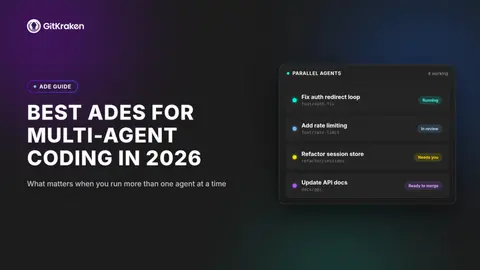
Best ADEs for Multi Agent Coding in 2026
Running one AI coding agent is productive. Running five of them at once across three repositories? That’s a coordination problem. Agentic development environments (ADEs) give you a single surface to orchestrate multiple agents, review what each one changed, and get code merged.
GitKraken Blog14 min readLanding Page E3 E
Stop Context Switching, Start Shipping Go from commit to merge without leaving your flow. Speed up reviews and let AI and agents handle the busywork while you stay in control, all from one place. Try it for free with all features unlocked for 14 days.
GitKraken Blog3 min read
6 Best Code Review Platforms for Jira Teams (2026)
Code review in a Jira-centric workflow can become a bottleneck fast. Pull requests pile up, context gets lost between your Git host and your issue tracker, and reviewers spend time switching tabs instead of reading code.
GitKraken Blog12 min read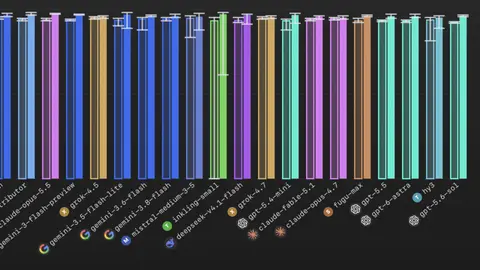
Models Are Getting Really Good At Git
I built GitBench because I was curious about how well models did git things. It turns out that it was a good idea because some models will surprise you. Some of the frontier models were remarkably bad and some cheap open models punched above their weight class.
GitKraken Blog4 min read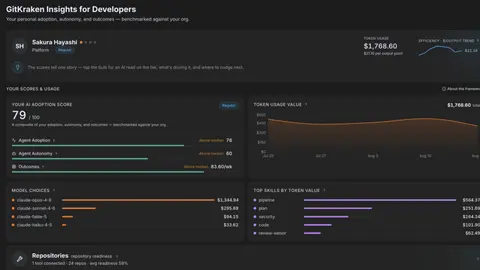
Scale Agentic Workflows Without Scaling the Overhead
Scale Agentic Workflows Without Scaling the Overhead Turn the way you plan, implement, and review with AI agents into a repeatable workflow that gets easier to run and improves over time. October 7, 2026 @ 1:00PM EDT AI coding agents can get a lot done.
GitKraken Blog2 min read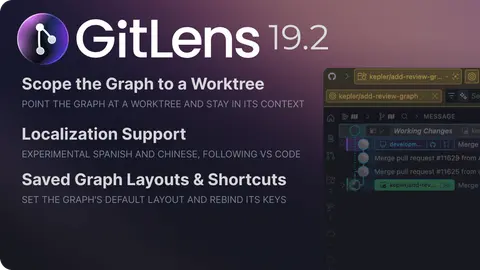
One Graph, Every Worktree, No Context Lost
Five worktrees for five agents sounds like organization. In practice, it’s five contexts to keep straight, five places history could live, five spots for a WIP that gets left behind or diffed against the wrong branch. GitLens 19.2’s fix isn’t a second graph.
GitKraken Blog2 min read
Details are compiled from GitKraken's website and public sources, last verified Oct 5, 2026. Features and pricing change — confirm on the official site before you buy.
Try GitKraken
Paid · from ₹1,250/month
Comments
Sign in to join the discussion.