

Lispr
Free voice dictation and translation for Windows with 99 languages.
- Freemium· from $7.99/month
What is Lispr?
Lispr is a Speech to Text tool. Free voice dictation and translation for Windows with 99 languages. Lispr is freemium: it has a free plan, and paid plans start at $7.99/month. It is available on Windows and macOS. It is aimed at writers, students and professionals.
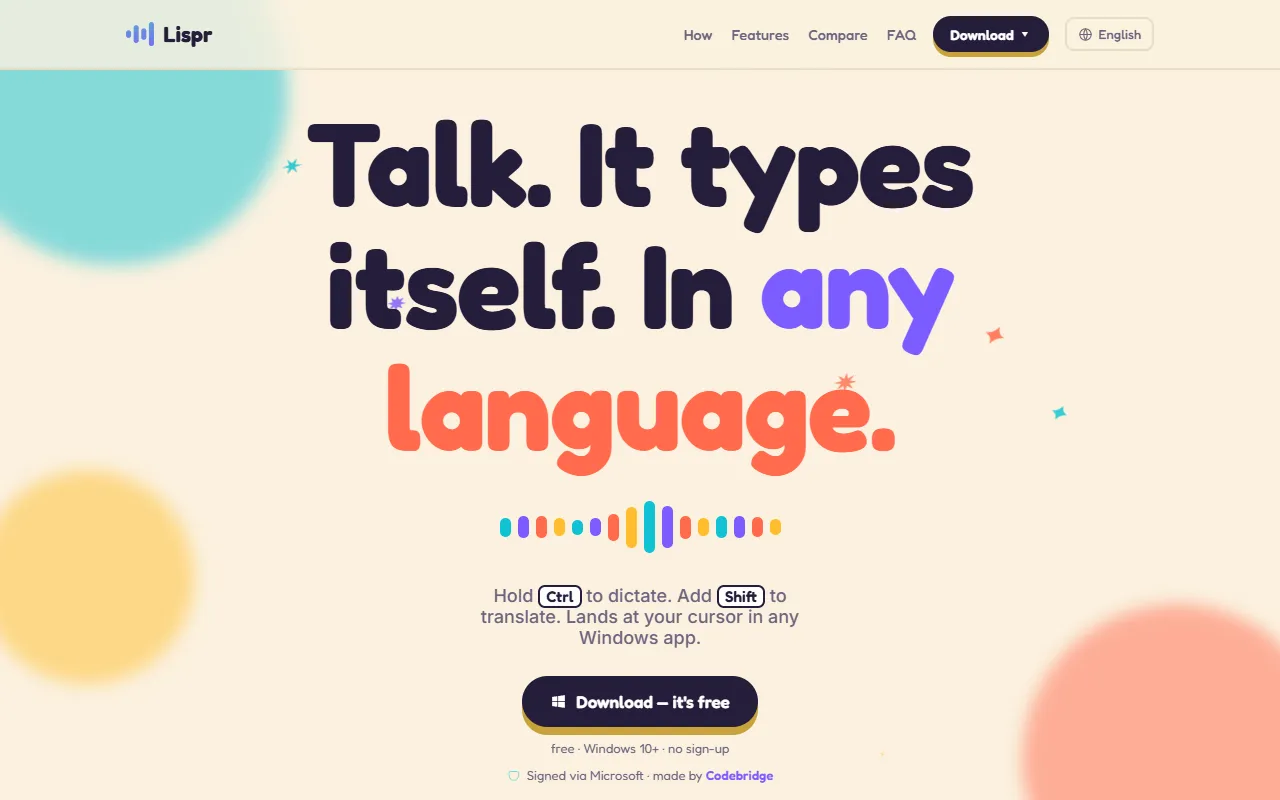
Lispr is a free voice dictation and translation app for Windows and Mac. It allows users to speak their language, with text appearing at their cursor in any application. Supports over 99 languages and requires no sign-up.
Built for writers, students and professionals.
Key capabilities
Features
Plain Dictation
Custom Vocabulary
Clipboard-Safe
One Gesture
Two languages can be used with a single gesture.
Hold to Talk
Tap to Translate
Text Lands Typed
Safe to Install
The app is private by default and signed with SmartScreen.
Private by Default
Use cases
- Translate text between languages using a single gesture
- Dictate text into any application using a hold gesture
- Add custom vocabulary for accurate transcription
Popular use cases
Who it's for
Pros & cons
Pros
- Free plan available
- Unlimited dictation minutes with Pro plan
- Supports 99 languages
- No sign-up required
Cons
No documented limitations yet.
Pricing
Freemium — paid plans start at $7.99/month.
| Plan | Price |
|---|---|
| Free | Free |
| Pro | $7.99 / month |
AI models
Security & compliance
- Data deletion
As stated on Lispr's website — not independently verified by AiByts.
FAQ
What is Lispr?
Lispr is a Speech to Text tool. Free voice dictation and translation for Windows with 99 languages. Lispr is a free voice dictation and translation app for Windows and Mac. It allows users to speak their language, with text appearing at their cursor in any application. Supports over 99 languages and requires no sign-up.
Is Lispr free?
Lispr has a free plan; advanced features require a paid plan.
How much does Lispr cost?
Lispr offers 2 plans: Free (Free) and Pro ($7.99 / month).
What platforms does Lispr support?
Lispr is available on Windows and macOS.
Who should use Lispr?
Lispr is built for writers, students and professionals. Common uses: translate text between languages using a single gesture, dictate text into any application using a hold gesture and add custom vocabulary for accurate transcription.
What are the best alternatives to Lispr?
Similar tools on AiByts include Transgate, VoiceAppear, Harker, BlabbyAI and AssemblyAI.
Details are compiled from Lispr's website and public sources, last verified Oct 5, 2026. Features and pricing change — confirm on the official site before you buy.
Try Lispr
Freemium · from $7.99/month
Tags
- Voice Dictation
- Language Translation
Comments
Sign in to join the discussion.