

Makko AI
Create 2D games with AI in one consistent style
- Freemium· from $20/month
- Web
What is Makko AI?
Makko AI is an AI Website Builder tool. Create 2D games with AI in one consistent style. Makko AI is freemium: it has a free plan, and paid plans start at $20/month. It is available on Web App. It is aimed at game developers, indie game creators and artists.
Makko AI helps users create 2D games by turning concepts into characters, backgrounds, and animations. It offers an integrated studio for art and coding, allowing users to build and share playable games in a browser. The platform supports free and paid plans with a credit system.
Built for game developers, indie game creators and artists.
Features
Art Studio
Code Studio
One-click Share
AI Game Coding
Props & Backgrounds
Character Animations
Use cases
- Create characters from concept art
- Design backgrounds and objects
- Animate game characters
- Develop game code
- Share playable games
Who it's for
- Game Developers
- Indie Game Creators
- Artists
Pros & cons
Pros
- Free plan available
- Paid plans from USD 20/month
- Credit system for pricing
Cons
No documented limitations yet.
Pricing
Freemium — paid plans start at $20/month.
| Plan | Price |
|---|---|
| Starter | $20 / month |
| Creator | $50 / month |
| Hobbyist | $100 / month |
| Pro | $200 / month |
| Compare every plan | Free |
Security & compliance
- Encryption
- Data deletion
As stated on Makko AI's website — not independently verified by AiByts.
FAQ
What is Makko AI?
Makko AI is an AI Website Builder tool. Create 2D games with AI in one consistent style. Makko AI helps users create 2D games by turning concepts into characters, backgrounds, and animations. It offers an integrated studio for art and coding, allowing users to build and share playable games in a browser. The platform supports free and paid plans with a credit system.
Is Makko AI free?
Makko AI has a free plan; advanced features require a paid plan.
How much does Makko AI cost?
Makko AI offers 5 plans: Starter ($20 / month), Creator ($50 / month), Hobbyist ($100 / month), Pro ($200 / month) and Compare every plan (Free).
What platforms does Makko AI support?
Makko AI is available on Web App.
Who should use Makko AI?
Makko AI is built for game developers, indie game creators and artists. Common uses: create characters from concept art, design backgrounds and objects, animate game characters and develop game code.
What are the best alternatives to Makko AI?
Similar tools on AiByts include Angie, Dropmagic, Feathery, FoxyApps and Bitrise.
Makko AI news & updates
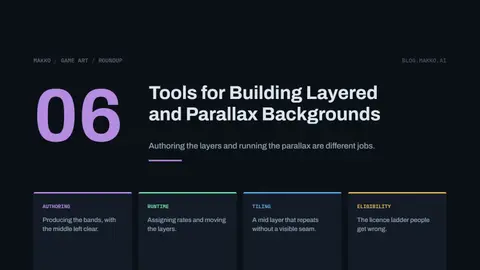
6 Tools for Building Layered and Parallax Backgrounds
Authoring the layers and running the parallax are two different jobs, and most tools only do one. Here is which side each entry sits on.
Makko AI Blog11 min read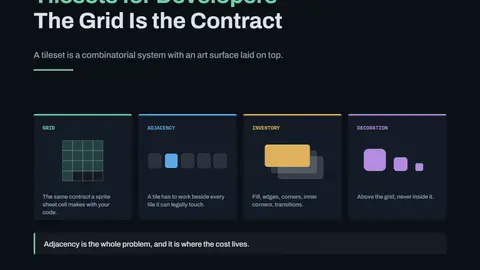
Tilesets for Developers: The Grid Is the Contract
A tileset is a combinatorial system with an art surface. Adjacency is the real cost, and decoration above the grid is what keeps the count down.
Makko AI Blog12 min read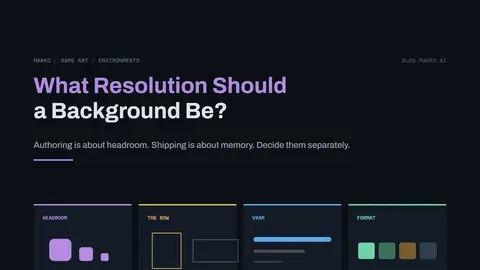
What Resolution Should a Game Background Be?
Two questions, not one. Authoring resolution is about headroom, shipping resolution is about memory, and the gap between them is measured here.
Makko AI Blog12 min read
Layered Backgrounds, Play Space, and Parallax That Does Not Make People Sick
Layering fixes readability, parallax fixes depth. The band model, the four causes of parallax sickness, and when to skip it entirely.
Makko AI Blog12 min read
How Many Backgrounds Does Your Game Actually Need?
A location is perceived, a background is paid for. How to derive your own count, and the reuse multipliers that pull those two numbers apart.
Makko AI Blog12 min read8 Sprite Sheet Tools Every 2D Developer Should Know
Every importer asks for the same five numbers. Here is which of them each tool decides for you, and which it leaves on your desk.
Makko AI Blog11 min read
Background Art for Developers: You Are Building Rooms, Not Pictures
A background is a structure, not an image. The play space rule, the pieces a room assembles from, and why rooms cost more memory than your whole cast.
Makko AI Blog12 min read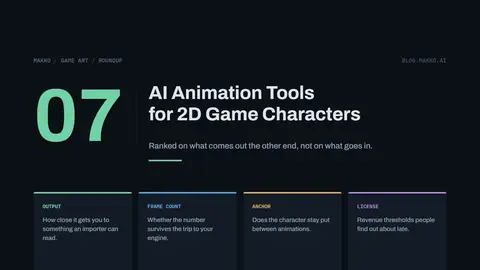
7 AI Animation Tools for 2D Game Characters (2026)
Ranked on what comes out the other end. A video or a loose image sequence has not finished the job, because your importer needs a sheet with a stated frame count and a stable anchor.
Makko AI Blog11 min read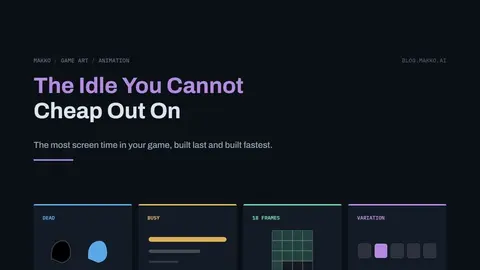
The Idle Animation You Cannot Cheap Out On
The animation with the most screen time in your game is the one built last and fastest. How to build it properly instead.
Makko AI Blog11 min read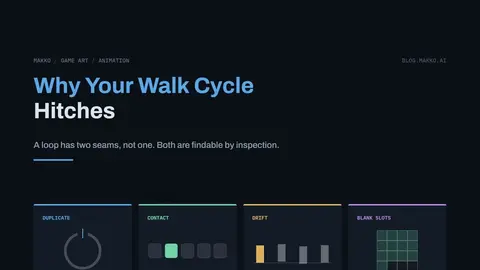
Why Your Walk Cycle Hitches, and How to Fix the Loop
A loop has two seams, not one. Symptom to cause to fix, in the order you should check them.
Makko AI Blog12 min read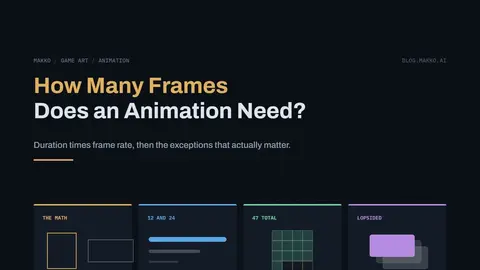
How Many Frames Does a Game Animation Need?
The arithmetic, a starting table that sums to 47 frames per character, and why frames are not equally valuable inside one animation.
Makko AI Blog12 min read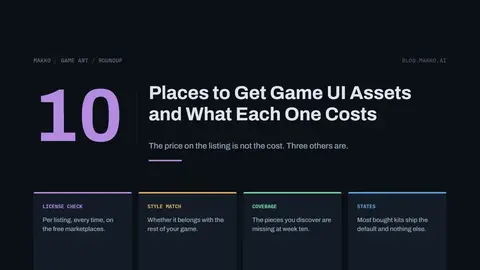
10 Places to Get Game UI Assets, and What Each One Costs You
The price on the listing is not the cost. Licence checking, style mismatch and the pieces missing at week ten are, and every entry is priced on all three.
Makko AI Blog11 min read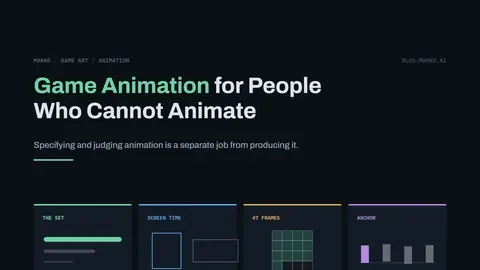
Game Animation for People Who Cannot Animate
Which animations to build, how long each one runs, and the three properties you can judge without any craft knowledge at all.
Makko AI Blog12 min read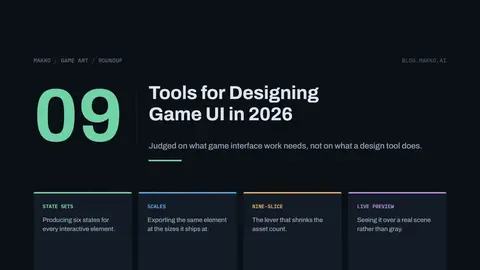
9 Tools for Designing Game UI in 2026
Ranked on what game interface work actually needs: a full state set per element, export at multiple scales, nine-slice, and preview against a real scene rather than a neutral artboard.
Makko AI Blog11 min readGame Icons That Still Read at 32 Pixels
The six ways icons fail at shipping size, the test that catches each one, and when plain text beats an icon.
Makko AI Blog11 min read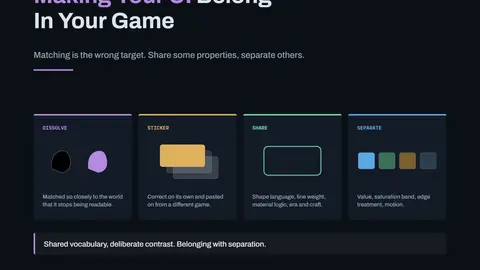
Making Your UI Look Like It Belongs in Your Game
Matching is the wrong target. What an interface should share with the world it sits on, and what it has to keep separate.
Makko AI Blog12 min read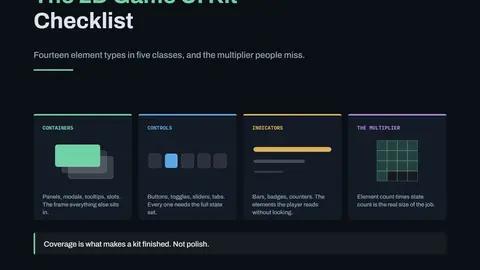
The 2D Game UI Kit Checklist
Fourteen element types in five classes, and the state multiplication that makes a finished UI set four to six times larger than the naive count.
Makko AI Blog12 min read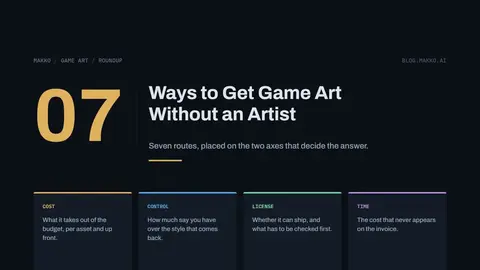
7 Ways to Get Game Art Without an Artist, Ranked by Cost and Control
Seven routes, from CC0 libraries to hiring, placed on the two axes that decide the answer. Cheap routes surrender control over style. Expensive ones buy it back.
Makko AI Blog11 min read
Details are compiled from Makko AI's website and public sources, last verified Oct 5, 2026. Features and pricing change — confirm on the official site before you buy.
Try Makko AI
Freemium · from $20/month
Tags
- AI Game Art
- Game Art Studio
Comments
Sign in to join the discussion.