

Operations
Turns new tabs into a command center for managing multiple projects
- Paid· from €6.99/month
- Web
- API Available
What is Operations?
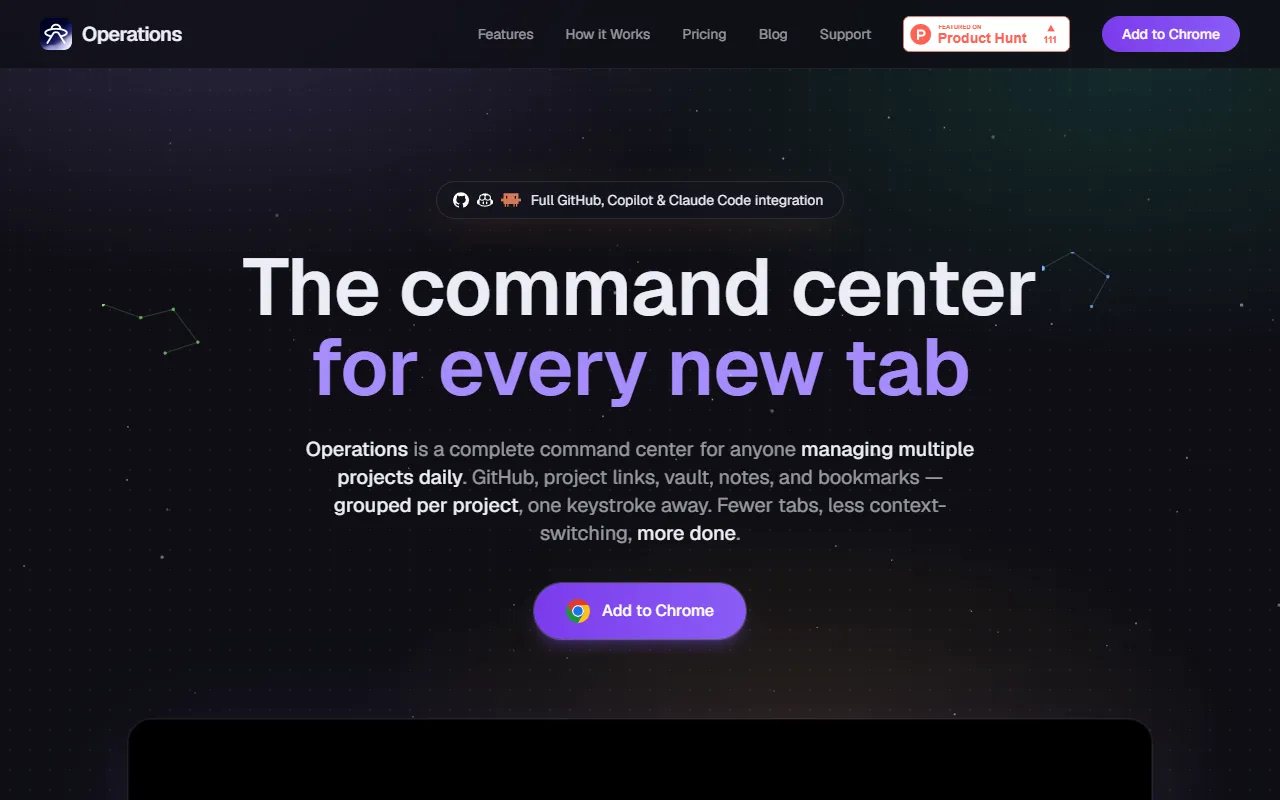
Operations is a Time Management tool that turns new tabs into a command center for managing multiple projects. Operations is a paid tool, starting at €6.99/month. A free trial of 7 days is available. It is available on Web App. It is aimed at project managers, remote workers and freelancers.
Operations transforms new tabs into a centralized command center for managing multiple projects. It organizes GitHub pull requests, project links, notes, todos, and bookmarks grouped by project. Designed to reduce context-switching and improve productivity.
Built for project managers, remote workers and freelancers.
Features
GitHub Activity
Projects
Bookmarks Carousel
Notes
Todos
Toolbar Popup
Pomodoro Timer
Hydration Tracker
Themes
JSON Import/Export
Use cases
- Organize project links and notes in one place
- Track GitHub pull requests and activity
- Manage to-do lists for multiple projects
- Access bookmarks quickly via carousel
- Customize interface with themes
Who it's for
Pros & cons
Pros
- Public API available
- Free trial available
Cons
- No free plan available
Pricing
Paid — paid plans start at €6.99/month. Free trial of 7 days available.
| Plan | Price |
|---|---|
| Personal | €6.99 / month |
Developer & API
Public API available
FAQ
What is Operations?
Operations is a Time Management tool that turns new tabs into a command center for managing multiple projects. Operations transforms new tabs into a centralized command center for managing multiple projects. It organizes GitHub pull requests, project links, notes, todos, and bookmarks grouped by project. Designed to reduce context-switching and improve productivity.
Is Operations free?
No, Operations is a paid tool. A free trial is available.
How much does Operations cost?
Operations offers one plan: Personal (€6.99 / month).
Does Operations have an API?
Yes, Operations offers a public API for building custom integrations.
What platforms does Operations support?
Operations is available on Web App.
Who should use Operations?
Operations is built for project managers, remote workers and freelancers. Common uses: organize project links and notes in one place, track GitHub pull requests and activity, manage to-do lists for multiple projects and access bookmarks quickly via carousel.
What are the best alternatives to Operations?
Similar tools on AiByts include RescueTime, Clockk, AI for Productivity, Todoist and lofi.town.
Operations news & updates
Notion vs Obsidian for Developers — Where Project Context Lives
Notion vs Obsidian for developers — but the comparison most people skip is your new tab page. Where project context actually belongs, and what each tool is good at.
Operations Blog2 min readGitHub PAT vs GitHub App — Which Auth Flow Wins (2026)
Should your tool use a GitHub PAT or a GitHub App? The six dimensions that decide it — identity, scope, durability, rate limits — plus a decision matrix.
Operations Blog2 min readLinear Chrome Extension for Developers — Honest Setup (2026)
The honest workflow for using Linear from a developer's Chrome new tab page — fast project-scoped access without faking native sync. Setup, walk-through, vault.
Operations Blog2 min readGitHub PAT Scopes — Which Ones You Actually Need (2026)
Which GitHub Personal Access Token scopes do you actually need? Minimum scope sets for common dev workflows — plus the broad ones that quietly bite.
Operations Blog2 min readHow to Stop Tab Hoarding — It's Working Memory, Not Laziness
Tab hoarding isn't a discipline problem. It's working memory you can't fit in your head. Why \"close your tabs\" advice fails, and what actually works.
Operations Blog2 min readBest Chrome New Tab Extension for Developers (2026)
The best Chrome new tab extensions for developers in 2026 — Momentum, Toby, Workona, Tabby, and Operations, ranked honestly by what they actually solve.
Operations Blog2 min readWhere to Store API Keys Locally — Developer Decision Tree
Where should API keys live on a dev machine? .env files, OS keychains, password managers, project vaults — a decision tree that picks the right one.
Operations Blog2 min readManage Pull Requests Across Multiple GitHub Orgs (2026)
Manage pull requests across multiple GitHub organizations without per-repo tab-digging. The search hack, the auth flow, and the workflow we use.
Operations Blog2 min readContext Switching Cost for Developers — The 23-Minute Tax & 5 Fixes
Context switching costs developers 23 minutes per interruption (Gloria Mark, UC Irvine). Here's the anatomy of the tax — and five concrete fixes that beat productivity platitudes.
Operations Blog2 min read
Details are compiled from Operations's website and public sources, last verified Oct 5, 2026. Features and pricing change — confirm on the official site before you buy.
Try Operations
Paid · from €6.99/month
Comments
Sign in to join the discussion.