

PaceBar
Tracks work pace and focus on macOS with private data handling.
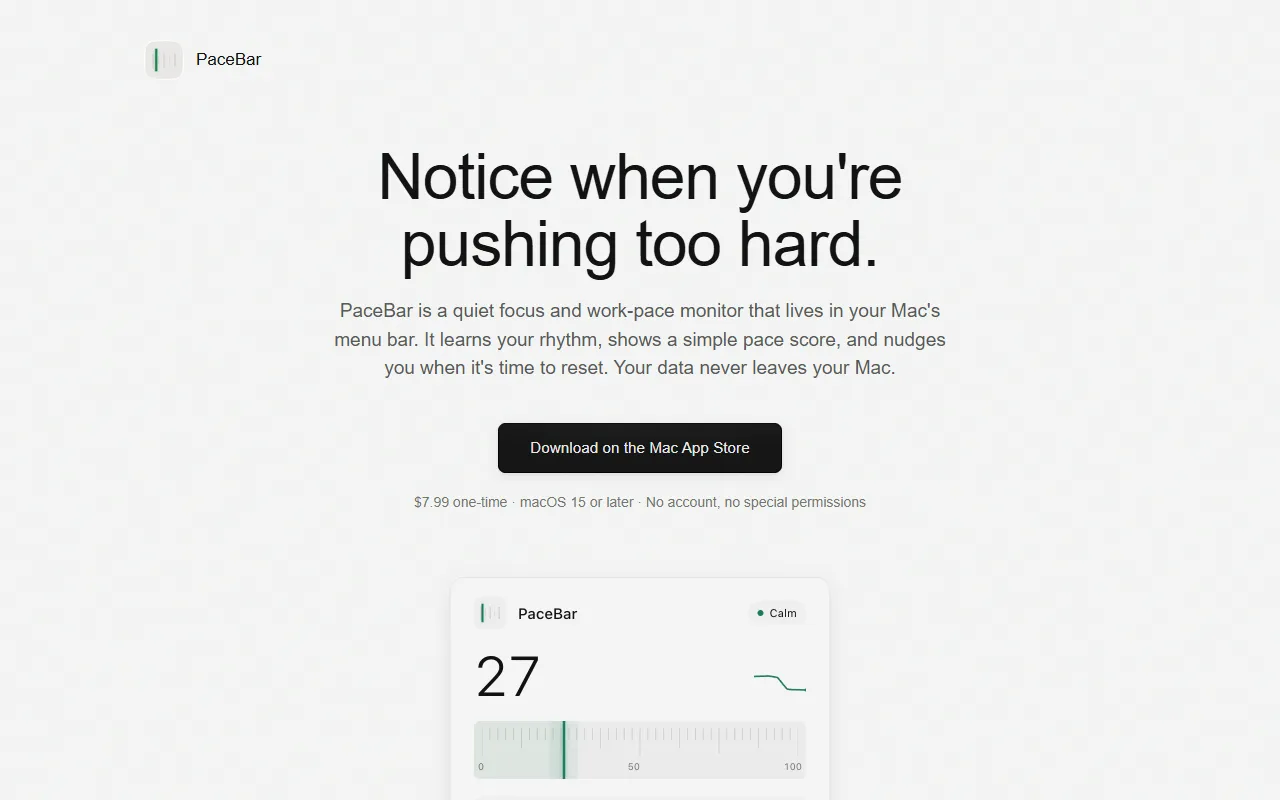
What is PaceBar?
PaceBar is a Focus & Productivity tool that tracks work pace and focus on macOS with private data handling. It is available on macOS, iOS and App Store (iOS). It is aimed at remote workers and focus enthusiasts.
PaceBar is a macOS menu-bar app that monitors work pace and focus, providing nudges to prevent overwork. It uses on-device data processing to ensure privacy and offers low-impact sensing for continuous tracking.
Built for remote workers and focus enthusiasts.
Features
Private by Design
Data never leaves the Mac.
Low-Impact Sensing
Adaptive Baseline
Small Prompts
Provides subtle alerts when needed.
Use cases
- Monitor work pace to avoid overwork
- Track interaction patterns for focus analysis
- Receive subtle nudges to maintain productivity
Who it's for
- Remote Workers
- Focus Enthusiasts
Pros & cons
Pros
- Private data handling
- Low-impact sensing
Cons
No documented limitations yet.
FAQ
What is PaceBar?
PaceBar is a Focus & Productivity tool that tracks work pace and focus on macOS with private data handling. PaceBar is a macOS menu-bar app that monitors work pace and focus, providing nudges to prevent overwork. It uses on-device data processing to ensure privacy and offers low-impact sensing for continuous tracking.
What platforms does PaceBar support?
PaceBar is available on macOS, iOS and App Store (iOS).
Who should use PaceBar?
PaceBar is built for remote workers and focus enthusiasts. Common uses: monitor work pace to avoid overwork, track interaction patterns for focus analysis and receive subtle nudges to maintain productivity.
What are the best alternatives to PaceBar?
Similar tools on AiByts include Workflo, AccountyCat, Mac Pet, PeekFocus and Pulse Island.
Details are compiled from PaceBar's website and public sources, last verified Oct 7, 2026. Features and pricing change — confirm on the official site before you buy.
Try PaceBar
Visit the official website
Tags
- Work Pace Monitoring
Comments
Sign in to join the discussion.