

PeakHour
Monitors network and bandwidth on Mac with live speed tracking and data usage.
What is PeakHour?
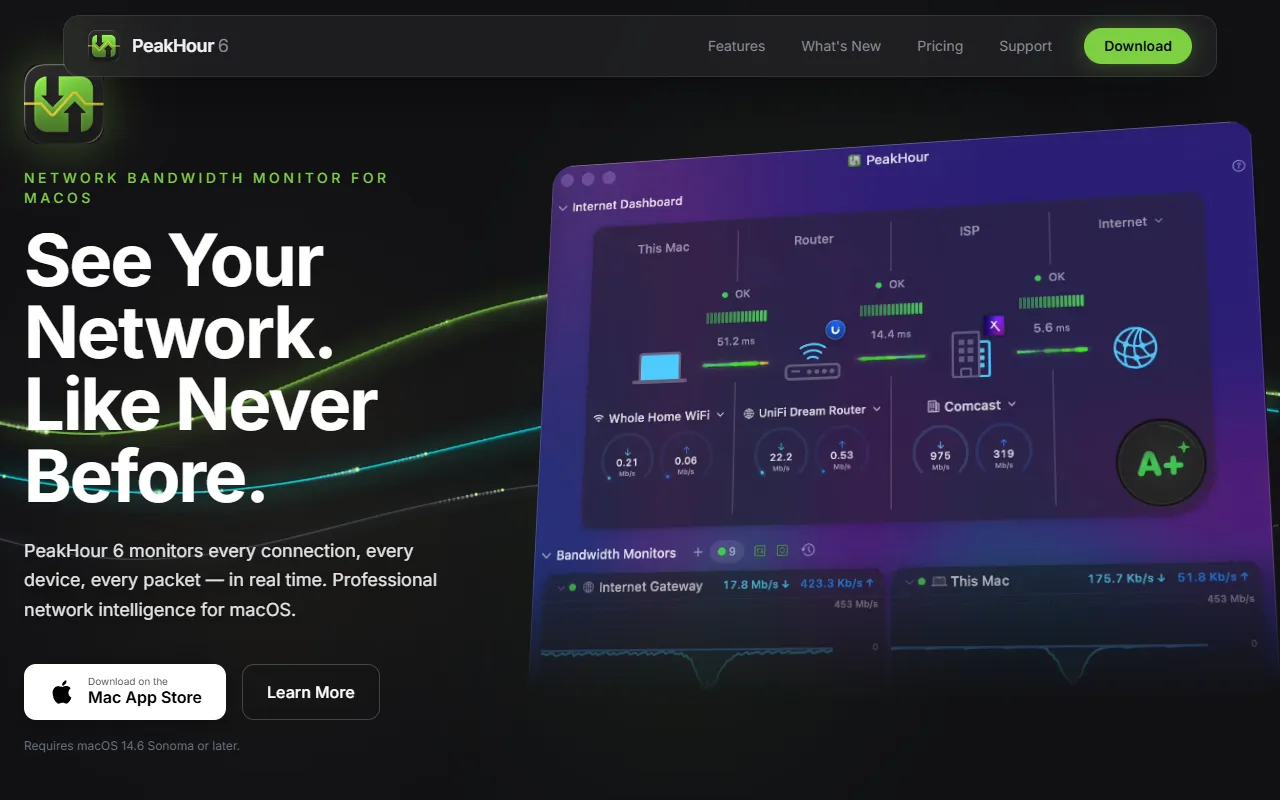
PeakHour is a Dashboard Generation tool that monitors network and bandwidth on Mac with live speed tracking and data usage. It is available on macOS, iOS and App Store (iOS). It is aimed at it professionals and mac users.
PeakHour is a network and bandwidth monitor for Mac, providing live speed tracking in the menu bar, data usage tracking, and connection quality analysis. It offers real-time monitoring and detailed insights into network performance.
Built for it professionals and mac users.
Features
Live Speed Tracking
Data Usage Tracking
Tracks data usage and connection quality.
AI Network Advisor
Wi-Fi Intelligence
Instant Notifications
Customize Everything
One-Time Purchase
Liquid Glass Dashboard
Rewritten History Charts
Self-Healing Recovery Engine
Use cases
- Track data usage and connection quality in real-time
- Monitor live network speeds through the menu bar
- Receive instant notifications for network changes or issues
Popular use cases
Who it's for
Pros & cons
Pros
- One-time purchase model
Cons
No documented limitations yet.
FAQ
What is PeakHour?
PeakHour is a Dashboard Generation tool that monitors network and bandwidth on Mac with live speed tracking and data usage. PeakHour is a network and bandwidth monitor for Mac, providing live speed tracking in the menu bar, data usage tracking, and connection quality analysis. It offers real-time monitoring and detailed insights into network performance.
What platforms does PeakHour support?
PeakHour is available on macOS, iOS and App Store (iOS).
Who should use PeakHour?
PeakHour is built for it professionals and mac users. Common uses: track data usage and connection quality in real-time, monitor live network speeds through the menu bar and receive instant notifications for network changes or issues.
What are the best alternatives to PeakHour?
Similar tools on AiByts include AI for Database, BenchGecko, Dashi Metrics, Databerry and Deepnote.
PeakHour news & updates
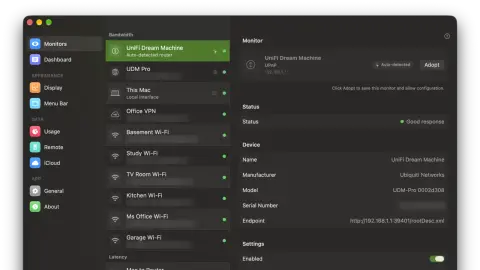
How PeakHour Finds Your Router Automatically
PeakHour finds your router on every network you join, without saving it. How it picks the right one, keeps its history and protects your data cap.
PeakHour Blog10 min read
What Is Packet Loss, and How Much Is Too Much?
Packet loss is the share of data packets that never reach their destination. Learn what causes it, how much is acceptable for calls and games, and how to test for it.
PeakHour Blog4 min read
How to Fix Packet Loss: A Step-by-Step Guide
Fix packet loss by finding where it starts. Test on a cable, fix your Wi-Fi, quiet your network, restart the router, and gather evidence for your ISP.
PeakHour Blog4 min read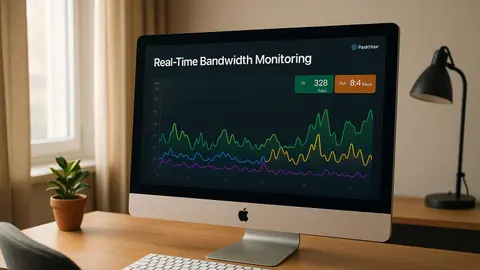
Real-Time Bandwidth Monitoring with PeakHour
Monitor your network's performance in real-time with insights on bandwidth usage, ISP speed verification, and data management tools.
PeakHour Blog11 min read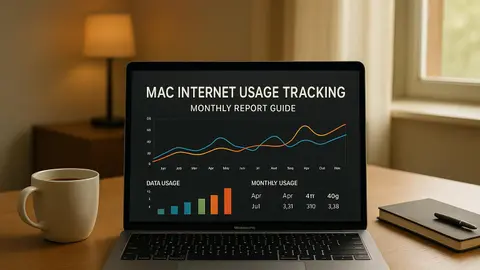
Mac Internet Usage Tracking: Monthly Report Guide
Learn how to effectively track and manage your Mac's internet usage with tools that provide detailed monthly insights and alerts.
PeakHour Blog9 min read
Slow Internet on Your Mac? How to Find the Cause and Fix It
Internet slow on your Mac but fine on your phone? Find out whether it's your Mac, Wi-Fi, router or ISP, then fix it in minutes. Updated for current macOS.
PeakHour Blog7 min read
Remote Network Monitoring: Complete Guide for Mac
Learn how to effectively monitor your Mac's network remotely using built-in tools and top software, ensuring performance and security.
PeakHour Blog15 min read
Mac Network Monitoring: Essential Setup Checklist
Effortlessly monitor your Mac's network performance and security with this comprehensive setup checklist and tool recommendations.
PeakHour Blog17 min read
Network Monitoring: SNMP vs UPnP for Mac
Explore the differences between SNMP and UPnP for network monitoring on macOS, focusing on security, setup, and best use cases for each protocol.
PeakHour Blog10 min read
The 5 Best Bandwidth Monitoring Tools for Mac in 2026
We compared the best Mac bandwidth monitors for 2026 (PeakHour, iStat Menus, Little Snitch, TripMode and Stats) on features, pricing and App Store availability.
PeakHour Blog6 min read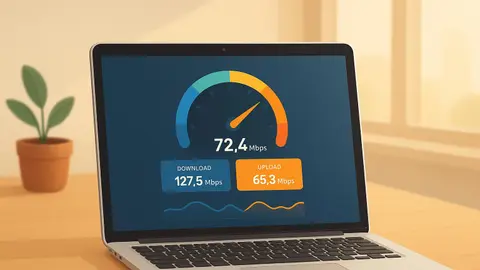
How to Test Internet Speed on Your Mac (7 Ways)
Test your Mac's internet speed with the built-in networkQuality command, a browser test, or a live menu bar monitor. Step by step for current macOS.
PeakHour Blog6 min read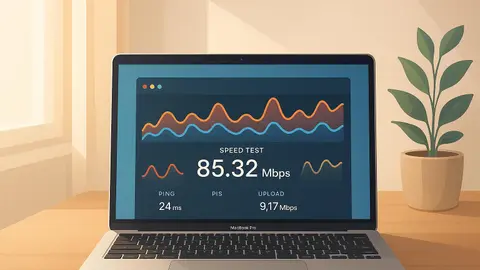
How to Track ISP Performance on macOS
Learn to effectively monitor your ISP's performance on macOS using built-in tools and third-party apps for accurate speed and latency analysis.
PeakHour Blog8 min read
A Word on Pricing
An powerful and elegant way to monitor and optimize your Internet, right from your Mac menu bar.
PeakHour Blog2 min read
Introducing PeakHour 5
Our biggest update yet, and a major step forward for monitoring your Internet's stability and performance.
PeakHour Blog3 min read
Details are compiled from PeakHour's website and public sources, last verified Oct 7, 2026. Features and pricing change — confirm on the official site before you buy.
Try PeakHour
Visit the official website
Tags
- Network Monitor
- Bandwidth Monitor
- Data Usage Tracker
Comments
Sign in to join the discussion.