

PicsArt
Create content fast with AI tools and templates
- Paid· from $10.5/month
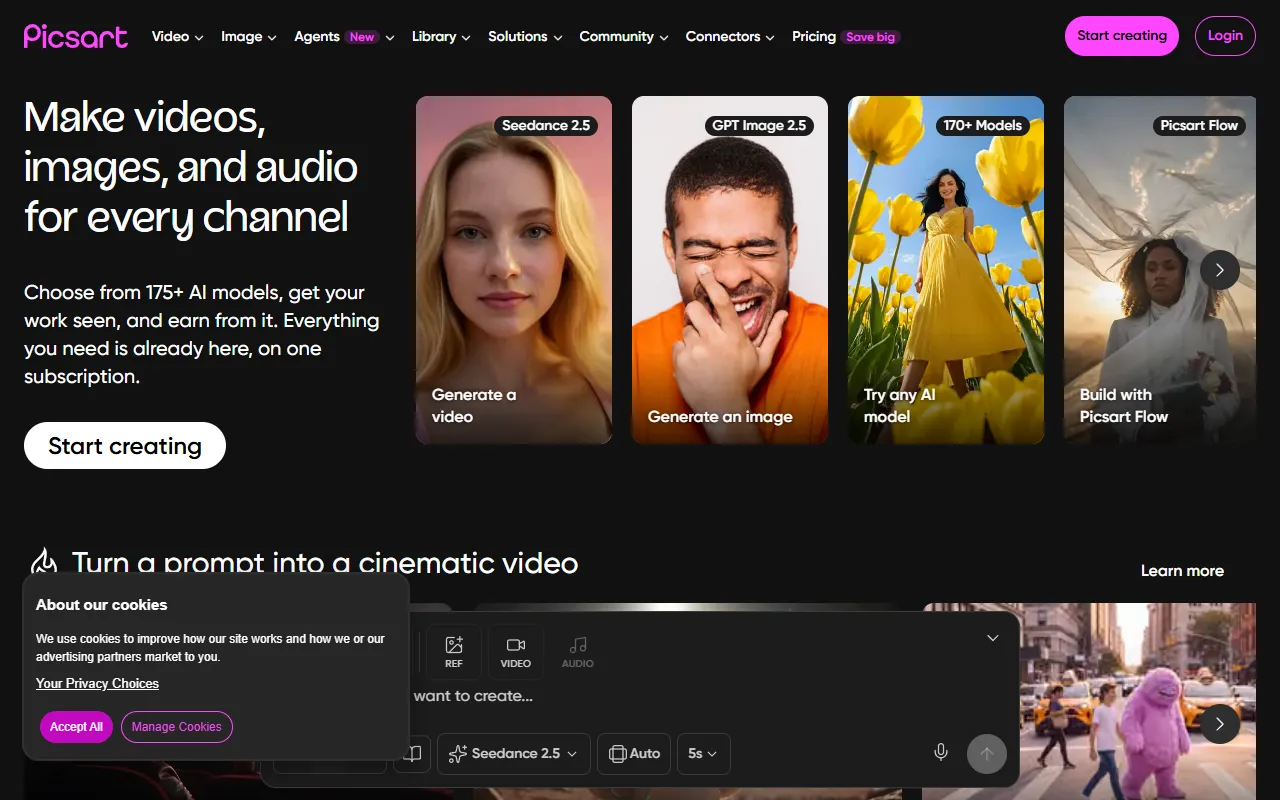
What is PicsArt?
PicsArt is an Image Editing tool. Create content fast with AI tools and templates. PicsArt is a paid tool, starting at $10.5/month. A free trial is available. It is available on iOS, Android, App Store (iOS) and Google Play (Android). It is aimed at content creators, marketers and designers.
Picsart is an all-in-one creative platform offering AI design tools, expert-crafted templates, and built-in asset libraries. It enables users to generate images, videos, and other media with various AI models.
Built for content creators, marketers and designers.
Key capabilities
Features
AI Playground
Flow
Trending On Picsart
Character Builder
Create characters with stories and backstories
Animated Video Stories
Cinematic Video Creation
Asset Libraries
Access built-in resources for content creation
Expert Templates
Use pre-designed templates for fast creation
AI Model Integration
Access 130+ leading AI models across media types
Use cases
- Generate images with 50+ AI models
- Create cinematic videos from prompts
- Build characters with detailed backstories
- Produce animated video stories
- Streamline workflows with one-click actions
- Access trending content and ideas
Who it's for
Pros & cons
Pros
- Access to 130+ leading AI models
- One-click workflow automation
- Free trial available
Cons
- Paid plans only with no free plan
Pricing
Paid — paid plans start at $10.5/month. Free trial available.
| Plan | Price |
|---|---|
| ProPopular | $10.5 / month |
| Ultra | ₹3,604.16 / month |
AI models
- Kling 3.0
- Veo 3
- Sora
- Luma Dream Machine 2
- Hailuo 2.3
- Seedance 2.5
- Wan 2.7
- Imagen 4
- Ideogram
- Recraft V4
- Seedream 5.0
- Nano Banana
- ElevenLabs
Security & compliance
- SOC 2
- ISO 27001
- Two-factor authentication
- Encryption
- Data deletion
As stated on PicsArt's website — not independently verified by AiByts.
FAQ
What is PicsArt?
PicsArt is an Image Editing tool. Create content fast with AI tools and templates. Picsart is an all-in-one creative platform offering AI design tools, expert-crafted templates, and built-in asset libraries. It enables users to generate images, videos, and other media with various AI models.
Is PicsArt free?
No, PicsArt is a paid tool. A free trial is available.
How much does PicsArt cost?
PicsArt offers 2 plans: Pro ($10.5 / month) and Ultra (₹3,604.16 / month).
What platforms does PicsArt support?
PicsArt is available on iOS, Android, App Store (iOS) and Google Play (Android).
Who should use PicsArt?
PicsArt is built for content creators, marketers and designers. Common uses: generate images with 50+ AI models, create cinematic videos from prompts, build characters with detailed backstories and produce animated video stories.
What are the best alternatives to PicsArt?
Similar tools on AiByts include Pixlr, GlobalGPT, Shortodella, Cre8tiveAI and Visro AI.
PicsArt news & updates
How to make a YouTube banner with AI that fits every screen
To make a YouTube banner with AI, describe your channel in a prompt, upload a portrait or logo for the AI to follow, and generate the art at 16:9 and 2560 x 1440 with your name in the center safe area. Then fix any detail, download the file and upload it in YouTube Studio.
PicsArt Blog6 min read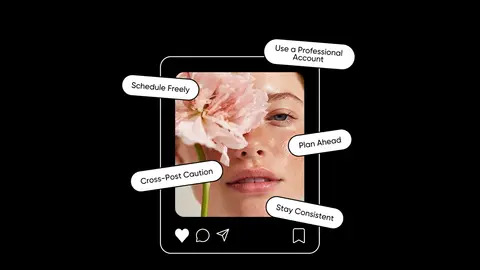
How often to post on Instagram, by format and stage
A starting posting cadence for Reels, carousels and Stories, how to test it with Insights, and how paid Picsart Earn briefs fit your schedule.
PicsArt Blog7 min read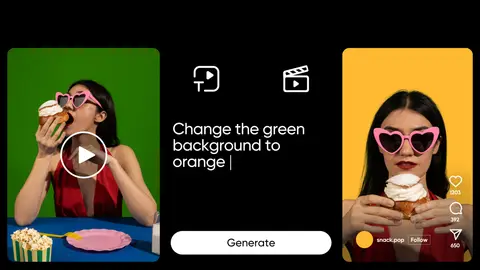
Reshoot brings AI video-to-video editing to Picsart Flow
Reshoot is the new node in Picsart Flow that re-shoots a video with new people, products or places. It is AI video-to-video editing that keeps the take and changes what is in it.
PicsArt Blog6 min read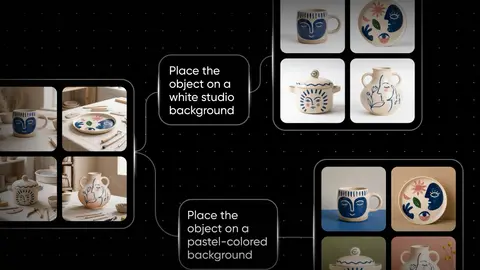
AI 3D modeling is now live in Picsart Flow, from text or a photo
Picsart Flow now does AI 3D modeling. The new 3D node turns a prompt or a photo into a textured 3D model you can spin right on the canvas. A product shot, a character sketch or a line of text goes in, and a live 3D model comes out, ready to download as a GLB … Continue reading "AI 3D modeling is…
PicsArt Blog7 min read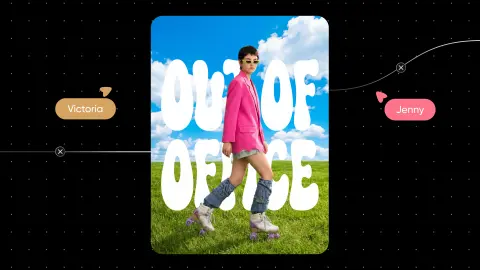
Picsart Flow now adds AI captioning in 30 animated styles
Picsart Flow now has AI captioning in one node. Connect a video to the new Captions node, pick a style and run. Speech is transcribed and burned in as animated, styled subtitles, ready for TikTok, Reels and Shorts.
PicsArt Blog5 min read
HeyGen Video explained: give it a photo, a clip, and a song
HeyGen Video is a text-to-video model in Picsart AI Playground. It makes short clips with the sound already built in. It works from three kinds of input: a written prompt, an optional first-frame image, and up to 12 references in any mix of images, video, and audio.
PicsArt Blog9 min read
Nano Banana 2.1 prompting guide: 14 prompts to copy
Nano Banana 2.1 prompts work hardest when they play to the model’s strengths: readable text on posters and diagrams, precise edits, changes directed by a doodle, scenes assembled from several images, and step-by-step refinement in one chat.
PicsArt Blog8 min read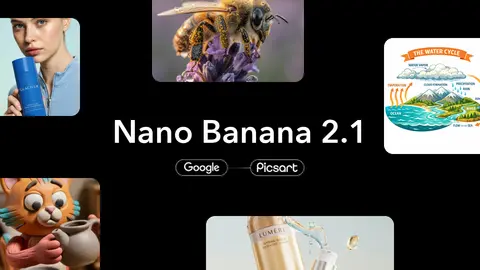
Nano Banana 2.1 is now available in Picsart
Google released Nano Banana 2.1 in October 2026, and it is now available in Picsart AI Playground. The new Nano Banana model generates and edits images from text and image input, outputs in 1K, 2K or 4K across 15 aspect ratios, and supports multi-turn editing, so a picture can be refined over a…
PicsArt Blog6 min read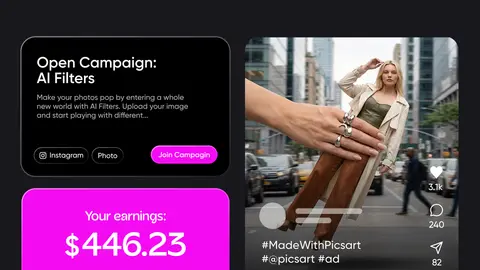
How to make money on Instagram at any follower count
Seven ways to make money on Instagram, who pays for each, and what your account needs first, from campaign briefs with no follower minimum to Subscriptions.
PicsArt Blog7 min read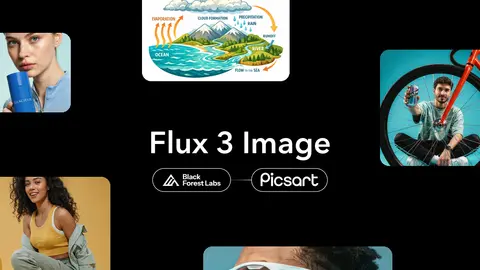
Flux 3 Image in Picsart: layout control, precise edits, 4K
Flux 3 Image, the new image model from Black Forest Labs, is now in Picsart AI Playground, with native 2K and 4K output and room for up to 10 reference images. Describe a scene or drop in reference images, and the model returns full-resolution images ready for ads, posters and brand assets.
PicsArt Blog6 min read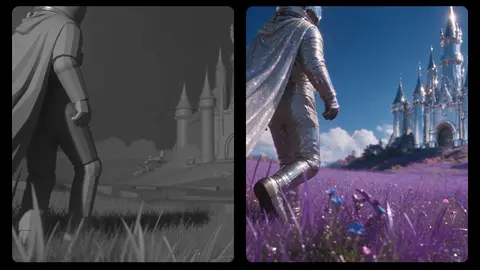
Create 3D assets and videos with Blender MCP and Picsart MCP in Claude
Connect Picsart MCP and Blender MCP to Claude, and a grey-box 3D scene becomes a photoreal video rendered by Seedance 2.5 in Picsart. Here is the setup, a worked demo and three workflows to try.
PicsArt Blog8 min read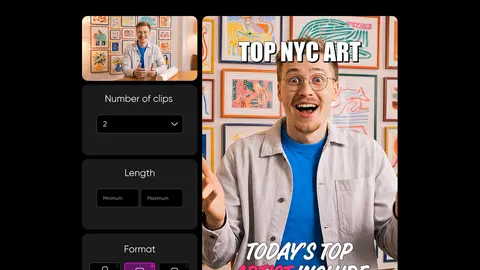
How to make YouTube Shorts from your long videos
How to make YouTube Shorts from one long video: find the moments worth clipping, then let AI turn them into up to 12 captioned vertical Shorts in one run.
PicsArt Blog5 min read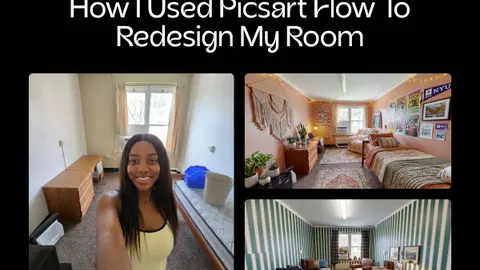
How to use AI to decorate a room and tour it in Picsart Flow
To use AI to decorate a room, upload a photo of the space to Picsart Flow and describe each change in a prompt, so you can see the idea before committing to it. With just a few prompts, one college dorm room turns into four completely different redesign styles.
PicsArt Blog9 min read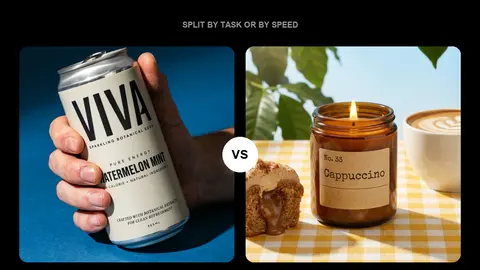
Ideogram 4.5 vs GPT Image 2.5: which version to use when
Ideogram 4.5 and GPT Image 2.5 both promise edits that hold across many rounds, but they split into two versions for different reasons. Ideogram divides by job. Ideogram 4.5 generates and edits, while Ideogram 4.5 Precise Edit changes one area and keeps the rest pixel-intact.
PicsArt Blog9 min read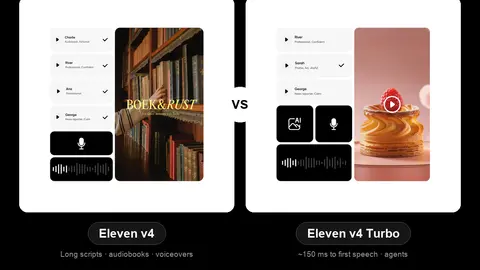
ElevenLabs v4 vs v4 Turbo differences explained
ElevenLabs v4 and Eleven v4 Turbo are one voice engine at two speeds. The choice comes down to one question: does your audio need to answer back in real time? Eleven v4 Turbo: live conversation and agents. Eleven v4: produced audio like audiobooks, character work, voiceovers and dubbing.
PicsArt Blog6 min read
AI Video Clipper is here: how to clip videos in Picsart
How to clip videos with AI in Picsart: upload one long video, set your clip count and format, and get up to 12 captioned shorts ready to post.
PicsArt Blog6 min read
AI Glass breaking effect with Flux 3: does the smash sound right too?
A glass breaking effect in Flux 3 comes from one prompt that describes the break and the sound together. The model creates picture and audio in a single generation. As a result, the smash lands on the frame where the glass gives way. There is no library track to hunt down and no manual syncing.
PicsArt Blog9 min read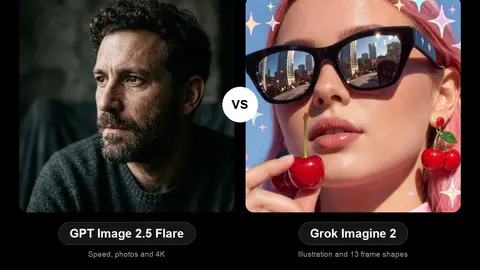
GPT Image 2.5 Flare vs Grok Imagine 2 for everyday images
GPT Image 2.5 Flare is the pick for photographs, precise edits and big finished files, while Grok Imagine 2 is the pick for drawn, styled and unusually shaped images. Both are quick, everyday models, and both sit in the same Picsart Playground, so the real question is what you are about to make.
PicsArt Blog9 min read
Details are compiled from PicsArt's website and public sources, last verified Oct 3, 2026. Features and pricing change — confirm on the official site before you buy.
Try PicsArt
Paid · from $10.5/month
Tags
- AI Creative Platform
- Trend Following
- Character Design
- Animated Stories
Comments
Sign in to join the discussion.