

Vista Social
Social media management tools for teams to exceed goals
- Paid· from $99/month


What is Vista Social?
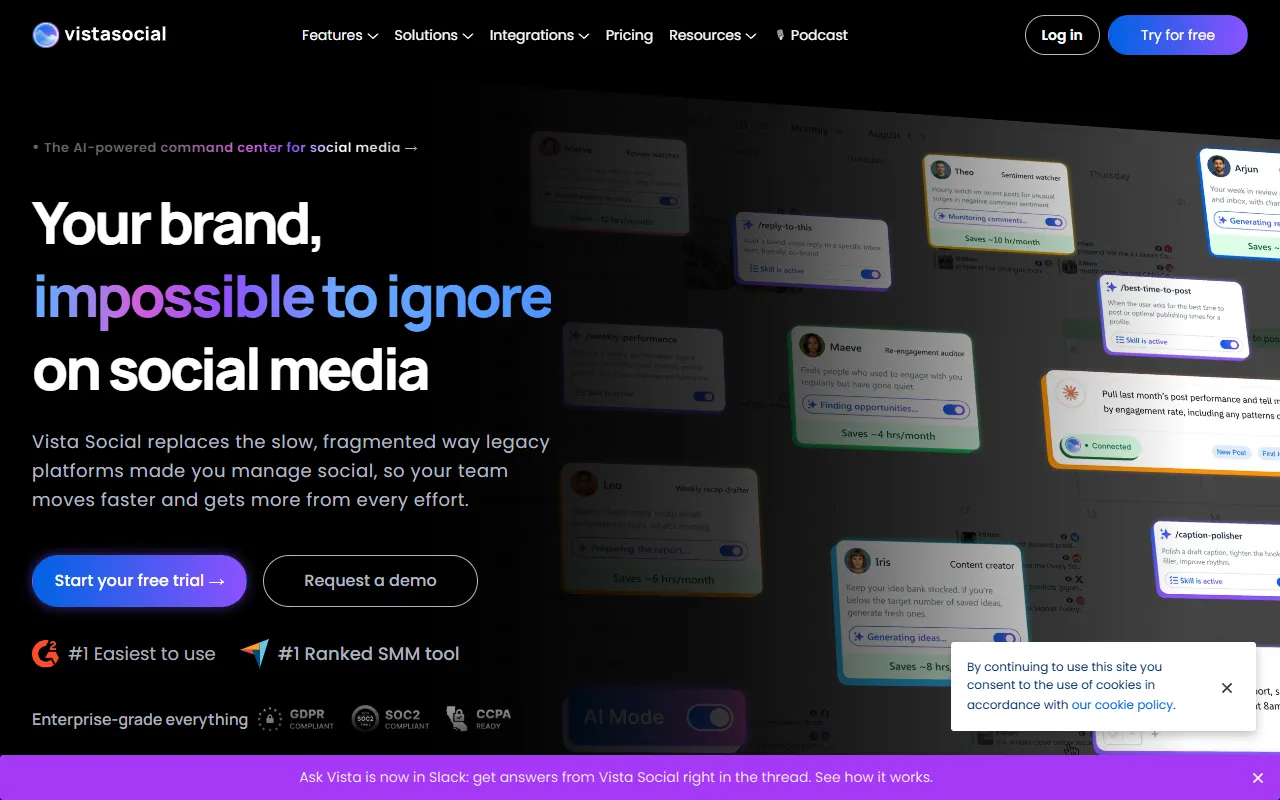
Vista Social is a Social Media Management tool. Social media management tools for teams to exceed goals. Vista Social is a paid tool, starting at $99/month. A free trial is available. It is available on iOS, Android, App Store (iOS) and Google Play (Android). It is aimed at marketing teams and social media managers.
Vista Social provides AI-powered tools for managing social media, including content creation, scheduling, publishing, inbox management, listening, reviews, and analytics. It is designed for teams handling multiple social accounts.
Built for marketing teams and social media managers.
Key capabilities
Features
AI Content Creation
Uses AI for content generation
Scheduled Agents
Automates posting schedules
Publishing
Enables content publishing
Inbox Management
Manages social media inbox
Listening
Monitors social media conversations
Analytics
Provides performance analytics
Use cases
- Schedule social media posts
- Manage social media inbox
- Analyze social media performance
Popular use cases
Who it's for
Pros & cons
Pros
- Free trial available
- Integrates with Zapier
- Integrates with Slack
Cons
- No free plan available
Pricing
Paid — paid plans start at $99/month. Free trial available.
| Plan | Price |
|---|---|
| Free | $199 / month |
| Enterprise | $99 / month |
Integrations
Security & compliance
- SOC 2
- ISO 27001
- GDPR
- SSO
- SAML
- Two-factor authentication
- Encryption
- Data deletion
As stated on Vista Social's website — not independently verified by AiByts.
FAQ
What is Vista Social?
Vista Social is a Social Media Management tool. Social media management tools for teams to exceed goals. Vista Social provides AI-powered tools for managing social media, including content creation, scheduling, publishing, inbox management, listening, reviews, and analytics. It is designed for teams handling multiple social accounts.
Is Vista Social free?
No, Vista Social is a paid tool. A free trial is available.
How much does Vista Social cost?
Vista Social offers 2 plans: Free ($199 / month) and Enterprise ($99 / month).
What platforms does Vista Social support?
Vista Social is available on iOS, Android, App Store (iOS) and Google Play (Android).
Who should use Vista Social?
Vista Social is built for marketing teams and social media managers. Common uses: schedule social media posts, manage social media inbox and analyze social media performance.
What does Vista Social integrate with?
Vista Social integrates with Slack, Zapier, Make, Google Drive, Google Analytics, Dropbox, Zendesk and Canva, among 15 integrations.
What are the best alternatives to Vista Social?
Similar tools on AiByts include Indzu Social, Blotato, Exolyt, Kinetik and SocialBu.
Vista Social news & updates
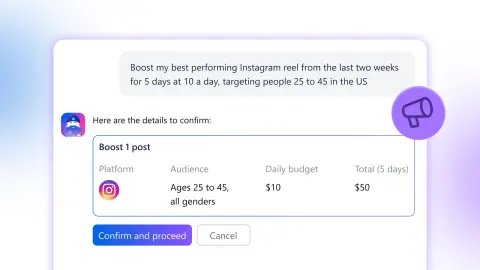
Introducing Ads Manager in Ask Vista: Run Paid Campaigns Where You Run Social
Ads Manager is now live in Ask Vista, the AI assistant inside Vista Social. Review results, find out why a campaign isn’t spending, build or change campaigns, and boost posts on 10 ad networks from the same place you already publish and measure social.
Vista Social Blog6 min read
What Does a Social Media Manager Really Cost a Small Business?
Ever since your social media manager left, the person at the front desk has been checking Instagram between customers. It was supposed to be a favor for a couple of Fridays. Then, while you’re putting together the job ad, they ask whether they should block out next Friday too.
Vista Social Blog9 min read
Social Media Lead Generation: Where Leads Go Missing
After your last job on Thursday, you open Instagram to check the bathroom photos you posted on Tuesday. They’ve had more likes than anything you’ve shared in weeks.
Vista Social Blog9 min read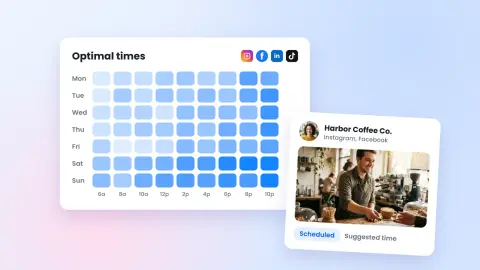
Best Time to Post on Social Media in 2026: What 11.4 Million Brand Posts Show
The best day to post on social media is Sunday. In Vista Social’s analysis of 11.4 million brand posts published from November 2025 to October 2026, Sunday posts got more impressions than the same brand’s posts on other days on all seven networks we measured, from 3% more on TikTok to 10% more on…
Vista Social Blog12 min read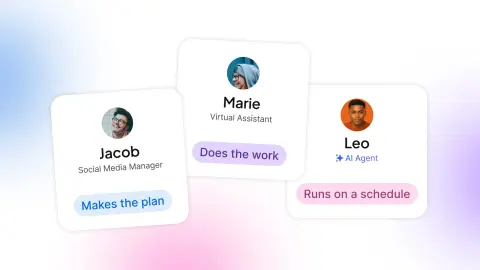
Social Media Virtual Assistant, Part-Time Manager, or AI Agent?
You take a photo between appointments, thinking you’ll put it on Instagram when things quiet down. By the time you open the app, someone’s asking if you’ve got a spot on Friday, and you use the few minutes you had for the post to check the calendar and get back to them.
Vista Social Blog9 min read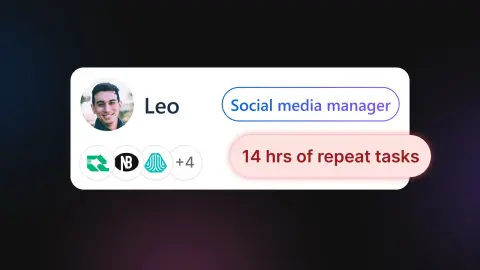
How Many Clients Can a Social Media Manager Handle?
Your social media manager has kept Thursday afternoon open for client revisions, although the resourcing sheet makes it look like room for another account. They know the feedback is coming; they just don’t know which client will send it first.
Vista Social Blog10 min read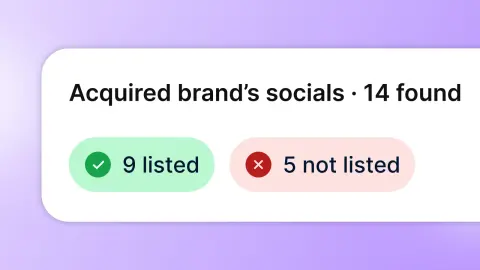
Merging Social Media Accounts After an Acquisition: A 90-Day Plan
An acquisition can put you in charge of a social team that already has next week’s campaign ready. Their lead knows how to get it out the door. What they need from you is clarity about which decisions now need your approval.
Vista Social Blog12 min read
AI-Generated Content Disclosure: Platform Rules for Brand Teams
Your designer uses AI to extend a campaign background so it fits a vertical post. The image looks right, the team is ready to schedule it, and someone asks, “Do we need to label this?” You’d like to give them a straight answer without turning a routine edit into a research assignment.
Vista Social Blog10 min read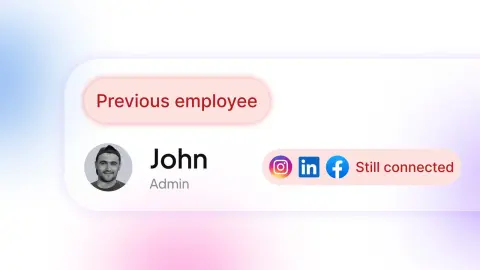
Your Social Person Left? A 30-Day Social Media Handover Plan
Your social media manager has left, and “just keeping social going” has landed on your to-do list. Fair enough, until you’re checking Instagram between customers and spending the end of the day working out whether tomorrow’s post is ready.
Vista Social Blog11 min read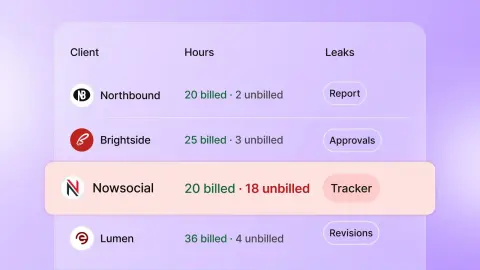
Agency Profit Margin: The Cost of Serving Each Client
Pull up the numbers for a client you’d happily take on again. The retainer lands on time, the relationship is good, and the timesheet looks about right. Then add your account manager’s approval chasing and the captions you checked after dinner. Your salary bill is already in the P&L.
Vista Social Blog10 min read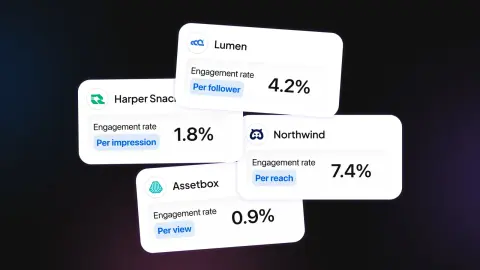
Social Media Center of Excellence: A Multi-Brand Guide
Try making a company-wide recommendation when the brand reports stop at “here are the numbers.” Before you ask for more support for a brand, you need the bit that never made it into the deck: what changed, what the team learned, and what they’d do next.
Vista Social Blog13 min read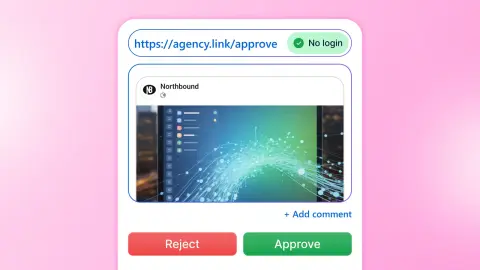
Client Portal for Agencies: When to Use an Approval Link
Client portals are easy to like in a demo. Your logo is on the page, the files are neatly arranged, and every project has its own space. The useful test is whether your client can review next week’s posts without asking your account manager where to click.
Vista Social Blog10 min read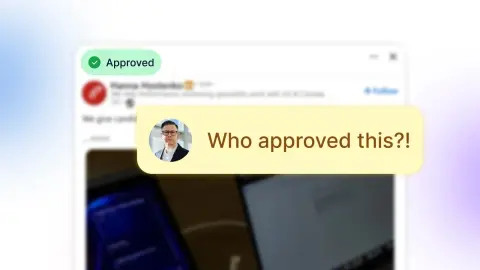
Social Media Governance: Managing Content Approvals Across Brands
Managing a company’s social accounts means answering for what gets posted, including work created by people outside your team. Regional marketers, product teams, and agencies can all contribute to the calendar, but their posts don’t all need the same review.
Vista Social Blog9 min read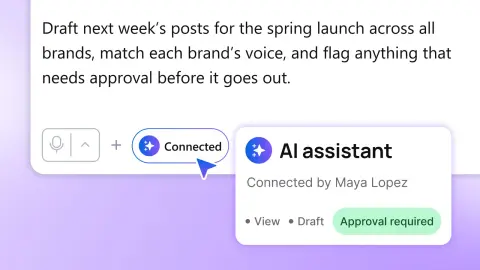
MCP Security for Social Teams: What to Check Before Connecting AI
You want AI to pull a launch report for two regions. IT asks which accounts it can reach, whether it can publish, and how you’ll disconnect it. Before anyone clicks Authorize, you need answers that hold up beyond the setup screen.
Vista Social Blog11 min read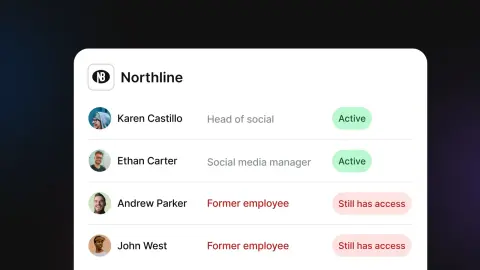
Social Media Password Management: A Guide to Team Access
Who can publish from your company’s social accounts today? Include former agency partners, colleagues who changed regions, and AI assistants connected through an administrator’s account. Would everyone on that list still need their access?
Vista Social Blog12 min read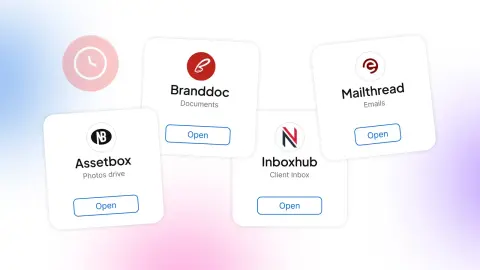
The Cost of Context Switching Across Agency Clients
Clients don’t send feedback according to your folder structure. They reply to last week’s email, mark up a different image, or mention a change on a call. Before you can edit the post, you have to work out which version they mean. Across a twelve-client calendar, that search keeps coming back.
Vista Social Blog13 min read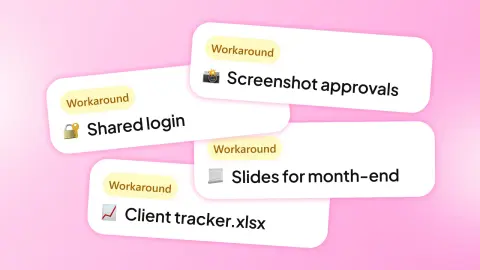
6 Signs Your Social Media Management Tool Is Limiting Agency Growth
A client’s question about a post shouldn’t have to wait for the one person who remembers where it was approved. If the answer sits in an account manager’s chat history rather than your social media management tool, someone has to track it down before you can respond.
Vista Social Blog11 min read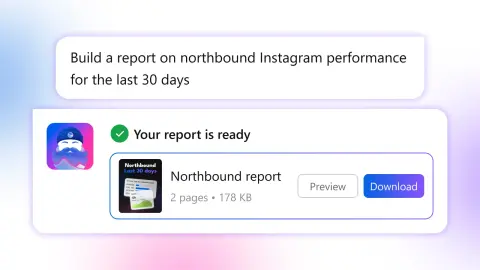
Ask Vista Can Now Read, Create and Edit Documents
Ask Vista already helps you analyze performance and work across your social accounts. Now it can read the supported files you bring in, create reports, decks, and workbooks, and revise those generated documents as the request changes.
Vista Social Blog8 min read
Details are compiled from Vista Social's website and public sources, last verified Oct 2, 2026. Features and pricing change — confirm on the official site before you buy.
Try Vista Social
Paid · from $99/month
Tags
- AI Content Creation
- Social Media Management
- Analytics
Comments
Sign in to join the discussion.