

VoiceOS
AI voice assistant for Mac and Windows that enables voice-controlled tasks.
- Paid· from $29.99/month
- API Available
What is VoiceOS?
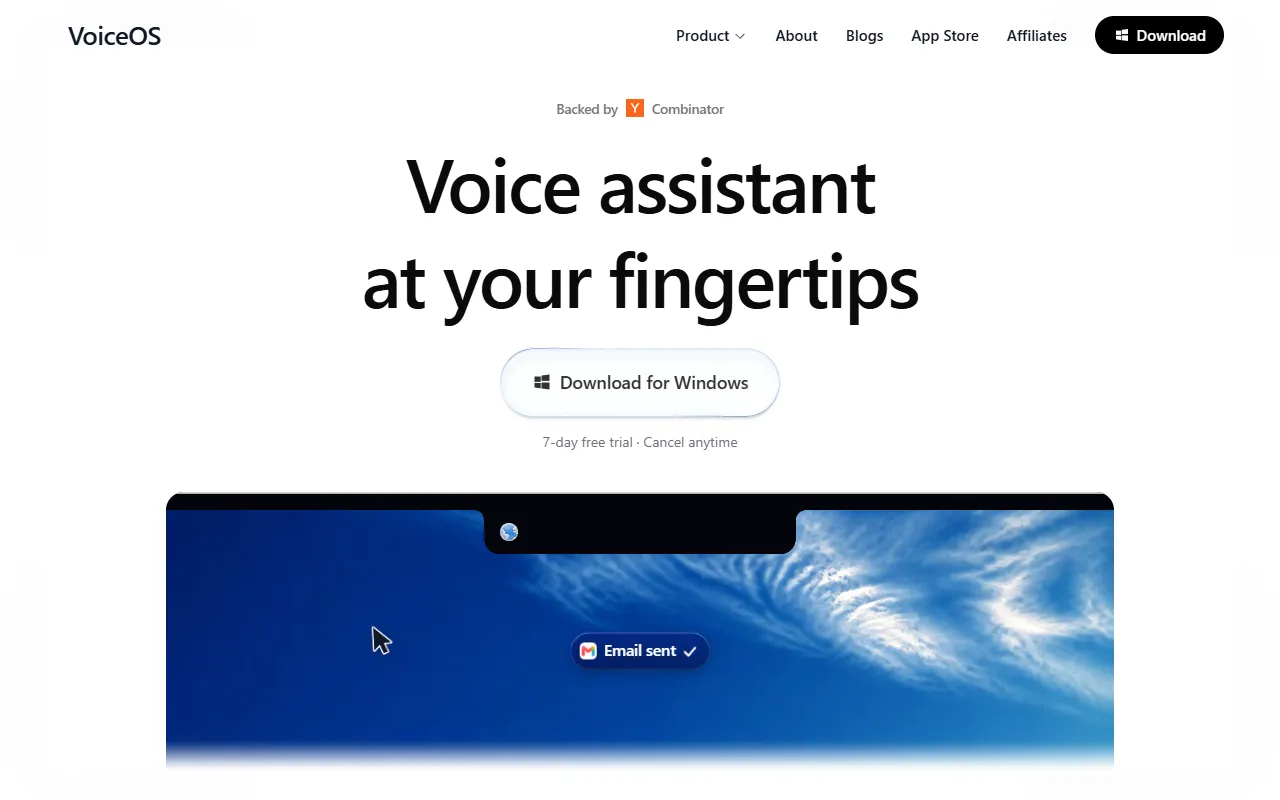
VoiceOS is a Messaging Assistant tool. AI voice assistant for Mac and Windows that enables voice-controlled tasks. VoiceOS is a paid tool, starting at $29.99/month. A free trial of 7 days is available. It is available on Windows and macOS. It is aimed at developers, productivity users and business users.
VoiceOS is a voice operating system and AI voice assistant for Mac and Windows. It allows users to dictate, send messages, search the web, and automate apps by voice.
Built for developers, productivity users and business users.
Key capabilities
Features
Voice Commands
Activate and control functions using spoken commands.
Web Search
Search the internet using voice input.
Message Sending
Send messages through voice commands.
App Automation
Automate applications using voice instructions.
Use cases
- Send messages using voice commands
- Search the web through voice input
- Automate app tasks with spoken instructions
Who it's for
Pros & cons
Pros
- Public API available
- Free trial available
Cons
- No free plan available
Pricing
Paid — paid plans start at $29.99/month. Free trial of 7 days available.
| Plan | Price |
|---|---|
| Pro, billed annually | $143.88 / year |
| Pro, billed monthly | $29.99 / month |
Integrations
AI models
Developer & API
Public SDK API available
Security & compliance
- SOC 2
- SSO
- SAML
- Two-factor authentication
- Encryption
- Data deletion
As stated on VoiceOS's website — not independently verified by AiByts.
FAQ
What is VoiceOS?
VoiceOS is a Messaging Assistant tool. AI voice assistant for Mac and Windows that enables voice-controlled tasks. VoiceOS is a voice operating system and AI voice assistant for Mac and Windows. It allows users to dictate, send messages, search the web, and automate apps by voice.
Is VoiceOS free?
No, VoiceOS is a paid tool. A free trial is available.
How much does VoiceOS cost?
VoiceOS offers 2 plans: Pro, billed annually ($143.88 / year) and Pro, billed monthly ($29.99 / month).
Does VoiceOS have an API?
Yes, VoiceOS offers a public SDK API for building custom integrations.
What platforms does VoiceOS support?
VoiceOS is available on Windows and macOS.
Who should use VoiceOS?
VoiceOS is built for developers, productivity users and business users. Common uses: send messages using voice commands, search the web through voice input and automate app tasks with spoken instructions.
What does VoiceOS integrate with?
VoiceOS integrates with Slack.
What are the best alternatives to VoiceOS?
Similar tools on AiByts include Nexmo API, Hola AI, KindredMind, Knockin' and Rosie.
VoiceOS news & updates
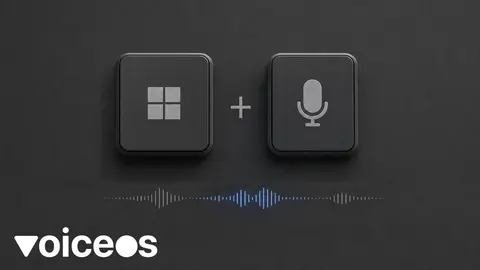
How to Use Windows Voice Typing (Win+H) in 2026
Press Win+H to dictate into any text box on Windows. Setup, commands, Fluid Dictation on Copilot+ PCs, Voice Access vs Voice Typing, and when a system-wide layer helps.
VoiceOS Blog9 min read
40 VoiceOS actions and how to verify each one
Forty documented VoiceOS actions across email, notes, calendars, files, and issue trackers, with platform limits, confirmation behavior, and verification steps.
VoiceOS Blog9 min read
How to test dictation accuracy beyond word error rate
Test dictation by the editing needed after paste and how easily readers understand the output. Measure correction time, paragraph breaks, lists, and email formatting.
VoiceOS Blog11 min read
How to dictate email without losing control of the message
Learn how to dictate and format email with clear paragraphs, greetings, and sign-offs, then review the message before sending. Includes a Gmail draft example.
VoiceOS Blog6 min read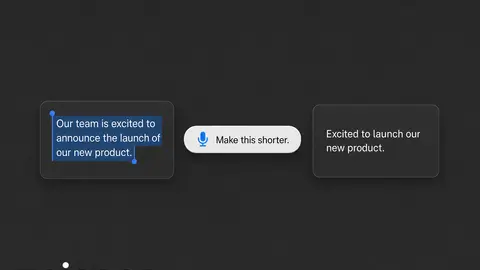
How to Rewrite and Edit Text by Voice on Mac and Windows
Select a draft, speak an edit—"make this shorter," "friendlier," "bullets"—and replace the text without retyping. Built-in options, chatbot workarounds, and a system-wide Edit mode.
VoiceOS Blog7 min read
How to capture an idea without losing your place
A concrete voice-note workflow: capture the idea with context, keep one inbox, verify it was saved, and return to the task you were doing.
VoiceOS Blog5 min read
How to reduce typing fatigue during a working day
A practical way to reduce keyboard-heavy work: identify repetitive tasks, use dictation selectively, review your setup, and keep breaks in the day.
VoiceOS Blog5 min read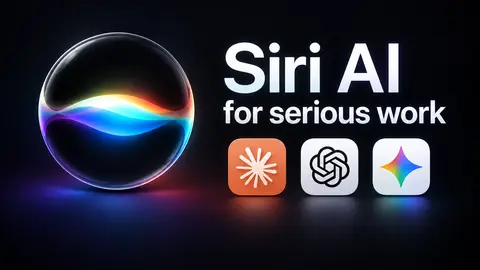
How to Use the New Siri for Work: Emails, Notes, and Tasks
Learn how to use the new Siri for work with prompts for emails, notes, and reminders. See where Siri helps and when to try VoiceOS for desktop tasks.
VoiceOS Blog9 min read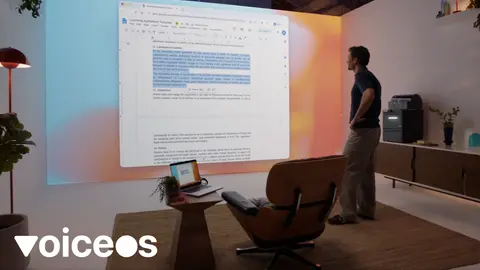
How to Use GPT-6 Astra Voice to Control Your Computer
Learn how to use GPT-6 Astra Voice with Computer Use, screen context, permissions, spoken task prompts, and VoiceOS workflows on Mac and Windows.
VoiceOS Blog13 min read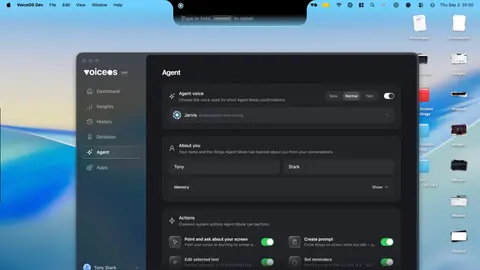
An AI Assistant That Lives in Your Notch and Takes Action Across Your Apps
VoiceOS stays at the top of your screen, understands what you say, and turns a spoken request into a real action in the app where it belongs.
VoiceOS Blog6 min read
How to Create a Real-Life Jarvis for Your Computer: Mac & Windows
VoiceOS gives your computer the voice interface. Connect Claude Code, Codex, your own apps, or almost any MCP tool, and turn the assistant you imagine into something you can actually use.
VoiceOS Blog9 min read
How VoiceOS Is Building the Voice Operating System
VoiceOS combines system-wide AI dictation, screen understanding, and confirmed actions across apps to make speech a practical control layer for Mac and Windows.
VoiceOS Blog8 min read
How to Use Voice in Gmail, Google Docs, and Google Keep
A practical guide to Gmail Live, Docs Live, and Keep Live—including where to find them, what to say, and how to fix common access issues.
VoiceOS Blog9 min read
The 6 Best Siri Alternatives in 2026 (Mac, Windows, and Your Phone)
The new Siri is real, and it is genuinely better. It is also a beta, English first, Apple hardware only, and strongest inside Apple's own apps. Here is an honest guide to the assistants people actually switch to, whether you want your computer to do the work, a smarter conversation, or sourced…
VoiceOS Blog12 min read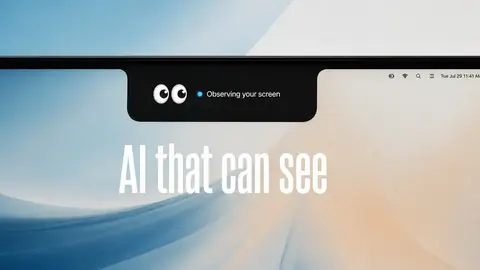
AI That Can See Your Screen and Answer Questions (2026)
Looking for an AI that reads your screen and answers questions? VoiceOS can look at what is on your Mac or Windows screen when you ask, understand the page, message, form, or app in front of you, and answer by voice. You can even point or draw with your mouse cursor to show it exactly what you mean.
VoiceOS Blog13 min read
Typing with RSI or carpal tunnel: a practical voice guide
A guide to voice typing for RSI, carpal tunnel, and wrist pain: what the research says, how to set up hands-free dictation, and where it can't help.
VoiceOS Blog8 min read
600+ Signups, 200+ Builders: Inside the VoiceOS App Store Hackathon
In six hours, builders turned VoiceOS into coding agents, music controls, live business dashboards, custom CRM workflows, and voice-native apps we never would have designed ourselves.
VoiceOS Blog7 min read
Voice Typing for Customer Support: Faster, More Human Ticket Replies
How support agents can dictate faster ticket replies with a five-step workflow, privacy notes, and accuracy limits—while keeping their own wording.
VoiceOS Blog12 min read
Details are compiled from VoiceOS's website and public sources, last verified Oct 5, 2026. Features and pricing change — confirm on the official site before you buy.
Try VoiceOS
Paid · from $29.99/month
Comments
Sign in to join the discussion.