

WebTerm
Free online Linux terminal with interactive tutorials.
- Web
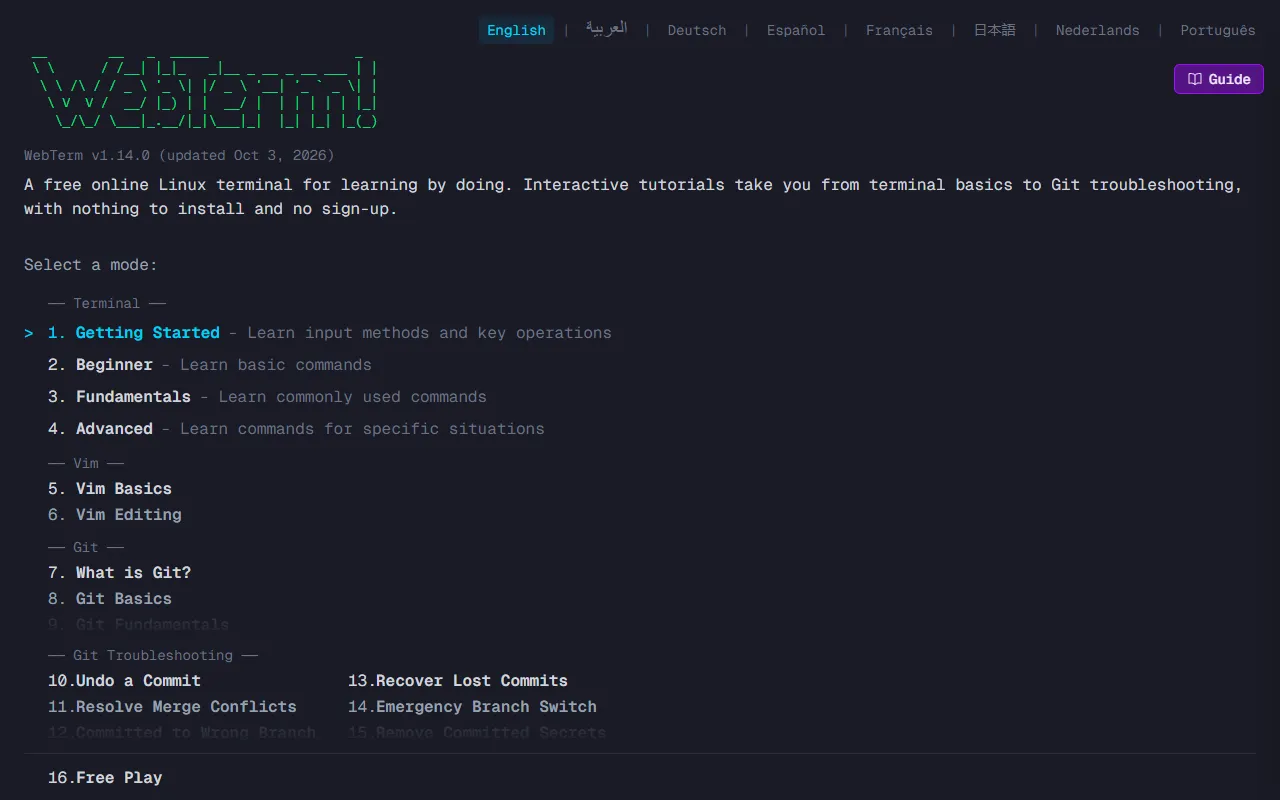
What is WebTerm?
WebTerm is a Terminal Assistants tool. Free online Linux terminal with interactive tutorials. It is available on Web App. It is aimed at developers, students and beginners.
WebTerm is a free online Linux terminal that runs in your browser. It offers interactive tutorials for practicing Linux commands and Git without installation or sign-up.
Built for developers, students and beginners.
Features
Interactive Tutorials
Provides hands-on practice for Linux commands and Git.
Browser-Based Terminal
Runs in the browser without installation or sign-up.
Command Line Practice
Allows users to practice Linux commands and Git.
Use cases
- Practice Linux commands and Git with interactive tutorials
- Learn programming through coding tutorials
- Access an online terminal for command line tasks
Who it's for
- Developers
- Students
- Beginners
Pros & cons
Pros
- Free to use with no sign-up required
- Accessible via web browser without installation
Cons
No documented limitations yet.
FAQ
What is WebTerm?
WebTerm is a Terminal Assistants tool. Free online Linux terminal with interactive tutorials. WebTerm is a free online Linux terminal that runs in your browser. It offers interactive tutorials for practicing Linux commands and Git without installation or sign-up.
What platforms does WebTerm support?
WebTerm is available on Web App.
Who should use WebTerm?
WebTerm is built for developers, students and beginners. Common uses: practice Linux commands and Git with interactive tutorials, learn programming through coding tutorials and access an online terminal for command line tasks.
What are the best alternatives to WebTerm?
Similar tools on AiByts include Boxes.dev, ccshare, Cosyra, Otty and CtrlOps.
Details are compiled from WebTerm's website and public sources, last verified Oct 5, 2026. Features and pricing change — confirm on the official site before you buy.
Try WebTerm
Visit the official website
Tags
- Linux Terminal
- Interactive Tutorials
- Command Line Practice
Comments
Sign in to join the discussion.