
CtrlOps
AI-assisted terminal for managing Linux servers with real-time monitoring and SSH access
- Freemium· from $7/month
- API Available
What is CtrlOps?
CtrlOps is a Terminal Assistants tool. AI-assisted terminal for managing Linux servers with real-time monitoring and SSH access. CtrlOps is freemium: it has a free plan, and paid plans start at $7/month. A free trial is available. It is available on Windows, macOS and Linux. It is aimed at devops engineers, system administrators and developers.
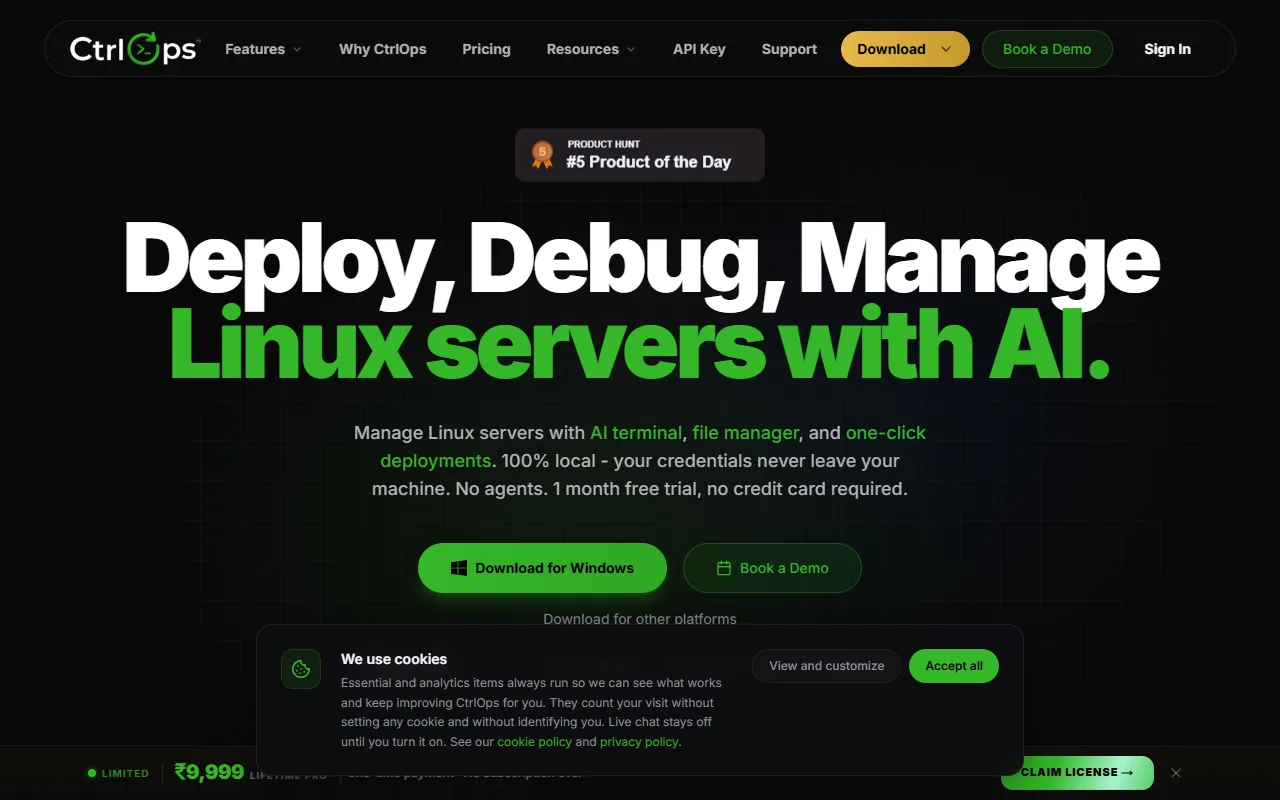
CtrlOps is a local-first desktop app for managing Linux servers with an AI-assisted terminal, real-time monitoring, and SSH access. It offers encrypted storage, AI diagnosis, and production safety through approval-based execution. The tool supports multi-server management, file management, and deployments.
Built for devops engineers, system administrators and developers.
Key capabilities
Features
AI Terminal
AI-assisted terminal with diagnosis
Approval-Based Execution
Production safety through approval-based execution
Multi-Server Management
Real-Time Infra Monitoring
SSH Management
Visual File Management
AI Assisted Terminal
AI-assisted terminal with diagnosis
Script Directory
Log Management
Security Audit
Single-Click Deployment
File Manager
Manage files via SSH
Use cases
- Manage Linux servers with an AI-assisted terminal
- Monitor server infrastructure in real-time
- Execute commands with approval-based production safety
- Deploy applications with a single click
- Conduct security audits on servers
- Centralize SSH access and management
Who it's for
- DevOps Engineers
- System Administrators
- Developers
Pros & cons
Pros
- Free plan available
- Public API available
Cons
No documented limitations yet.
Pricing
Freemium — paid plans start at $7/month. Free trial available.
| Plan | Price |
|---|---|
| Free Trial | Free |
| Monthly | $7 / month |
| Yearly | $70 / year |
| Lifetime | $149 |
Developer & API
Public webhook API available
- Webhooks
- Supported
Security & compliance
- SOC 2
- ISO 27001
- Encryption
- Data deletion
As stated on CtrlOps's website — not independently verified by AiByts.
FAQ
What is CtrlOps?
CtrlOps is a Terminal Assistants tool. AI-assisted terminal for managing Linux servers with real-time monitoring and SSH access. CtrlOps is a local-first desktop app for managing Linux servers with an AI-assisted terminal, real-time monitoring, and SSH access. It offers encrypted storage, AI diagnosis, and production safety through approval-based execution. The tool supports multi-server management, file management, and deployments.
Is CtrlOps free?
CtrlOps has a free plan; advanced features require a paid plan.
How much does CtrlOps cost?
CtrlOps offers 4 plans: Free Trial (Free), Monthly ($7 / month), Yearly ($70 / year) and Lifetime ($149).
Does CtrlOps have an API?
Yes, CtrlOps offers a public webhook API with webhooks for building custom integrations.
What platforms does CtrlOps support?
CtrlOps is available on Windows, macOS and Linux.
Who should use CtrlOps?
CtrlOps is built for devops engineers, system administrators and developers. Common uses: manage Linux servers with an AI-assisted terminal, monitor server infrastructure in real-time, execute commands with approval-based production safety and deploy applications with a single click.
What are the best alternatives to CtrlOps?
Similar tools on AiByts include Kilo, Epho, Google AI Studio, ChatWithCloud and Otty.
CtrlOps news & updates
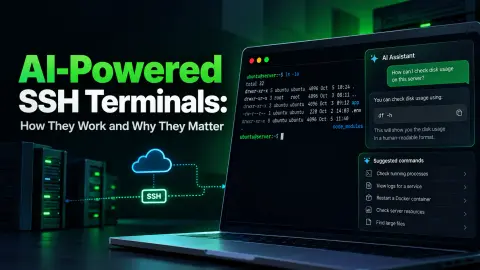
AI-Powered SSH Terminals: How They Work (2026)
We tested 7 AI terminal assistants for servers. See how they turn plain English into shell commands and which tool fits your server management workflow.
CtrlOps Blog17 min read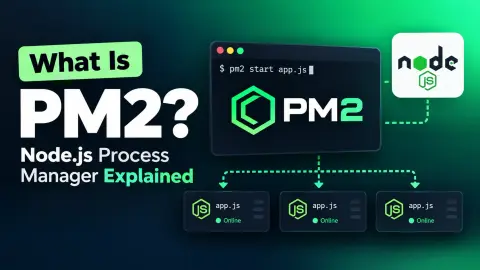
What Is PM2? Node.js Process Manager Guide (2026)
PM2 is a Node.js process manager for production servers. Learn cluster mode, restart vs reload, ecosystem files, and visual PM2 management with CtrlOps.
CtrlOps Blog18 min read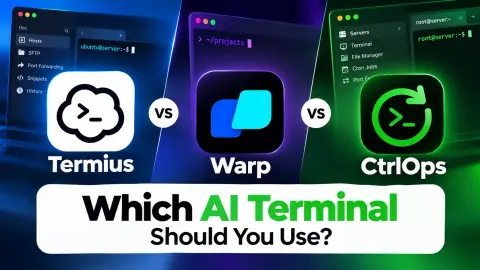
Termius vs Warp vs CtrlOps: 3 AI Terminals (2026)
We compared Termius, Warp, and CtrlOps on real server tasks. See pricing, AI features, approval safety, and which AI terminal fits your workflow in 2026.
CtrlOps Blog16 min read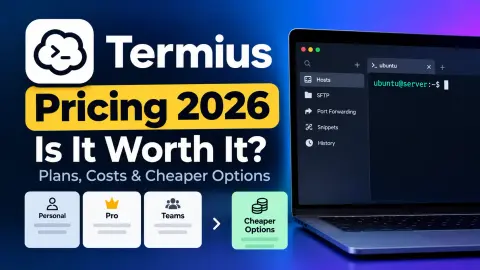
Termius Pricing 2026: Plans, Costs & Cheaper Options
Termius pricing starts free but reaches $30/user/month. See what each plan includes, what's missing, and how CtrlOps compares at $7/mo (1 month free).
CtrlOps Blog10 min read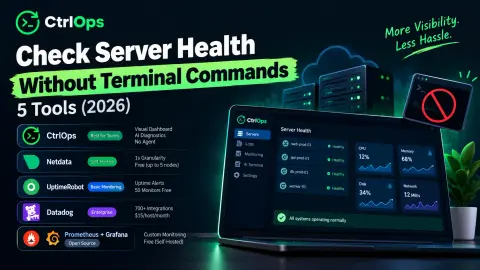
Check Server Health Without Terminal: 5 Tools (2026)
Check server health without terminal commands. 5 visual monitoring tools for small teams compared: CPU, RAM, disk dashboards, pricing and free tiers.
CtrlOps Blog15 min readDeploy to a VPS in 5 Steps Without a DevOps Engineer (2026)
Deploy to a VPS in 5 steps: SSH, runtime, PM2, Nginx and SSL. Manual takes 25-35 min. CtrlOps does the same deploy in under 5, $7/user/mo (1 mo free).
CtrlOps Blog9 min read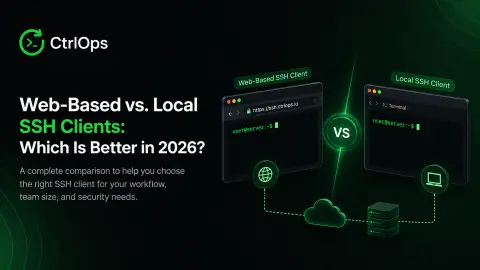
Web-Based vs. Local SSH Clients: 7 Differences (2026)
A comparison of web-based SSH clients versus local SSH clients on security, latency, and daily workflow, plus a decision framework for developers in 2026.
CtrlOps Blog19 min read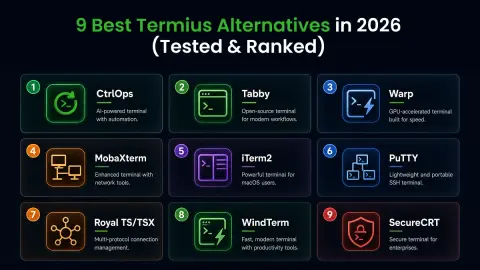
9 Best Termius Alternatives 2026 - Free & Paid Tested
Termius handles SSH but not deployment, monitoring, or AI. We tested 9 Termius alternatives on Ubuntu 24.04 servers in 2026. Free and paid picks compared.
CtrlOps Blog26 min read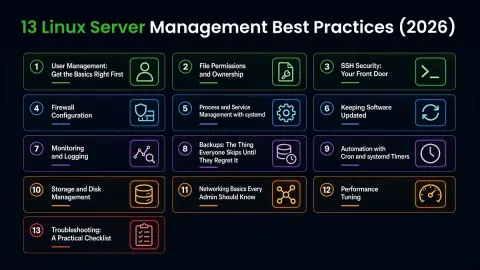
13 Linux Server Management Best Practices (2026)
13 Linux server management best practices for 2026 - SSH hardening, firewall setup, monitoring, and systemd, with real commands for Ubuntu and RHEL.
CtrlOps Blog23 min read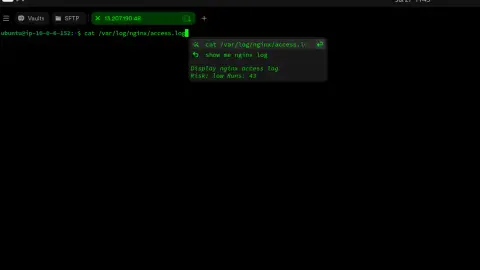
3 AI Terminal Tools for Server Management (2026)
We tested Termius AI, Kiro CLI, and CtrlOps for server management. See which AI terminal keeps servers clean with approval-gated, desktop-first automation.
CtrlOps Blog8 min read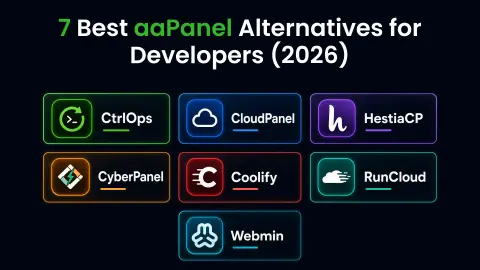
7 Best aaPanel Alternatives in 2026 (Free & Paid)
We tested 7 aaPanel alternatives for 2026. Compare CtrlOps, CloudPanel, HestiaCP, CyberPanel, Coolify, RunCloud, and Webmin on pricing and deployment.
CtrlOps Blog17 min read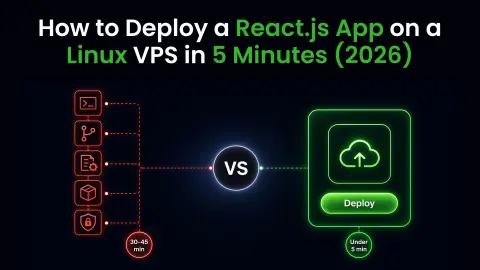
Deploy React on a Linux VPS in 5 Minutes (2026 Guide)
Deploy a React app on a Linux VPS in 12 steps or under 5 minutes. Covers production build, Nginx SPA routing, env vars & SSL.
CtrlOps Blog20 min read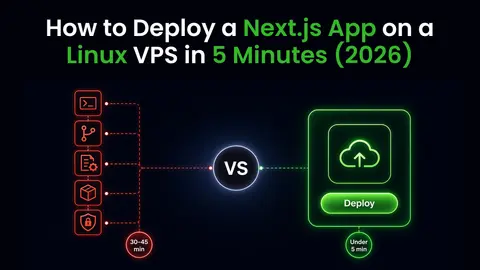
Deploy Next.js on a Linux VPS in 5 Minutes (2026 Guide)
Deploy a Next.js app on a Linux VPS in 13 steps or under 5 minutes. Covers build, NEXT_PUBLIC_ vars, PM2, Nginx & SSL.
CtrlOps Blog27 min read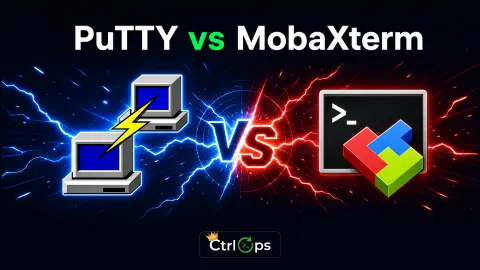
PuTTY vs MobaXterm (2026): Which SSH Client Wins?
Comparing PuTTY and MobaXterm on connection speed, SFTP, credential security, and AI features. Full 2026 test results, plus a modern SSH alternative.
CtrlOps Blog22 min read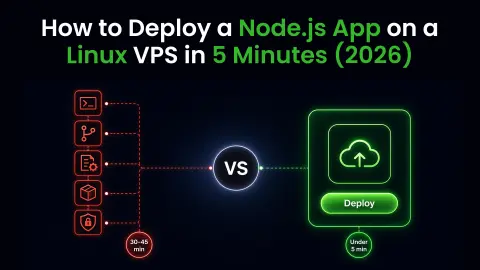
Deploy Node.js on a Linux VPS in 5 Minutes (2026 Guide)
Deploy a Node.js app on a Linux VPS in 13 steps or under 5 minutes with one-click deployment. Covers PM2, Nginx, SSL, env variables, and automation.
CtrlOps Blog21 min read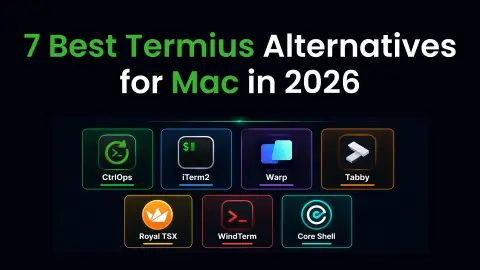
7 Best Termius Alternatives for Mac in 2026 (Tested)
We tested 7 Termius alternatives on macOS. Compare CtrlOps, iTerm2, Warp, Tabby, Royal TSX, WindTerm, and Core Shell - pricing, AI, and local storage.
CtrlOps Blog32 min read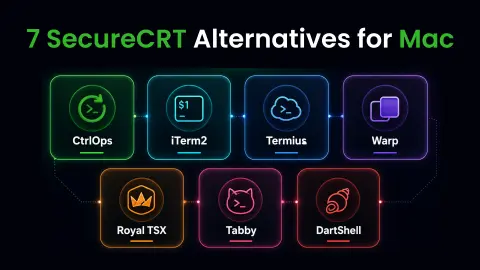
7 SecureCRT Alternatives for Mac 2026 - Best AI SSH Tools
SecureCRT on Mac has no AI, file manager, or monitoring. We tested 7 alternatives - CtrlOps, iTerm2, Termius, Warp, Royal TSX, Tabby, DartShell.
CtrlOps Blog25 min read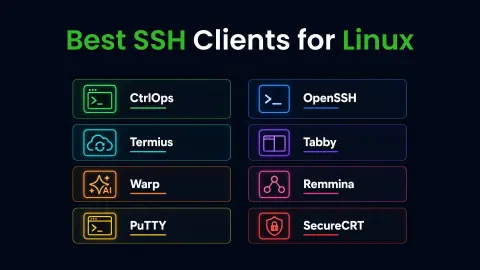
8 Best SSH Clients for Linux (2026): Free & Paid Compared
Stop juggling OpenSSH, scp, and a browser tab. We tested 8 SSH clients for Linux across real server tasks. See which one actually saves time in 2026.
CtrlOps Blog24 min read
Details are compiled from CtrlOps's website and public sources, last verified Oct 6, 2026. Features and pricing change — confirm on the official site before you buy.
Try CtrlOps
Freemium · from $7/month
Comments
Sign in to join the discussion.