

Divi
WordPress themes with visual drag and drop for 974,872 customers
- Paid· from $23.08/month
- API Available
What is Divi?
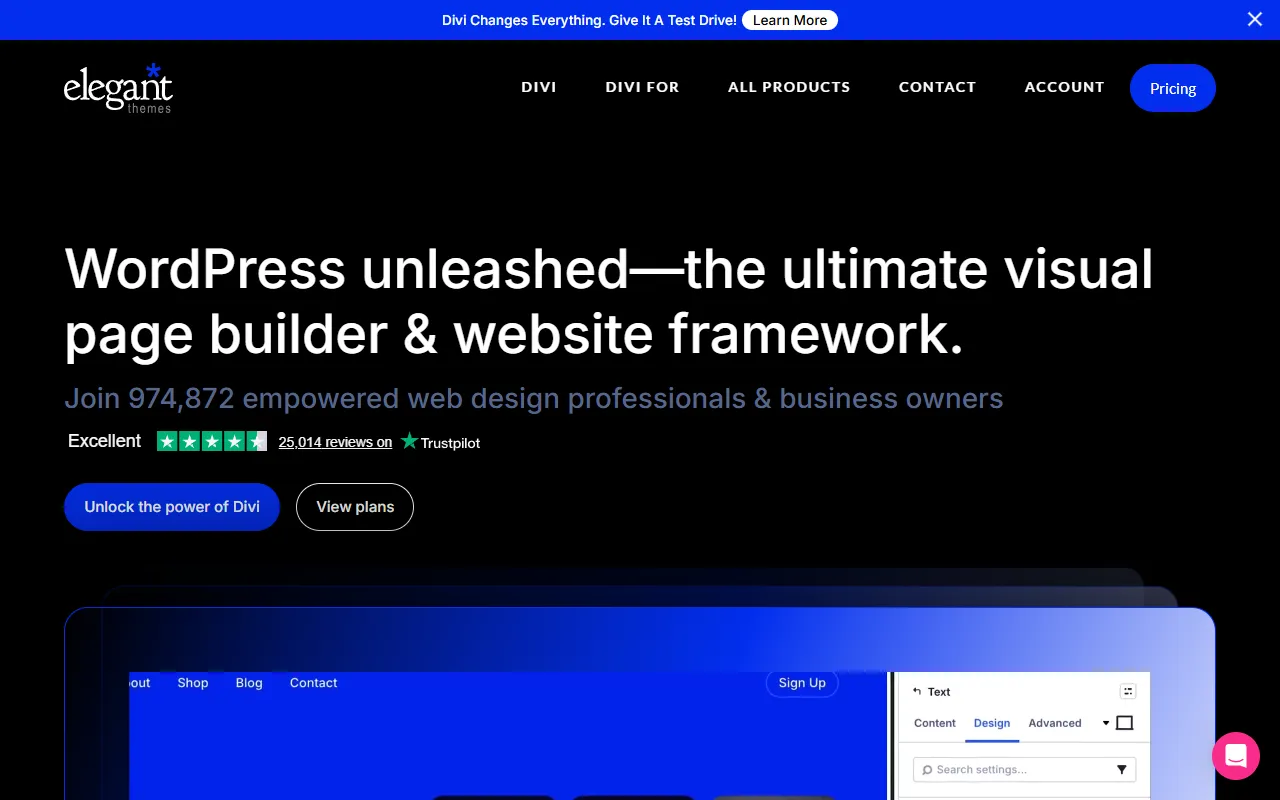
Divi is an AI Website Builder tool. WordPress themes with visual drag and drop for 974,872 customers. Divi is a paid tool, starting at $23.08/month. A free trial of 30 days is available. It is aimed at marketers, designers and developers.
WordPress themes with visual drag and drop technology that empower a community of 974,872 customers. Home of Divi, the ultimate Visual Page Builder and Theme.
Built for marketers, designers, developers and agencies.
Features
Full-site Editing
Enables editing of entire websites
Collaboration
Facilitates team collaboration
Website Management
Tools for managing websites
Unrivalled Community
Community of 974,872 customers
Single License
Power entire company, team, or personal website with one license
AI Site Generation
Generates websites using AI
Layout Tools
Tools for designing website layouts
Code Generation
Generates code for websites
Agency Workflow Features
Features for agency workflows
Gmail Integration
Integrates with Gmail
Google Analytics Integration
Integrates with Google Analytics
HubSpot Integration
Integrates with HubSpot
Use cases
- Create websites using AI site generation
- Design website layouts with layout tools
- Generate code for websites
- Manage websites with website management tools
- Collaborate with team members
- Integrate with Gmail for email management
Popular use cases
Pros & cons
Pros
- Public API available
- Free trial available
- Paid plans from USD 23.08/month
- Custom/enterprise pricing available
- Integrates with Gmail
Cons
No documented limitations yet.
Pricing
Paid — paid plans start at $23.08/month. Free trial of 30 days available.
| Plan | Price |
|---|---|
| Pro | $23.08 / month |
Integrations
Developer & API
Public API available
- Authentication
- API Key
FAQ
What is Divi?
Divi is an AI Website Builder tool. WordPress themes with visual drag and drop for 974,872 customers. WordPress themes with visual drag and drop technology that empower a community of 974,872 customers. Home of Divi, the ultimate Visual Page Builder and Theme.
Is Divi free?
No, Divi is a paid tool. A free trial is available.
How much does Divi cost?
Divi offers one plan: Pro ($23.08 / month).
Does Divi have an API?
Yes, Divi offers a public API for building custom integrations.
Who should use Divi?
Divi is built for marketers, designers, developers, agencies and business owners. Common uses: create websites using AI site generation, design website layouts with layout tools, generate code for websites and manage websites with website management tools.
What does Divi integrate with?
Divi integrates with Gmail, Google Analytics, HubSpot, Salesforce, WooCommerce, WordPress, YouTube and Instagram, among 13 integrations.
What are the best alternatives to Divi?
Similar tools on AiByts include Capacity, Circle, Zyro AI Image Generator, CodeDesign and Bitrise.
Divi news & updates
Divi 5.15 Release Notes
It’s official; the beta phases have ended, and Divi 5 has arrived. This isn’t the end; it’s a new beginning for Divi, and we are moving forward faster than ever with weekly updates. If you use Divi 5, you’ll see a version 5.15 update notification today.
Divi Blog10 min read
Introducing Components and Slots for Divi 5
Divi Components and Slots have arrived, introducing a completely new way to build reusable designs in Divi 5. 🎉 This is one of the most important updates to Divi since Variables and Presets! Components are the evolution of Divi’s Global Elements.
Divi Blog9 min read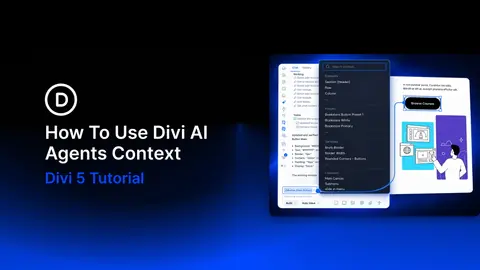
How To Use Divi AI Agents Context
When a page has several buttons, a request like “update the button in the pricing section” can leave room for interpretation. Divi AI Agents can work with your page structure, but attaching the exact element makes your target clearer.
Divi Blog11 min read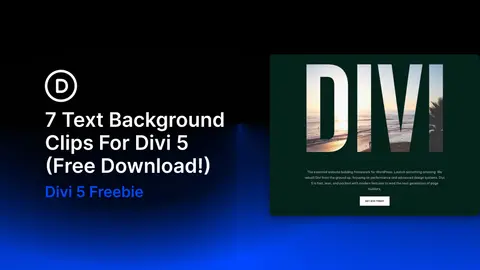
7 Text Background Clips For Divi 5 (Free Download!)
A large word can become more than typography when the image or texture behind it becomes part of the letterforms themselves. In this free pack, you’ll get 7 Text Background Clip Sections for Divi 5, using oversized type, imagery, contrast, and structured layouts to turn text into a central visual…
Divi Blog9 min read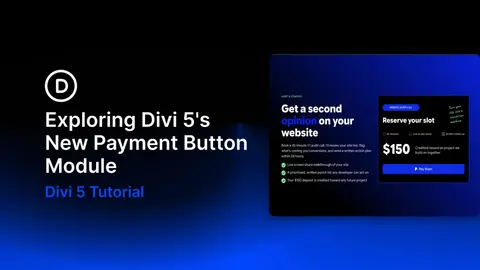
Exploring Divi 5’s New Payment Button Module
Divi 5‘s Payment Button Module lets you accept payments through PayPal or Stripe without setting up a full online store. Add the module to your page, connect your payment resource, and style the button in the Visual Builder. Visitors then complete their payment through the provider’s checkout.
Divi Blog15 min read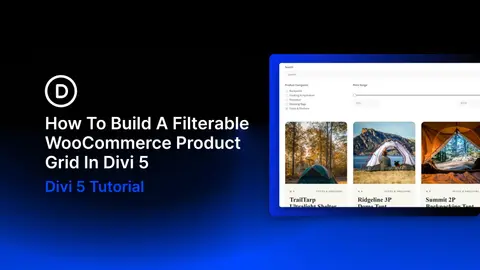
How To Build A Filterable WooCommerce Product Grid In Divi 5
A product grid gives shoppers a way to browse your catalog. Search, filters, and sorting help them narrow that catalog to products that fit their needs.
Divi Blog11 min read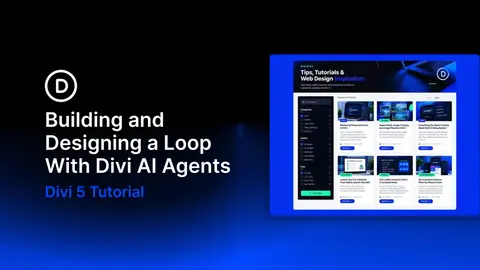
Building And Designing A Loop With Divi AI Agents
Divi AI Agents let you build and edit websites through conversation. Inside Divi 5, the interface sits beside the page in the Visual Builder and can create sections, rows, and modules while you watch. Attach a screenshot and describe the layout you want.
Divi Blog13 min read
Divi 5.14 Release Notes
It’s official; the beta phases have ended, and Divi 5 has arrived. This isn’t the end; it’s a new beginning for Divi, and we are moving forward faster than ever with weekly updates. If you use Divi 5, you’ll see a version 5.14 update notification today.
Divi Blog11 min read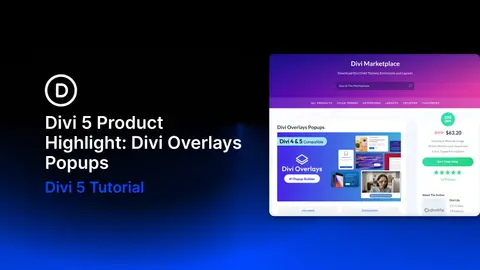
Divi 5 Product Highlight: Divi Overlays Popups
Contact forms, videos, and product details can be useful without needing a permanent place on the page. A pop-up lets visitors open that content when they need it while keeping the main layout focused. Divi Overlays by Divi Life gives that content a second layer.
Divi Blog14 min read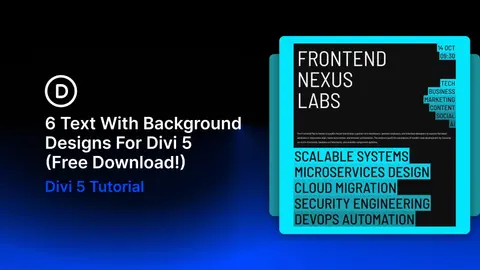
6 Text With Background Designs For Divi 5 (Free Download!)
A background behind a few words can change the emphasis of an entire section. In this free pack, you’ll get 6 Text With Background Designs for Divi 5, combining bold typography, contrasting color, and supporting imagery to give your message a clear focal point.
Divi Blog8 min read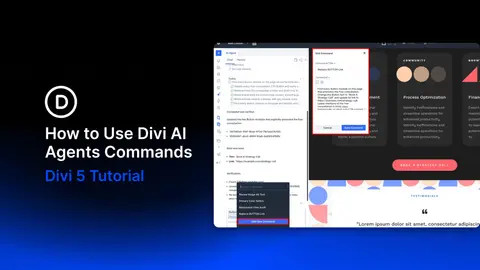
How to Use Divi AI Agents Commands
When you use Divi AI agents to review several pages, the same tasks often come up: checking image alt text, reviewing responsive layouts, or updating calls to action. Saving a useful prompt means you can reuse those instructions on the next page. Commands exist for exactly this.
Divi Blog10 min read
How to Use Divi AI Agents Rules
Keeping a website consistent means carrying the same brand voice, design choices, and layout conventions into each new task. Repeating those instructions in every AI prompt adds work, especially when you are building several pages for the same client.
Divi Blog9 min read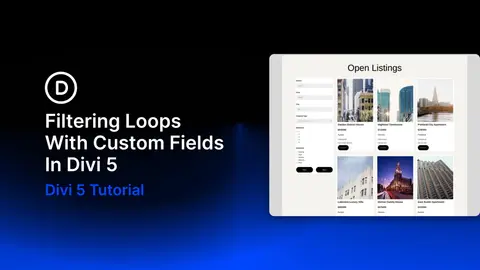
Filtering Loops With Custom Fields In Divi 5
The Loop Filter Modules in Divi 5 let visitors search and refine content directly on your website. Beyond categories and tags, you can connect filters to custom fields for details such as price, bedroom count, and location.
Divi Blog12 min read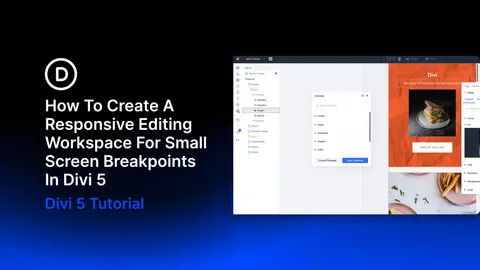
How To Create A Responsive Editing Workspace For Small Screen Breakpoints In Divi 5
Switch the canvas to Phone view and the page becomes a narrow column, while the builder panels keep their existing size and position. Depending on your setup, the settings panel can take up as much space as the layout you’re editing. For a quick check, that may be fine.
Divi Blog10 min read
The Beauty Of Divi 5’s Unique Take On Class-Based Design
A growing website is easier to maintain when repeated styles share a common source. CSS classes support that approach by letting multiple elements use the same style rules. Change a shared rule, and the elements using it can update together.
Divi Blog10 min read
Details are compiled from Divi's website and public sources, last verified Oct 2, 2026. Features and pricing change — confirm on the official site before you buy.
Try Divi
Paid · from $23.08/month
Tags
- AI Site Generation
- Layout Tools
- Code Generation
- Agency Workflow
Comments
Sign in to join the discussion.