
Mispher
On-device transcription, dictation cleanup, rewrite-in-place, translation, and an on-device agent.
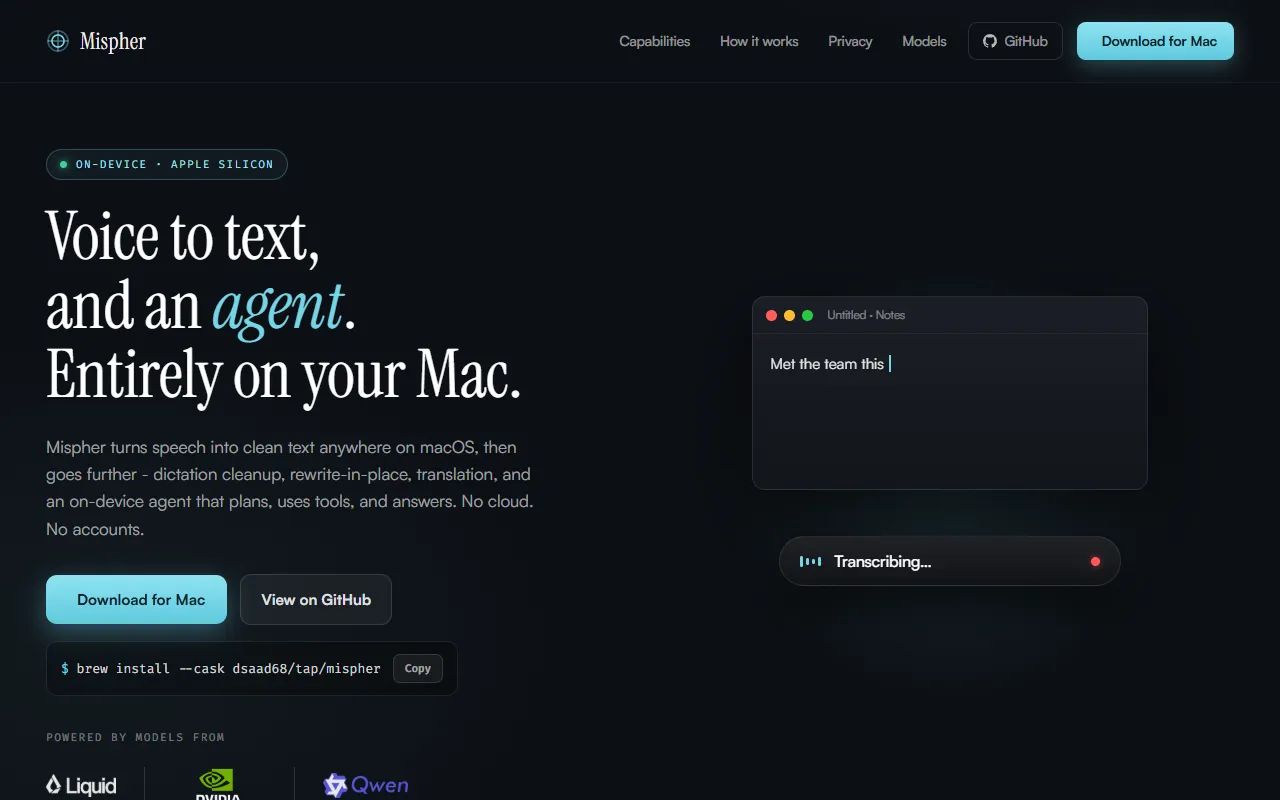
What is Mispher?
Mispher is a Speech to Text tool. On-device transcription, dictation cleanup, rewrite-in-place, translation, and an on-device agent. It is available on macOS. It is aimed at privacy-conscious users and mac users.
Mispher offers on-device transcription, dictation cleanup, rewrite-in-place, translation, and an on-device agent. It operates without cloud services or accounts, running exclusively on Apple Silicon. The tool is designed for users who prioritize privacy and local processing.
Built for privacy-conscious users and mac users.
Key capabilities
Features
On-device Transcription
Transcribes audio to text locally on the device.
Dictation Cleanup
Edits and refines recorded dictation.
Rewrite-in-Place
Allows editing of transcribed text directly.
Translation
Translates transcribed text into other languages.
On-device Agent
An agent that performs tasks locally without cloud services.
Hold-to-Speak Gesture
Uses a single gesture for recording.
Key Hold and Release
No Data Leaving Device
Recording Display Options
Mac Compatibility
Qwen3-ASR
Use cases
- Transcribe audio recordings locally on a Mac
- Clean up and edit recorded dictation
- Translate transcribed text into other languages
- Use an on-device agent to perform tasks without cloud services
- Record audio using a hold-to-speak gesture
- Record audio by holding and releasing a key
Popular use cases
Who it's for
Pros & cons
Pros
- No cloud services or accounts required
- Operates exclusively on Apple Silicon
- Supports on-device agent for local task execution
Cons
No documented limitations yet.
AI models
- Qwen 3
Developer & API
Open source· MIT· 18 stars· 4 forks
FAQ
What is Mispher?
Mispher is a Speech to Text tool. On-device transcription, dictation cleanup, rewrite-in-place, translation, and an on-device agent. Mispher offers on-device transcription, dictation cleanup, rewrite-in-place, translation, and an on-device agent. It operates without cloud services or accounts, running exclusively on Apple Silicon. The tool is designed for users who prioritize privacy and local processing.
What platforms does Mispher support?
Mispher is available on macOS.
Who should use Mispher?
Mispher is built for privacy-conscious users and mac users. Common uses: transcribe audio recordings locally on a Mac, clean up and edit recorded dictation, translate transcribed text into other languages and use an on-device agent to perform tasks without cloud services.
Is Mispher open source?
Yes, Mispher is open source under the MIT license.
What are the best alternatives to Mispher?
Similar tools on AiByts include BlabbyAI, Letterly, Harker, Lispr and Transgate.
Details are compiled from Mispher's website and public sources, last verified Oct 5, 2026. Features and pricing change — confirm on the official site before you buy.
Try Mispher
Visit the official website
Comments
Sign in to join the discussion.