

Pixlr
Free online AI photo editor and image generator.
- Paid· from $2.49/month
- Web
What is Pixlr?
Pixlr is an Image Editing tool. Free online AI photo editor and image generator. Pixlr is a paid tool, starting at $2.49/month. It is available on Web App, iOS and Android. It is aimed at photographers, graphic designers and content creators.
Pixlr is a free online AI photo editor and image generator. It allows users to edit photos, generate AI images and videos, swap faces, remove backgrounds, and create collages. Powered by various AI models, it offers a range of tools for image and video manipulation.
Built for photographers, graphic designers and content creators.
Key capabilities
Features
Photo Editing
Image Generation
Video Generation
Audio & Speech
Remove Background
Remove Object
Generative Fill
Generative Expand
Generative Transform
AI Assistant
Super Scale
Remove Noise
Use cases
- Edit photos with AI tools
- Generate AI images and videos
- Swap faces in images
- Remove backgrounds from images
- Remove objects from images
- Fill in image areas with AI
Popular use cases
Who it's for
Pros & cons
Pros
- Free online access
- No install needed
- Powered by multiple AI models
- Offers a range of editing and generation tools
- User-friendly for all skill levels
Cons
- Paid plans only
Pricing
Paid — paid plans start at $2.49/month.
| Plan | Price |
|---|---|
| Plus | $2.49 / month |
AI models
- Kling
- Seedance
- FLUX Pro
- Stable Diffusion
- Recraft V4
- Seedream
- ElevenLabs
Security & compliance
- Data deletion
As stated on Pixlr's website — not independently verified by AiByts.
FAQ
What is Pixlr?
Pixlr is an Image Editing tool. Free online AI photo editor and image generator. Pixlr is a free online AI photo editor and image generator. It allows users to edit photos, generate AI images and videos, swap faces, remove backgrounds, and create collages. Powered by various AI models, it offers a range of tools for image and video manipulation.
Is Pixlr free?
No, Pixlr is a paid tool.
How much does Pixlr cost?
Pixlr offers one plan: Plus ($2.49 / month).
What platforms does Pixlr support?
Pixlr is available on Web App, iOS and Android.
Who should use Pixlr?
Pixlr is built for photographers, graphic designers and content creators. Common uses: edit photos with AI tools, generate AI images and videos, swap faces in images and remove backgrounds from images.
What are the best alternatives to Pixlr?
Similar tools on AiByts include Visro AI, Cre8tiveAI, GlobalGPT, Nero AI and AI Boost.
Pixlr news & updates

10 Graphics and Quotes for a Meaningful Pink October
Every October, communities worldwide recognise it as Pink October, also known as Breast Cancer Awareness Month. Pink October is not simply about “wear pink” or painting every product and surface pink.
Pixlr Blog11 min read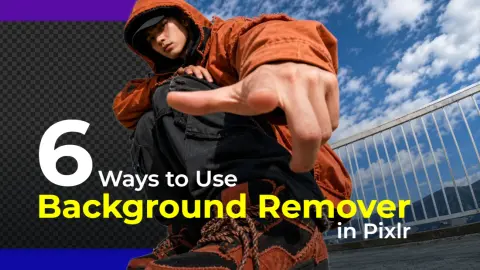
Let’s Get Back to Basics: 6 Ways to Use Background Remover in Pixlr
Ever taken a great photo, only to realize the background doesn’t quite work? Maybe there are too many people in the background, your room is a little messy, or the setting simply doesn’t match the design you have in mind.
Pixlr Blog7 min read
AI Shoot Ideas for Your Pretzels
Golden pretzels, frothy beer steins, rustic wooden boards, blue-and-white Bavarian patterns, and warm tavern lights come together to give Oktoberfest visuals their signature texture, tradition, and irresistible appetite appeal.
Pixlr Blog11 min read
The Best AI Art Prompts for Autumn: Create Stunning Fall Content Instantly
There’s something undeniably magical about autumn. The moment temperatures drop and leaves begin their slow transformation from green to gold, something stirs in every creative mind.
Pixlr Blog12 min read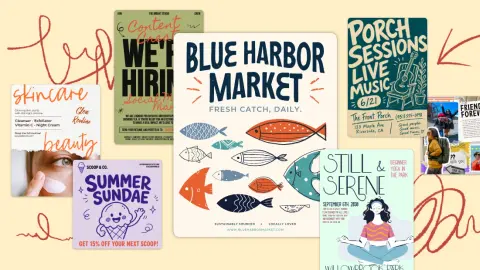
Handmade, Scrapbooked, and Dopamine-Bright: The Design Trend Bringing Back the Human Touch
The biggest design trend of late summer 2026 celebrates the human touch: human-first handmade visuals, digital scrapbooking, and dopamine-saturated color.
Pixlr Blog8 min read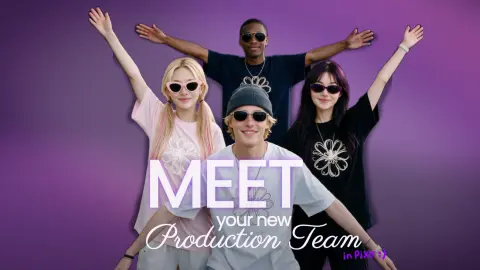
Meet Your New Creative Team: How Pixlr AI Handles Design, Photography, Video, and Music
You don’t need a full studio, a roster of freelancers, or a massive budget to produce professional content anymore. With Pixlr’s AI tools, you can act as Creative Director and build a virtual team that works on demand.
Pixlr Blog6 min read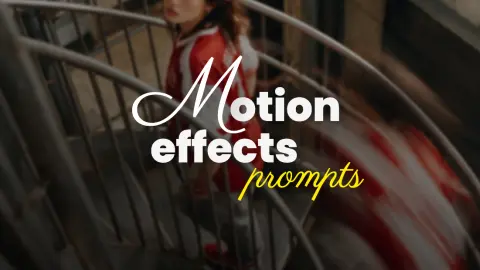
Motion Effects Prompts — Turn Static Images Into Dynamic Visual Stories
A whirl of motion that makes fabric dance like liquid silk. A pixel stretch that pulls your subject into a futuristic warp. A flowing pixel effect that dissolves reality into a stream of digital particles.
Pixlr Blog6 min read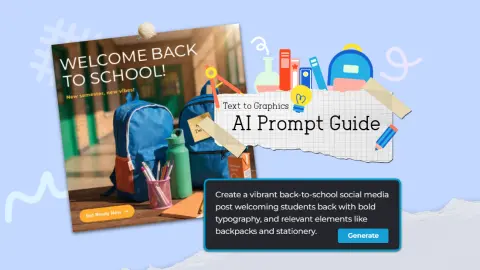
Turn Text into Back-to-School Graphics Instantly with Pixlr AI
Every year it creeps up faster than expected. One moment it is the height of summer and the next, the back-to-school countdown has begun. For teachers, parents, students, and small business owners, that means one thing: a sudden, urgent need for fresh, engaging visual content.
Pixlr Blog13 min read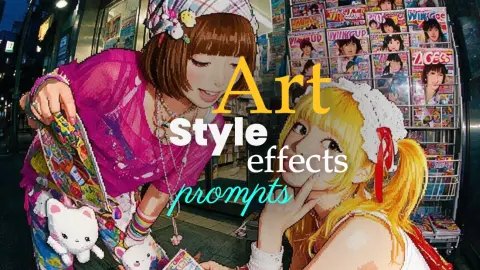
Art Style Effects Prompts — Turn Any Photo Into a Styled Visual Statement
A portrait that looks like a retro video game sprite, frozen in 16-bit glory. A photograph that appears to be folded like a paper map, with creases and shadows adding depth. A face reflected through a shattered mirror, fractured into surreal beauty.
Pixlr Blog5 min read
5 Beginner Photo Editing Tips That Will Transform Your Summer Travel Shots
You spent weeks planning the perfect summer trip. You stood at the edge of a cliff overlooking turquoise water, watched the sun melt into the horizon over a golden beach, and captured what felt like the most beautiful moments of your life through your lens.
Pixlr Blog13 min read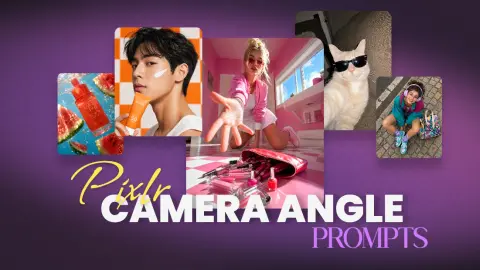
Camera Angle Prompts – Transform Ordinary Photos Into Cinematic Scenes
A low-angle hero shot that makes you look larger than life. A high-angle portrait that creates vulnerability and emotion. A tilted Dutch angle that instantly adds suspense.
Pixlr Blog4 min read
Details are compiled from Pixlr's website and public sources, last verified Oct 3, 2026. Features and pricing change — confirm on the official site before you buy.
Try Pixlr
Paid · from $2.49/month
Tags
- AI Photo Editor
- Image Generator
- Video Generator
- AI Assistant
- Super Scale
- Generative Fill
- Generative Expand
- Generative Transform
Comments
Sign in to join the discussion.