
Prequel
Mac screen recorder that automatically edits videos with zooms and framing.
- Paid· from $9/month
- Open Source
What is Prequel?
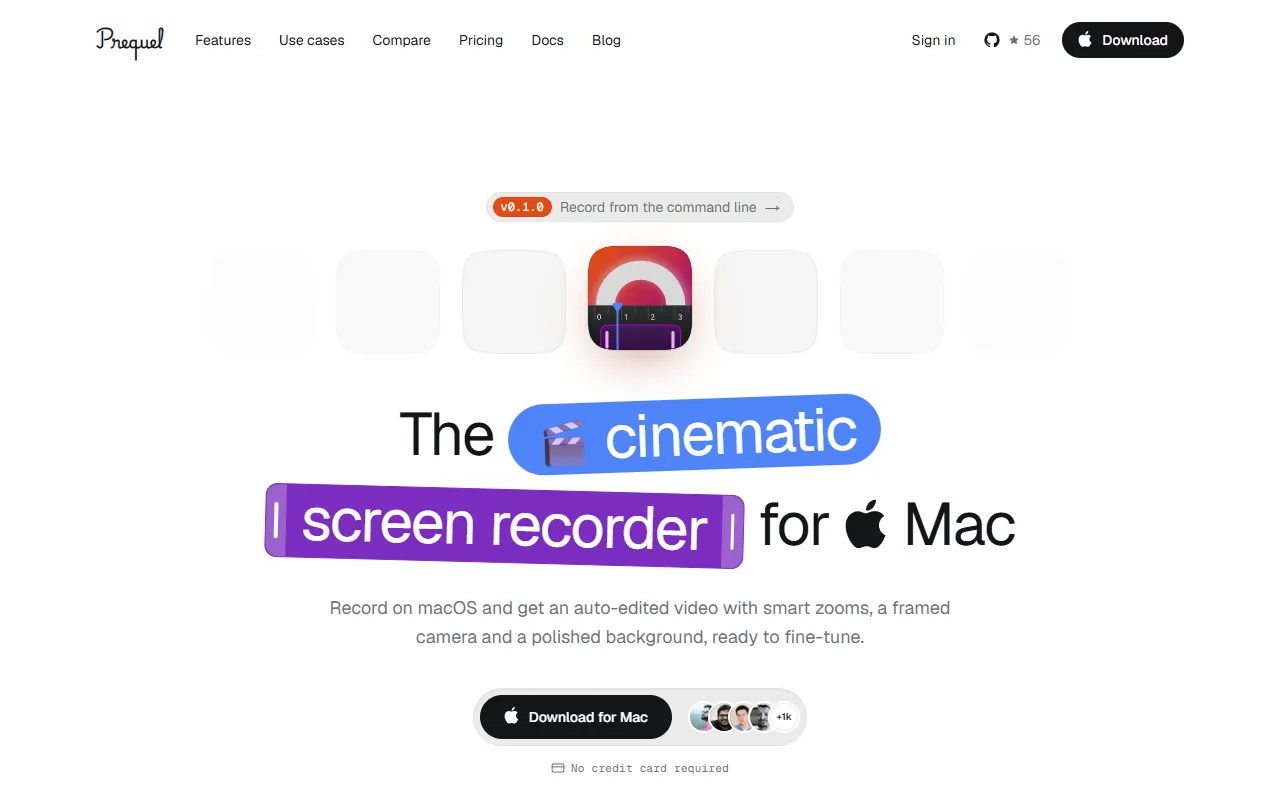
Prequel is a Video Editing tool. Mac screen recorder that automatically edits videos with zooms and framing. Prequel is a paid tool, starting at $9/month. A free trial of 7 days is available. It is available on macOS. It is aimed at content creators, educators and software developers.
Prequel is a Mac screen recorder that automatically edits videos by zooming on clicks and typing, framing the camera, and adding a background. It exports up to 4K resolution.
Built for content creators, educators and software developers.
Key capabilities
Features
Automatic Zooms
Automatically zooms on clicks and typing during recording.
Camera Framing
Framed the camera during recording.
Background Addition
Adds a background to the video.
Native Resolution Capture
Zoom and Pan
Zooms that follow the cursor, a region, or a field.
Perspective Tilt
Adds perspective tilt and focus falloff.
Shot Clustering
Clusters clicks and typing into shots.
Editable Zooms
Every generated zoom is editable.
Multiple Arrangements
Fourteen ways to arrange the screen and the camera.
Export Options
Exports up to 4K resolution with HEVC and up to 120 fps.
Clip Trimming
Trim a clip or fix a caption.
Shareable Links
Exports one MP4 or sends a shareable link.
Use cases
- Record and automatically edit screen activity with zooms and framing
- Capture native resolution screen recordings with camera and microphone
- Export high-quality videos up to 4K with HEVC and 120 fps
Popular use cases
Who it's for
Pros & cons
Pros
- Free trial available
- Paid plans from USD 9/month
- Exports up to 4K resolution
- No length limit and no watermark
Cons
- No free plan
Pricing
Paid — paid plans start at $9/month. Free trial of 7 days available.
| Plan | Price |
|---|---|
| LifetimePopular | $29 |
| Pro | $9 / month |
Developer & API
Open source· 56 stars· 4 forks
FAQ
What is Prequel?
Prequel is a Video Editing tool. Mac screen recorder that automatically edits videos with zooms and framing. Prequel is a Mac screen recorder that automatically edits videos by zooming on clicks and typing, framing the camera, and adding a background. It exports up to 4K resolution.
Is Prequel free?
No, Prequel is a paid tool. A free trial is available.
How much does Prequel cost?
Prequel offers 2 plans: Lifetime ($29) and Pro ($9 / month).
What platforms does Prequel support?
Prequel is available on macOS.
Who should use Prequel?
Prequel is built for content creators, educators and software developers. Common uses: record and automatically edit screen activity with zooms and framing, capture native resolution screen recordings with camera and microphone and export high-quality videos up to 4K with HEVC and 120 fps.
Is Prequel open source?
Yes, Prequel is open source.
What are the best alternatives to Prequel?
Similar tools on AiByts include Icon, Glideo, Pane Studio (Beta), Clipwing and FocuSee.
Details are compiled from Prequel's website and public sources, last verified Oct 5, 2026. Features and pricing change — confirm on the official site before you buy.
Try Prequel
Paid · from $9/month
Tags
- Screen Recorder
- MacOS
- Video Editor
- Screen Capture
Comments
Sign in to join the discussion.